The 10 Best QR Code Generator Apps of 2026
Find the best QR code generator app for marketing, payments, or automation. We compare 10 top tools on features, API support, pricing, and security for 2026.

Your team prints 5,000 flyers, the landing page changes two days later, and now every scan sends prospects to the wrong place. That is usually the moment companies stop treating a QR code generator app like a design tool and start treating it like infrastructure.
The better platforms do more than produce a scannable image. They support redirects without reprints, connect scan data to attribution systems, and give marketing ops, sales ops, and regional teams a controlled way to manage codes at scale. For teams already comparing tools across their stack, the same integration mindset applies to other build decisions too, especially when reviewing app development platforms for connected digital products.
There is also a practical distinction that gets missed in lightweight roundups. Static QR codes still work for fixed destinations, but they are a poor fit for campaigns, field marketing, packaging, events, and any program where URLs, owners, or tracking rules change over time. GS1 UK makes that point clearly in its guidance on QR code generator reliability and dynamic QR code use. If the destination may change after print, dynamic management is usually the safer choice.
That is the key differentiator now.
This list focuses on what matters in real operations: integrations, bulk management, analytics, governance, and workflow automation. A polished code matters less than whether the platform fits your CRM, analytics setup, and campaign process without creating more manual work.
Table of Contents
- 1. Uniqode formerly Beaconstac
- 2. Flowcode
- 3. QR TIGER
- 4. Scanova
- 5. Bitly Codes Bitly Connections Platform
- 6. Hovercode
- 7. QRCodeKIT formerly uQR.me
- 8. Unitag
- 9. Kaywa
- 10. QRCodeChimp
- Top 10 QR Code Generator Apps Comparison
- Final Thoughts
1. Uniqode formerly Beaconstac
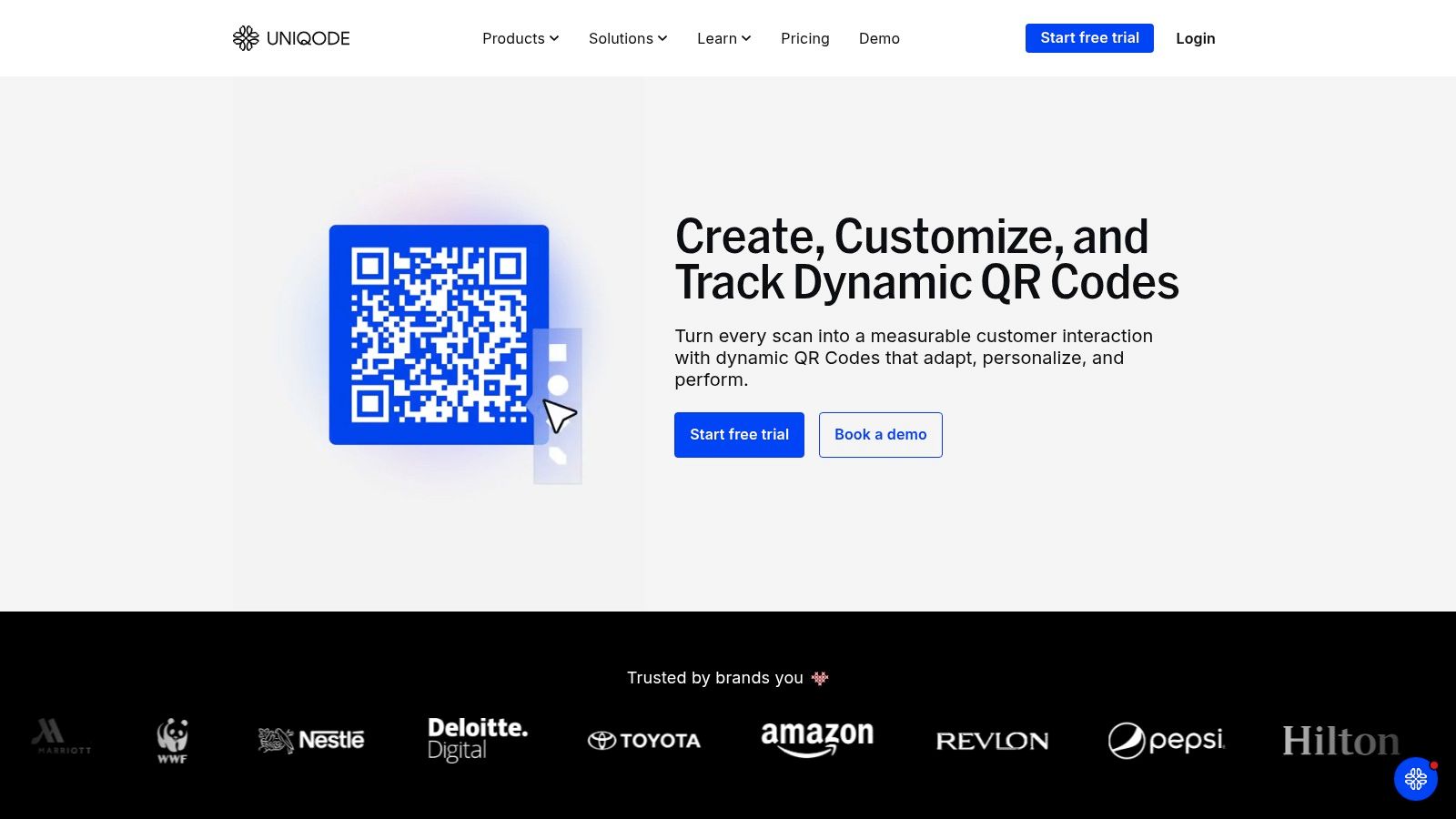
A regional team updates a product insert, a field team prints event signage, and sales wants QR codes tied to lead source in the CRM by Friday. That is where weak QR tools break down. Uniqode holds up better because it was built for teams that need governance, bulk management, and integrations, not just a quick code on a flyer.
The practical advantage is operational control. Uniqode gives teams folders, permissions, templates, custom domains, bulk creation, and API access in one system. That matters once QR codes are spread across packaging, retail, direct mail, sales collateral, and partner materials. One person can set standards, while local teams still ship campaigns without asking for admin help every time.
Why it works in real operations
Uniqode fits best when QR codes are part of a repeatable workflow. If codes need to be created from product feeds, campaign data, or contact records, the API and bulk tools save a lot of manual work. That is the difference between a one-off campaign and a program you can scale across markets. Teams building that kind of connected stack should also review broader business automation software for lean marketing and ops teams.
There are trade-offs.
- Best for controlled rollout: Multi-user teams with approval layers and brand rules will get more value than a solo operator.
- Strong on editable destinations: Dynamic QR management is the main reason to pay for it, especially for print assets that stay in circulation.
- Less attractive for short runs: Annual billing can be hard to justify if you only need QR codes for a brief campaign or a single event.
Practical rule: If a printed code may outlive the current offer, use a platform with redirects, permissions, and audit-friendly controls.
Uniqode is not the low-cost option. It is one of the safer choices for teams that care about ownership, version control, and connecting QR scans back to the rest of the marketing stack.
2. Flowcode
Flowcode leans hard into brand presentation and campaign measurement. If your QR code generator app needs to sit inside a broader demand gen workflow, not just print assets, Flowcode is one of the cleaner options.
The appeal is simple. You get dynamic codes, mobile landing pages, smart routing, and campaign analytics in a package that's easier for non-technical marketers to use than some enterprise-first platforms. It also suits agencies that want polished outputs without building custom landing pages for every scan path.
Best fit
Flowcode works best when the QR code is part of a conversion path, not the endpoint. Think product launches, venue activations, retail displays, or direct mail that needs a branded mobile page and downstream tracking. If your team already automates lead routing and follow-up, Flowcode fits naturally beside broader business automation software for lean teams.
The limitations are mostly commercial, not functional.
- Strong on campaign polish: Templates, mobile pages, and routing help marketers launch quickly.
- Good for collaboration: Teams and agencies can manage multiple campaigns without a mess of disconnected assets.
- Less friendly on price: Growth and enterprise tiers are aimed at businesses that will use the data and support layers.
Flowcode is a marketing tool first and a QR tool second. That's exactly why some teams love it.
I'd pick Flowcode when the visual system and attribution model matter almost as much as the code itself. I wouldn't pick it if all you need is cheap bulk generation with minimal design overhead.
3. QR TIGER
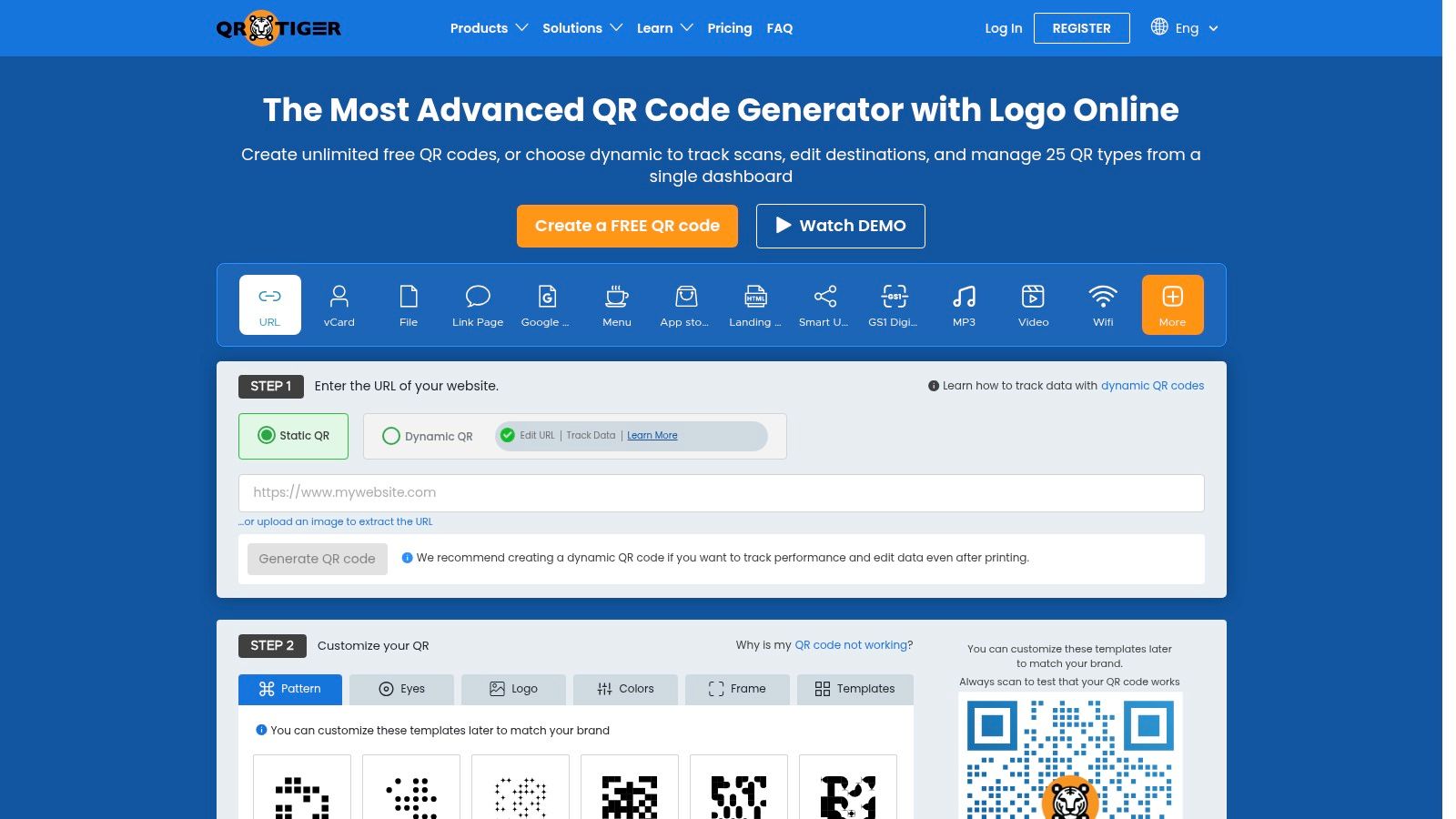
A common scenario. A retail team needs thousands of QR codes for stores, packaging, and print. Marketing wants scan data in the dashboard. Sales wants leads tagged correctly in the CRM. Operations wants one platform that does not turn into an admin project. QR TIGER fits that kind of rollout well.
It covers the practical features teams usually ask for once QR codes move beyond one-off campaigns: dynamic codes, bulk generation, multi-URL routing, retargeting pixels, and custom tracking fields. That matters because the primary task is not creating the code. The crucial work is getting scan activity into the systems that already run attribution, follow-up, and reporting.
Where QR TIGER works best
QR TIGER makes sense for growing teams that need more automation than entry-level tools offer, but do not want the heavier governance and pricing structure of enterprise platforms. Agencies also get a usable setup here. White-label options and custom domains help keep client assets separated, which reduces handoff friction later.
I also like it for teams building lightweight automations around post-scan actions. A QR scan can trigger tagging, routing, and follow-up steps that sit alongside other operational tools, including an AI assistant app for internal workflows.
The trade-offs are straightforward:
- Strong on operational flexibility: Bulk creation, dynamic editing, and routing options support real campaign volume.
- Useful for stack connections: Tracking and pixel support make it easier to pass scan intent into analytics and remarketing workflows.
- Check plan limits early: API access, branding controls, and advanced features can become a constraint once multiple teams or clients share the account.
As noted earlier, many brands still underuse QR codes as part of a richer customer journey. QR TIGER helps close that gap because it gives marketers more than a redirect. You can tailor destination logic, update campaigns after print goes live, and connect scan behavior to the rest of your sales and marketing stack without building a custom system.
4. Scanova
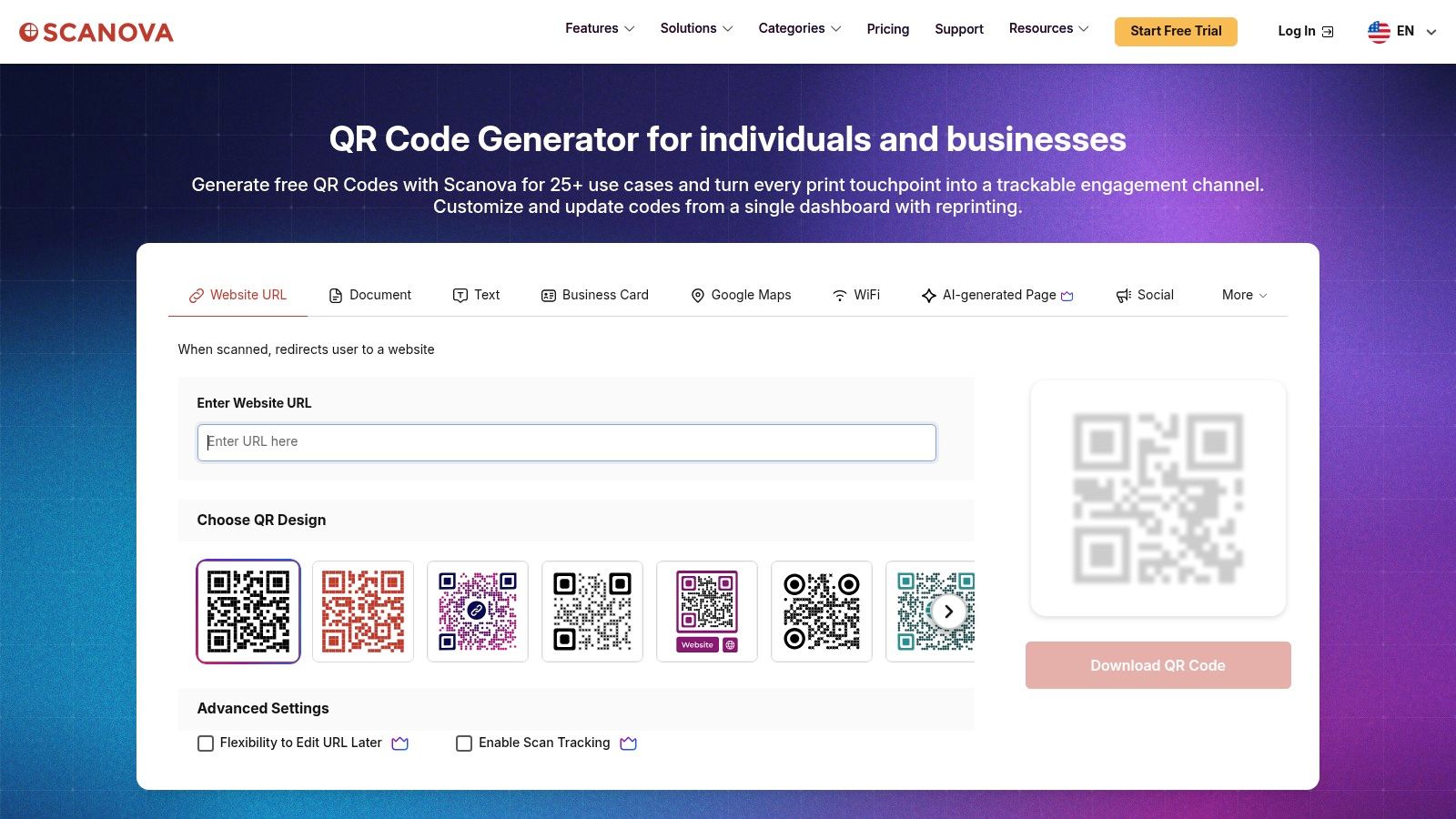
A common rollout problem looks like this. The team prints thousands of QR codes for packaging, retail, or field events, then realises too late that each scan needs more than a redirect. It needs a managed landing page, a form, reporting, access controls, and a way to feed results into the rest of the marketing stack. Scanova is built for that kind of job.
Its value is less about generating the code itself and more about controlling what happens after the scan. Dynamic QR codes, editable destinations, mobile landing pages, forms, scheduling, and user management sit in one platform. For teams trying to reduce tool sprawl, that matters. It cuts down on handoffs between a QR tool, a page builder, and a separate capture workflow.
The management API is the part professionals should pay attention to.
If QR codes need to be created in bulk, updated after print, or tied into internal systems, Scanova gives technical teams a cleaner path than basic design-first generators. That makes it a practical fit for larger campaign operations, especially where marketing owns performance but IT still cares about controls, access, and rollout discipline.
Operational trade-offs
Scanova is a good choice for QR programs that need governance. Role-based access and MFA help keep campaign assets controlled across regions, brands, or departments. The built-in pages and forms also reduce implementation time when the goal is lead capture, event registration, product education, or store-level activation.
The trade-off is packaging. Some of the functionality that makes Scanova attractive for automation and scale may sit behind higher-tier plans or sales conversations. Buyers should confirm API access, admin controls, and usage limits before standardising on it.
Key checks before procurement:
- Best for managed post-scan experiences: Built-in pages and forms make it easier to launch campaigns without stitching together extra tools.
- Useful for controlled team environments: Admin settings, security features, and shared management are better suited to organisations than solo users.
- Worth pressure-testing for integrations: If QR data needs to move into CRM, analytics, or internal reporting workflows, verify what the API and plan support.
As noted earlier, dynamic QR codes are gaining ground because marketers increasingly treat them as live campaign infrastructure instead of static print assets. That shift lines up well with Scanova's strengths.
5. Bitly Codes Bitly Connections Platform
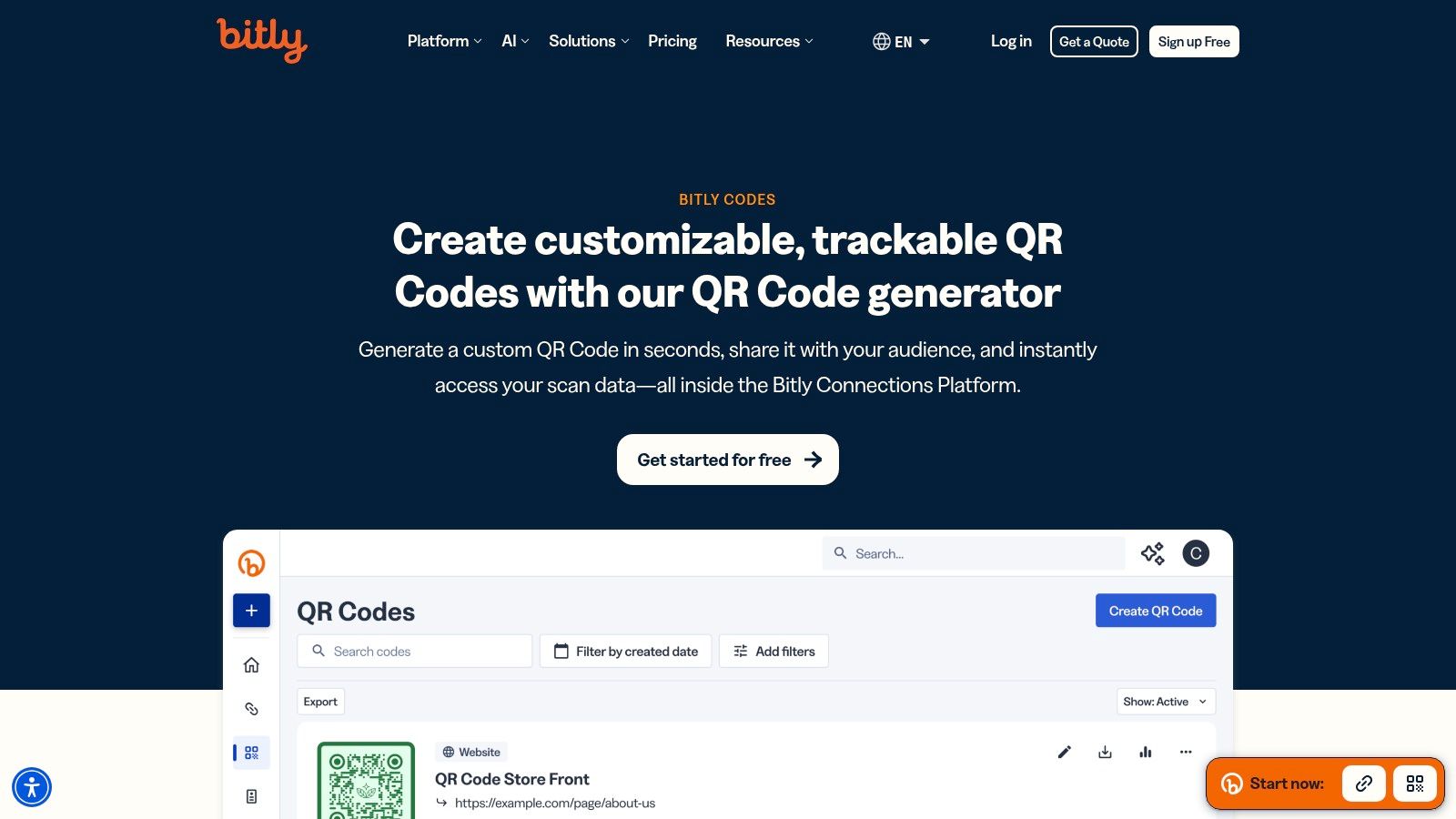
Bitly Codes makes the most sense if your organisation already lives inside Bitly. That sounds obvious, but it's the core buying reason. You're not just buying a QR code generator app. You're extending an existing link management and analytics system.
That consolidation matters more than feature checklists suggest. Teams often create link shorteners, QR codes, and mobile pages in separate tools, then wonder why attribution is fragmented and naming conventions collapse. Bitly avoids a lot of that by putting links, codes, and pages in one reporting layer.
The main advantage
The practical upside is operational consistency. If social, email, events, field marketing, and print all use the same platform, your naming, redirects, and reporting get cleaner fast. For cross-channel teams, that's often more valuable than having the fanciest QR designer.
Still, there are constraints.
- Great for existing Bitly users: The product is strongest as an extension of the broader platform.
- Strong integration story: Mature connections help when data needs to move into other systems.
- Tier limits matter: Creation caps and redirect allowances vary, so procurement should read the plan details carefully.
In the UK, Square notes that QR codes can be created free with a Square account, while contact-free payments use a standard fee of 1.4% plus 25p for UK cards per transaction. That's a reminder that payment QR workflows and marketing QR workflows often overlap operationally. Bitly is more useful on the marketing side of that divide, especially when measurement across channels matters more than payment acceptance itself.
6. Hovercode
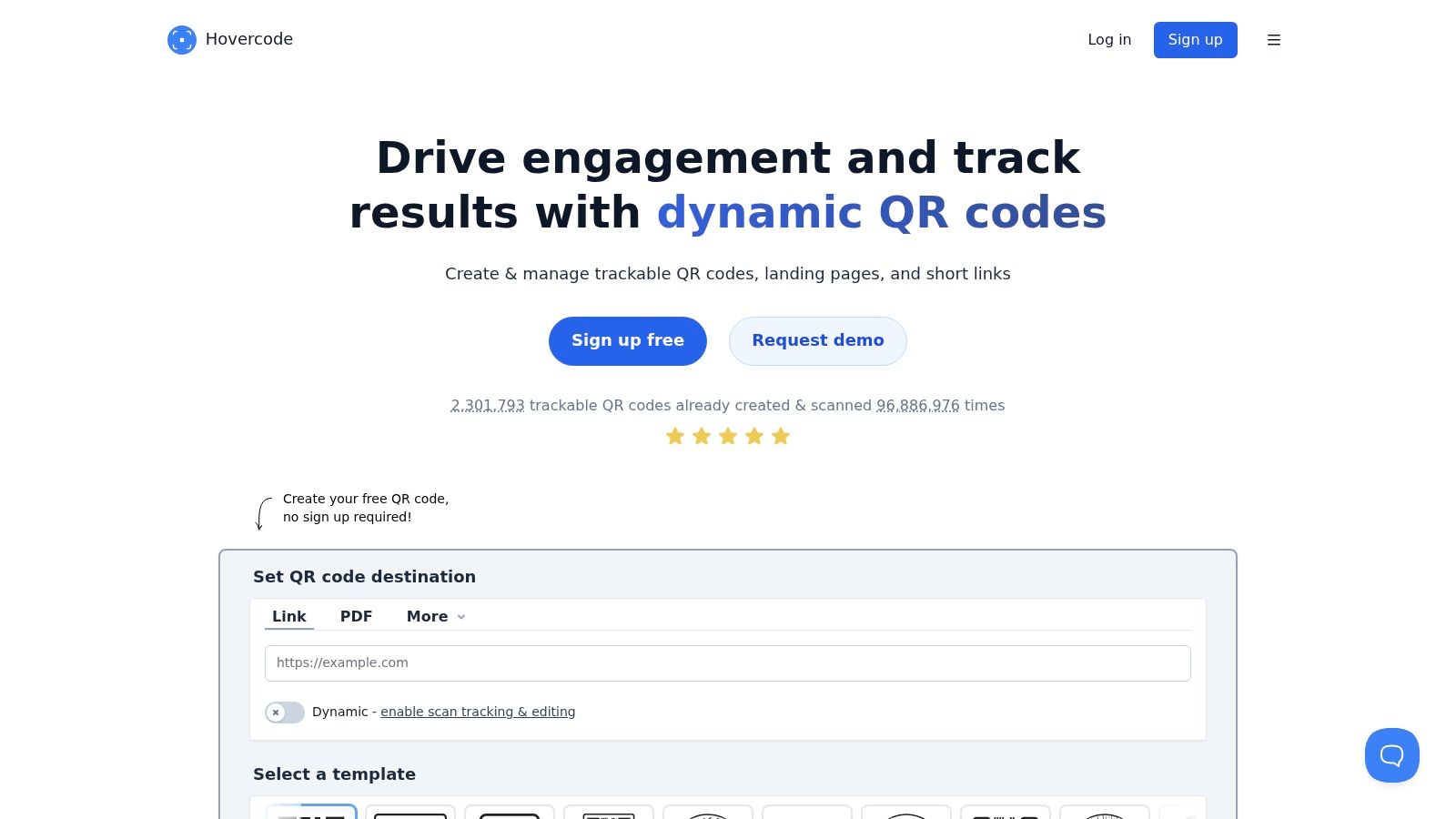
A UK marketing team launches event signage on Friday, then needs to swap the destination, push scan data into reporting, and keep procurement happy with clear billing. Hovercode is built for that kind of work. The product feels practical from the start: GBP pricing, straightforward cancellation terms, custom domains, bulk generation, analytics, API access, webhooks, and GS1 Digital Link support are all available without forcing buyers into a long enterprise sales process.
That matters more than feature tables suggest. Teams buying QR software for campaigns, retail, packaging, or field activity usually need the code to connect with the rest of the stack. Hovercode gives them enough infrastructure to automate redirects, track scans cleanly, and pass events into CRM or analytics workflows without adding a heavier platform than they need.
Why UK teams like it
Hovercode fits small and mid-sized organisations that want dynamic QR management with real operational controls. Micro landing pages, forms, exports, and editable codes cover the day-to-day campaign tasks. API and webhook support make it more useful for teams that already run automations in Zapier, Make, or internal systems.
There is a trade-off. Some plans limit how many codes you can create each month. That is fine for a brand with a stable set of printed assets and recurring destinations. It becomes restrictive for agencies, multi-location operators, or product marketers spinning up large batches for packaging tests, regional promos, or distributor campaigns.
Unlimited scans do not solve workflow limits. Creation caps still affect how teams structure production.
For UK buyers, the appeal is less about novelty and more about fit. Hovercode removes a lot of the friction that shows up when a QR tool is priced, supported, and packaged for another market. If the job is to run trackable QR campaigns, connect them to existing reporting, and avoid overbuying enterprise software, Hovercode deserves a serious look.
7. QRCodeKIT formerly uQR.me
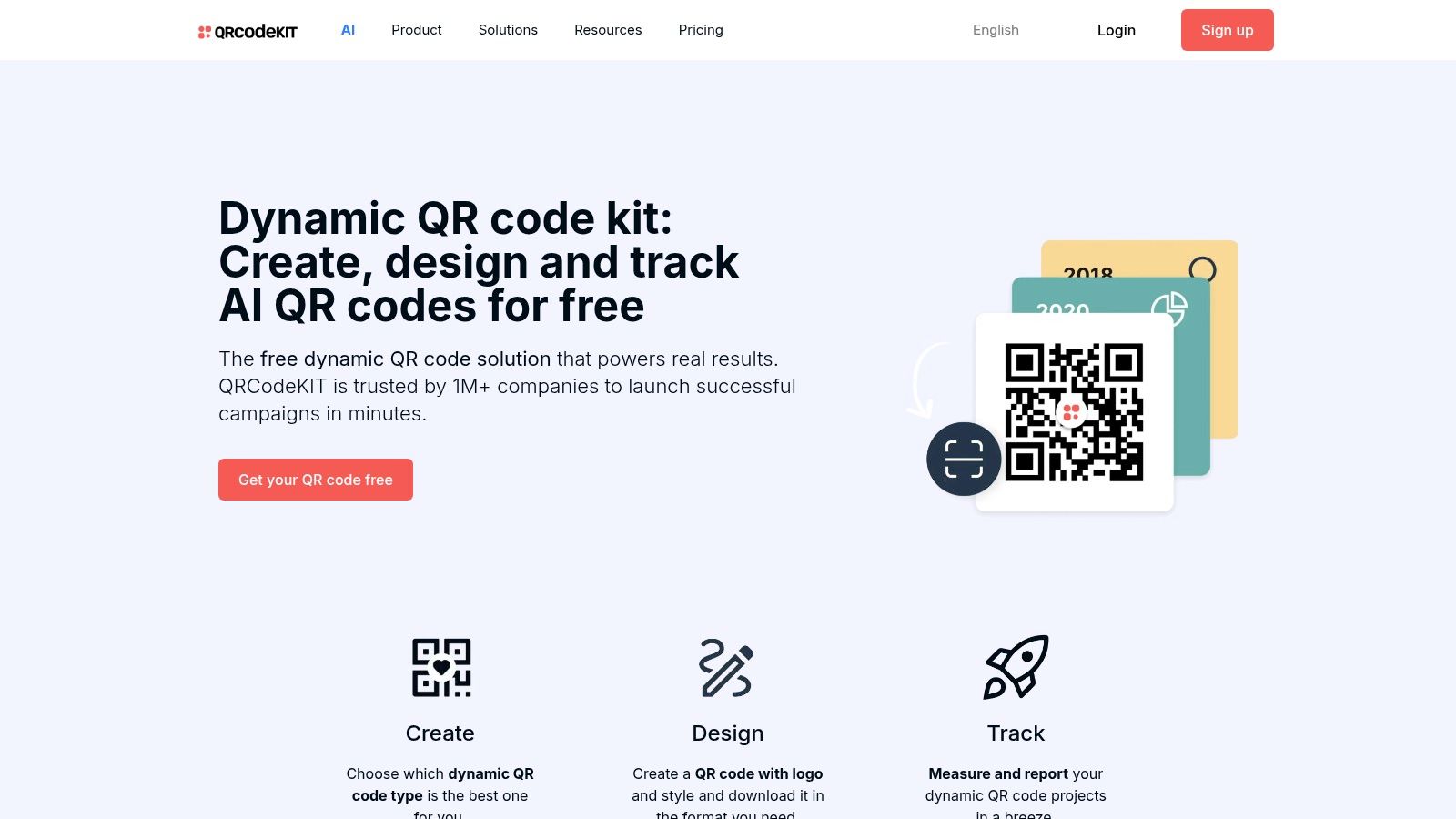
A common QR problem shows up after launch, not before. The code is already printed on packaging, posters, or handouts, and then the destination needs to change, scan data needs to be shared, or another team needs access without breaking what is live. QRCodeKIT earns its place here because it lowers the cost of that transition from one-off code creation to managed QR operations.
The headline feature is still the free dynamic tier. That matters less as a consumer perk and more as an operational advantage for organisations testing QR before budget approval. A school, charity, local authority team, or small marketing department can start with editable codes, prove usage, then decide whether API access, custom domains, or team controls justify a paid plan.
QRCodeKIT works best for teams that want a practical upgrade path into automation. On higher tiers, folders, templates, collaboration features, and API access make it easier to organise codes across campaigns and pass data into the rest of the stack. It is a sensible fit for teams that need QR codes to support CRM updates, reporting workflows, or recurring campaign production without buying a heavier enterprise platform too early.
A few trade-offs are worth stating clearly:
- Best for budget-sensitive teams that still need dynamic control: You can launch with editable codes before procurement catches up.
- Good for growing teams with repeatable workflows: Folders, templates, and collaboration help once QR creation is no longer handled by one person.
- Less suited to organisations with strict brand or white-label requirements: Those controls are stronger on higher plans, so the low entry cost can fade if branding rules are tight.
For UK organisations, the appeal is straightforward. QRCodeKIT gives teams a low-friction way to connect offline materials to digital journeys without locking them into app development or a large martech commitment on day one. If the goal is to start small, keep codes editable, and add integration depth only when the programme proves itself, this is a credible option.
8. Unitag
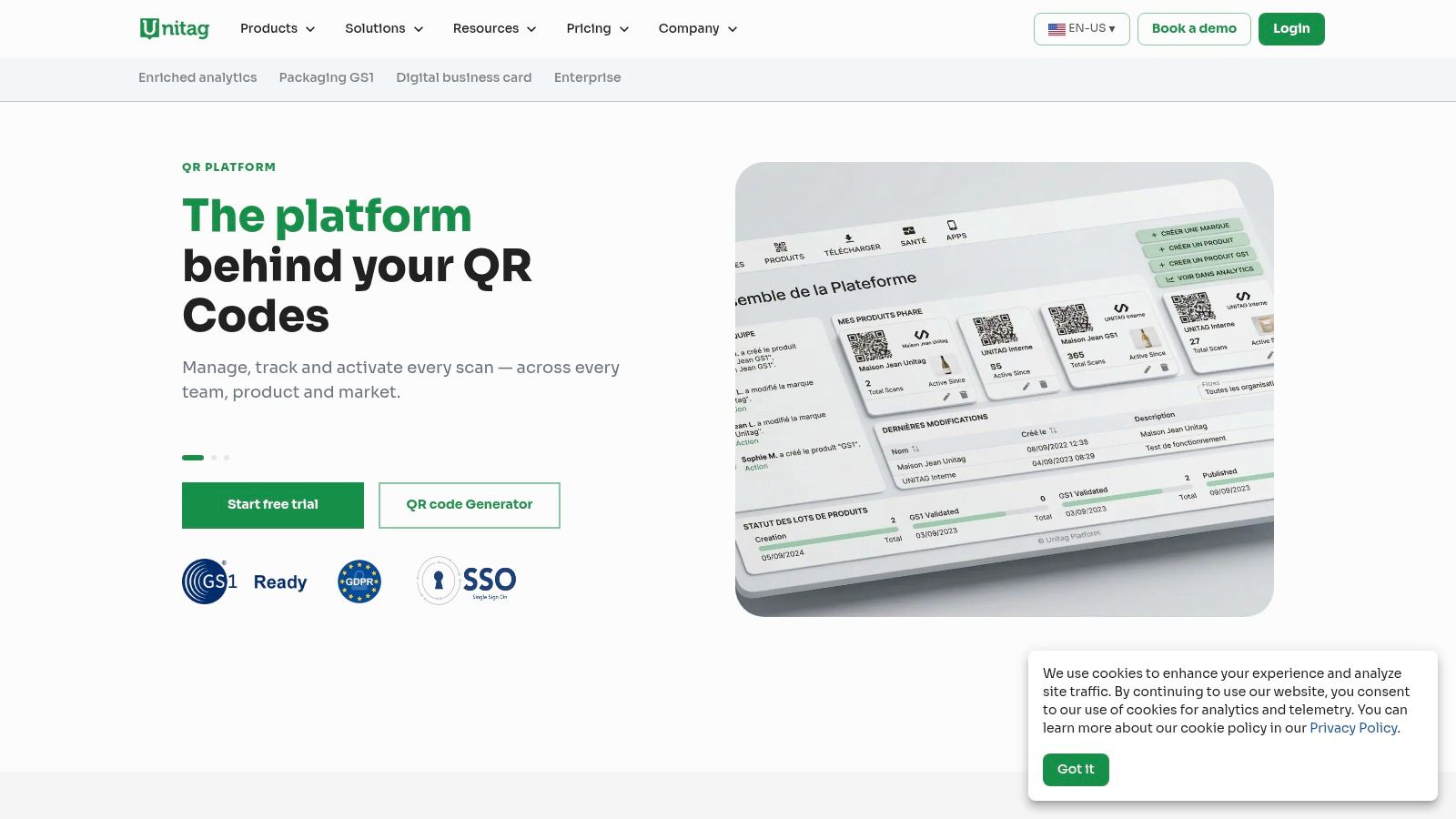
A packaging team ships the same product into several markets, needs different landing experiences by language and location, and still has to keep product data tied to the right SKU. That is the kind of job Unitag is built for.
Unitag sits closer to product data and packaging operations than to standard campaign management. The value is not flashy code design. It is control over large product ranges, GS1 Digital Link support, multilingual resolution, and anti-counterfeit use cases. For CPG, regulated retail, and traceability programmes, that focus can save a lot of manual work.
The integration story matters here. Batch generation, API support, and structured product-level management make more sense when QR codes need to connect with catalogues, packaging systems, compliance data, or downstream customer information flows. If your goal is to route scans into an existing sales and marketing stack while keeping product logic intact, Unitag is more relevant than a generic QR tool.
That also means there is a clear trade-off. Marketing teams running event flyers, restaurant menus, or one-off brochures will probably find Unitag too specialised. The setup pays off when QR codes are part of an operational system, not just a campaign asset.
Unitag is usually the stronger fit in these cases:
- Best for packaging and product estates: SKU-level management and multilingual delivery are useful once codes are tied to real product data.
- Strong for compliance and traceability work: GS1-oriented workflows help teams that cannot afford loose redirects or inconsistent product information.
- Less suitable for simple promotions: If the code does not need to connect to packaging, catalogues, or regulated data, lighter tools are easier to justify.
As noted earlier, QR adoption on packaging is rising in the UK. That shift makes specialist platforms more relevant, especially for teams that need automation and integration depth rather than another standalone code generator.
9. Kaywa
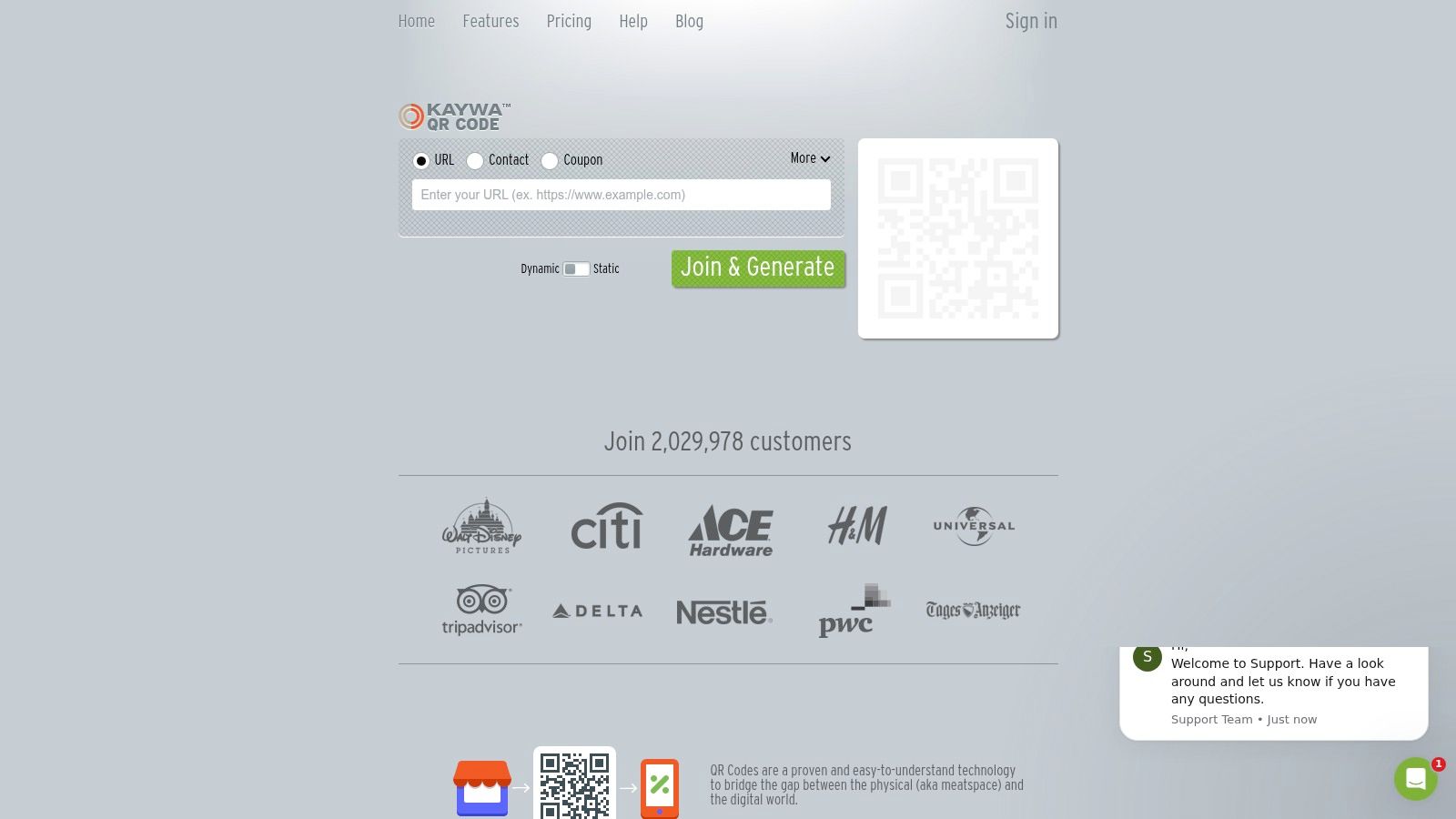
Kaywa has been in the market for a long time, and it shows. The interface is more classic than flashy, but that's not always a drawback. Some teams want a stable platform with dynamic codes, bulk creation, campaign reporting, and print-ready exports, not a design playground.
That makes Kaywa a good fit for buyers who value predictability over novelty. EPS, PDF, and PNG exports are practical for print production, and the platform doesn't try to distract you with too many adjacent features.
When simple is the right call
Kaywa is useful when your QR workflow is operationally straightforward. Generate codes, manage redirects, export proper files, track campaign activity, move on. If your designers already work elsewhere and your reporting stack is basic, that simplicity can be refreshing.
There are limits, of course.
- Strong for print-oriented teams: Export options and straightforward setup are useful.
- Good for no-fuss deployment: Unlimited scans across tiers remove one common concern.
- Less modern in feel: If you want richer landing pages, advanced automations, or slicker UI patterns, others are ahead.
Government and public sector teams may also care about operational certainty more than visual sophistication. A UK government cloud listing shows a QR Code Generator Cloud Platform priced at £1,500 per instance, with UK phone support available from 9 to 5 Monday to Friday. That's a useful reminder that in some environments, procurement, support windows, and control matter more than trend-led features. Kaywa tends to appeal to that mindset.
10. QRCodeChimp
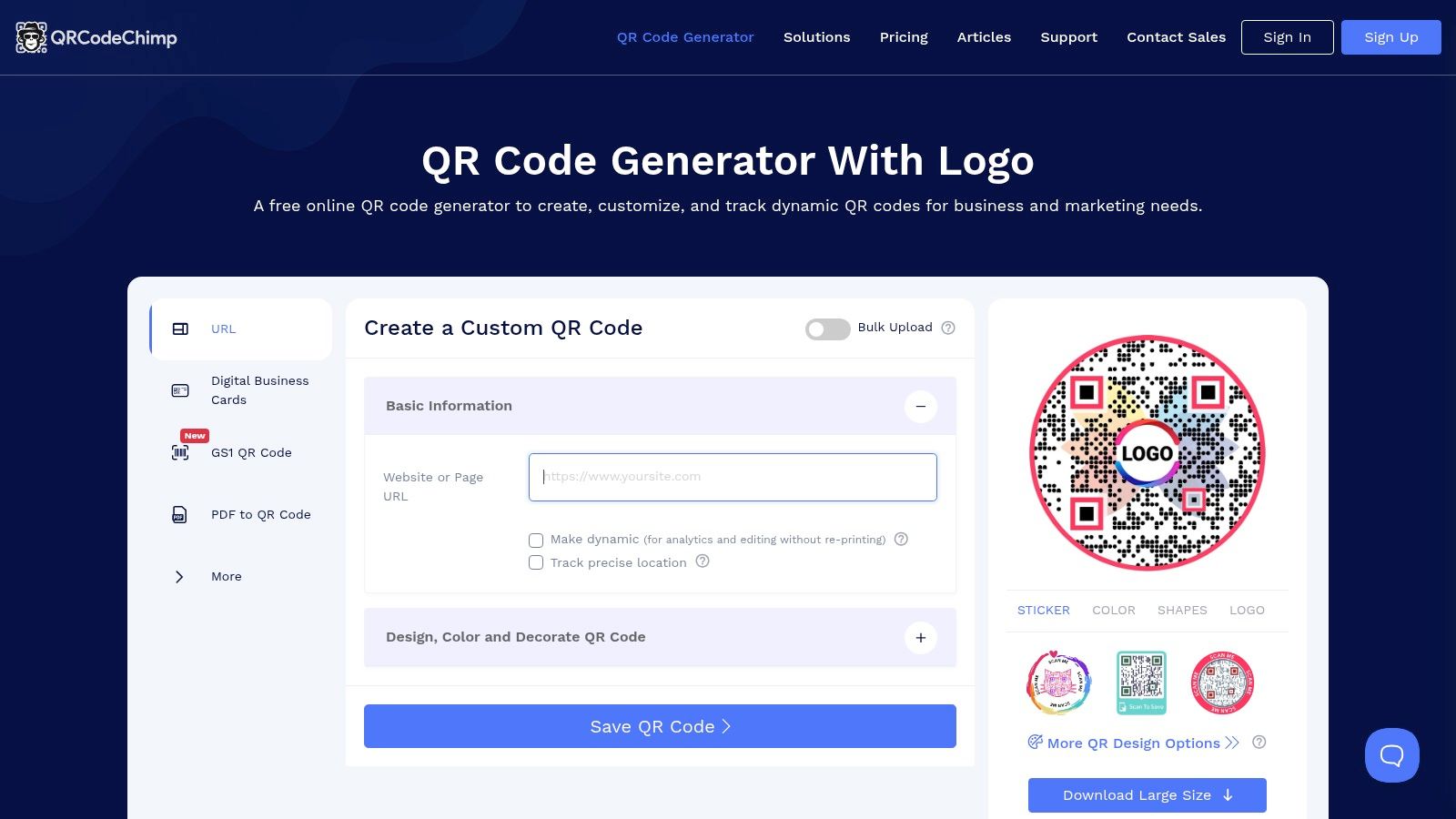
A small agency lands three client requests in the same week. One wants a menu QR, another needs digital business cards for reps, and a third wants a campaign code that can be updated after print goes live. QRCodeChimp fits that kind of workload well.
Its appeal is range. You get many QR formats, strong visual customization, bulk creation, team access, scheduled reports, and digital business card features without jumping straight to enterprise pricing. For teams that need to ship a lot of different assets and keep them tied to active campaigns, that matters more than having the most polished admin layer on the market.
The automation angle is good enough for practical marketing use. Bulk creation speeds up rollout across locations or reps, dynamic codes reduce reprint risk, and scheduled reports help teams keep campaign activity visible without pulling numbers by hand every week. It is not the deepest integration platform in this list, but it covers the operational basics that smaller sales and marketing teams use.
Best fit for multi-use, fast-turn QR work
QRCodeChimp works best when variety is the actual requirement. Agencies, franchise marketers, event teams, and sales ops groups often need one platform that can handle vCards, landing pages, coupons, files, and product-level codes from the same account. That reduces tool sprawl and keeps day-to-day production moving.
The trade-off is control. Teams with strict IT requirements, formal approval workflows, or advanced identity management will outgrow it faster than they would with Uniqode or Scanova. If your QR program needs to plug cleanly into a broader governed stack, check those limits early.
- Strong for mixed QR use cases: One account can support several campaign and contact-sharing formats.
- Useful for light automation: Bulk generation, dynamic edits, and scheduled reporting save manual work.
- Less suited to enterprise governance: Large organizations may want stronger admin controls and security depth.
One practical caution. QRCodeChimp makes it easy to push design harder than scan reliability can tolerate. Custom shapes, aggressive color choices, and heavy frames can hurt performance in practical settings, especially on packaging, storefronts, and event signage. Test on the final material, at the actual viewing distance, and on multiple phone cameras before rollout.
Top 10 QR Code Generator Apps Comparison
| Platform | Core features ✨ | UX/Quality ★ | Value/Price 💰 | Target 👥 | Standout 🏆 |
|---|---|---|---|---|---|
| Uniqode (formerly Beaconstac) | Dynamic QR, bulk & roles, API, templates ✨ | ★★★★ | 💰 Enterprise-priced; annual billing | 👥 SMB → Enterprise | 🏆 Enterprise security & governance |
| Flowcode | Flowcodes + Flowpages, smart routing, analytics ✨ | ★★★★ | 💰 Premium for Growth/Enterprise | 👥 Agencies & large brands | 🏆 Brand‑forward templates & design |
| QR TIGER | Unlimited scans (paid), bulk, retargeting, geofencing ✨ | ★★★★ | 💰 High feature-to-price value | 👥 Freelancers, SMBs, agencies | 🏆 Generous bulk/scan limits |
| Scanova | Multi‑type QR, landing pages, management API, governance ✨ | ★★★★ | 💰 Enterprise‑oriented (price by calculator) | 👥 Marketing teams & enterprises | 🏆 Campaign tracking + org controls |
| Bitly Codes (Connections) | Link + QR + pages + unified analytics ✨ | ★★★★ | 💰 Consolidated platform; tiered limits | 👥 Marketing/analytics teams | 🏆 Cross‑channel analytics & integrations |
| Hovercode | Unlimited scans, custom domains, GPS tracking, GS1 ✨ | ★★★★ | 💰 Transparent GBP pricing; mid‑tier value | 👥 UK SMBs & teams | 🏆 Local pricing + GPS‑level tracking |
| QRCodeKIT (uQR.me) | Dynamic QR (free tier), bulk, teams, API ✨ | ★★★ | 💰 Free dynamic tier; predictable limits | 👥 NGOs, education, small orgs | 🏆 Free dynamic codes + scan predictability |
| Unitag | GS1 Digital Link, SKU management, anti‑counterfeit ✨ | ★★★★ | 💰 Enterprise / compliance pricing | 👥 CPG & retail compliance teams | 🏆 GS1‑certified packaging & anti‑fraud |
| Kaywa | Dynamic QR, analytics, bulk, EPS/PDF print exports ✨ | ★★★ | 💰 Simple, predictable plans | 👥 Print‑focused users & traditional teams | 🏆 Print‑ready exports & unlimited scans |
| QRCodeChimp | Many QR types, team seats, brand kit, templates ✨ | ★★★★ | 💰 Budget‑friendly; strong lower‑tier value | 👥 Freelancers, small teams, agencies | 🏆 Broad content types + brand tools |
Final Thoughts
A QR code generator app should fit the systems behind the campaign, not just the creative on the code. Once scans start turning into leads, registrations, support requests, or store visits, the true test is whether the platform can route data cleanly into your CRM, analytics stack, and follow-up workflows.
That is the practical split across this list.
Uniqode and Scanova make more sense for teams that need governance, API access, team controls, and dependable administration across multiple campaigns. Flowcode is a strong fit when branded landing pages and presentation matter as much as the scan itself. QR TIGER and QRCodeChimp offer a lot of flexibility for the money, but teams should still check limits, reporting depth, and workflow options before scaling. Hovercode is a sensible pick for UK-based teams that want straightforward pricing and local relevance. Unitag sits in its own lane if packaging, GS1, or product-level traceability drives the decision.
The channel is mature now. As noted earlier, QR usage is established enough that weak execution stands out fast. A broken redirect, poor attribution setup, or a code managed under one employee's account creates avoidable cleanup work later.
I see the same mistake repeatedly. Teams choose a generator for the first use case, usually a poster, flyer, menu, or event stand. Six months later, they want scan-level analytics, dynamic destination rules, CRM syncing, retargeting, regional routing, and audit-friendly ownership. Those requirements are not extras. They should shape the buying decision at the start.
A QR code is easy to print. A reliable QR workflow takes more thought.
Software also does not solve every execution problem. Physical placement, print size, contrast, destination speed, and mobile page quality still decide whether a campaign performs well in practice. Even the best platform cannot rescue a code that is hard to scan or sends traffic to a clumsy landing page.
If the shortlist needs to be simple, use this filter. Choose Uniqode if integrations and control matter most. Choose Flowcode if campaign presentation leads. Choose QR TIGER or QRCodeChimp if budget matters more than advanced administration. Choose Hovercode for a practical UK-focused setup. Choose Unitag when packaging and compliance requirements set the brief.
The wrong platform adds manual work. The right one removes it.
If your QR campaigns are generating leads, support requests, event uploads, product enquiries, or sales follow-ups, Zenfox.ai helps you automate what happens next. It can connect the tools around your QR workflow, pull context from your inbox, CRM, docs, and chat, then trigger actions like updating records, sending follow-ups, creating reports, and routing work without code.