
Zenfox vs Lindy in 2026: Personal Assistant Tasks vs Full Project Execution
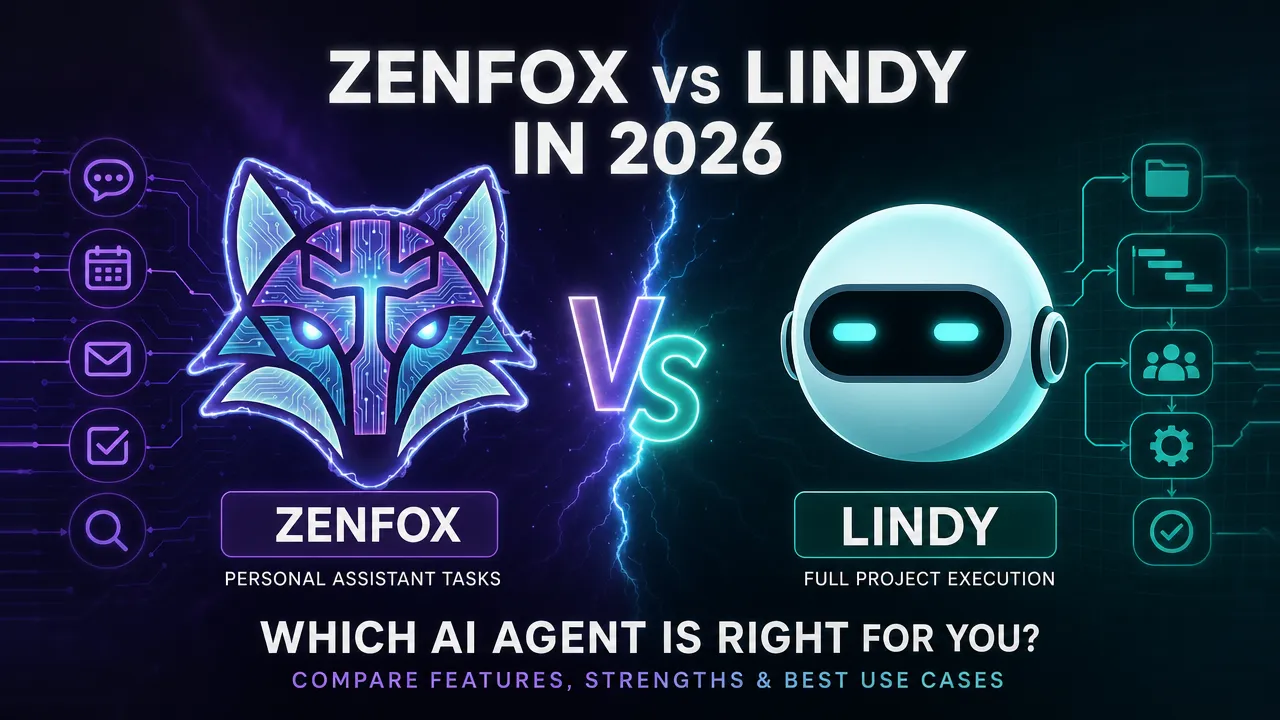
Lindy and Zenfox both call themselves AI agents. That label covers a lot of ground — and the gap between these two platforms is wider than it first appears.
- What Lindy Does Well
- What Zenfox Does Differently
- Pricing: A Direct Comparison
- Who Should Use Each
- The Core Difference
- FAQs
Lindy and Zenfox both call themselves AI agents. That label covers a lot of ground — and the gap between these two platforms is wider than it first appears.
Lindy is built around the personal assistant model. It handles your inbox, books meetings, updates your CRM, manages scheduling. Those are real tasks, and Lindy does them reasonably well. But the model has a ceiling. When the work you need done spans multiple tools, requires research, produces deliverables, and needs a human to sign off before anything goes live, Lindy runs out of runway.
Zenfox is built for that work. Not a chatbot. Not a personal assistant. An agentic platform that takes a plain-language goal and executes it end-to-end across your connected tools — staging every output for your review before anything touches a live system.
Here's where the two platforms actually differ.
What Lindy Does Well
Lindy's positioning is clear: AI employees for inbox, calendar, CRM, and scheduling. You set up a Lindy, give it a role, and it handles repetitive personal assistant work.
That works well for:
- Triaging and drafting email replies
- Scheduling meetings and managing calendar conflicts
- Logging calls and updating CRM records
- Simple follow-up sequences
If your main frustration is spending 45 minutes a day on inbox management, Lindy addresses that directly. The setup is approachable, and the task scope is contained.
The constraint is that Lindy's model is task-scoped by design. Each Lindy handles a defined role. Multi-step projects that cross tool boundaries, generate research, produce structured deliverables, or require conditional logic across systems — that's not what the platform was built for.
Lindy is also cloud-only with no self-hosting option, and limited to its own integration set. There are no structured human approval gates before actions are taken on live systems. It executes. Whether the output is exactly what you wanted, you find out after.
What Zenfox Does Differently
Zenfox starts from a different premise. You define a goal in plain language. Zenfox breaks it into steps, runs each one in the background using your connected tools, and stages the finished work for your review before anything is committed.
That last part matters. Nothing goes out without you.
Managed Projects vs. Personal Assistant Tasks
Lindy handles tasks. Zenfox runs projects.
The difference is architectural. A task is discrete: draft this reply, log this call. A project is sequential and adaptive: research these ten prospects, pull their LinkedIn activity and recent news, cross-reference with your HubSpot pipeline, draft personalised outreach for each, and stage the drafts in Gmail for your review.
Zenfox's Managed Projects execute that kind of goal end-to-end. You describe the outcome you want. The platform breaks it into steps, runs them across your connected tools — Gmail, HubSpot, Google Drive, Notion, Slack, Airtable, and over 3,000 others — and delivers finished work. Not a status update. Finished work.
If you want to understand how this differs from what most AI tools actually do, the Zenfox vs ChatGPT comparison covers the distinction between generating content and executing work across live systems.
Human Approval Before Any Live Action
Lindy executes without structured approval gates. It fires, and the action is taken.
Zenfox stages every agent output for your review before anything happens on a live system. That's not a limitation — it's the design. You stay in control of what goes out, what gets logged, and what gets sent. The agent does the work. You decide when it ships.
For anyone managing client relationships, sales pipelines, or operational data, that distinction is significant.
Depth of Integration
Zenfox connects to over 3,000 tools. Named native connections include Gmail, Slack, HubSpot, Google Drive, Notion, GitHub, Stripe, Shopify, Airtable, Twilio, and OpenAI. Automatic API connection handling means you can name any API or paste documentation, and Zenfox manages authentication, schema generation, and credential storage. No engineering required.
Lindy is limited to its own integration set. When your workflow touches tools outside that set, you hit a wall.
Zenfox also runs natively through Telegram, Discord, iMessage, WhatsApp, and SMS. No app install required. You can trigger and review work from wherever you already are.
Deep Research and Instant Apps
Two Zenfox capabilities have no equivalent in Lindy.
Deep Research generates analyst-grade reports using parallel sub-queries across web and academic sources. If you need a competitive landscape brief, a prospect research summary, or a market overview, Zenfox produces it as a deliverable — not a chat response.
Instant Apps produce full UI applications from natural language prompts. Describe the tool you need, and Zenfox builds it. That's a different category of output entirely.
The Mission Control announcement gives a clearer picture of how Zenfox structures background execution across projects.
Pricing: A Direct Comparison
Lindy starts at $49 per month.
Zenfox's free tier is $0. No credit card required. It includes 1 automation, 1 Managed Project, 1 Instant App, 1 Deep Research, and unlimited connectors. You can connect your full tool stack and run a real project before spending anything.
| Plan | Zenfox | Lindy |
|---|---|---|
| Free | $0, unlimited connectors, no credit card | Not available |
| Entry paid | $29/month (Pro) | $49/month |
| Mid tier | $99/month (Max) | Varies |
| Enterprise | Custom, with on-premises storage and data enclave | Cloud-only |
Zenfox Pro at $29 per month includes 15 automations, 15 Managed Projects, 2 background agents, unlimited messages, and Deep Research. That's more execution depth at a lower price than Lindy's starting tier.
Zenfox Max at $99 per month adds 50 automations, 50 Managed Projects, 5 background agents, and team collaboration. Enterprise pricing includes a dedicated inference endpoint, on-premises storage, and a data enclave for organisations with stricter data requirements.
Zenfox is SOC 2 certified, GDPR compliant, and uses AES-256 encryption via Infisical for credential storage.
Who Should Use Each
Lindy fits if:
- Your primary need is inbox management, scheduling, and CRM logging
- You want a contained personal assistant role with minimal configuration
- You're not working across many different tools
- You don't need structured human approval before actions are taken
Zenfox fits if:
- You need multi-step projects executed across your full tool stack
- You want finished deliverables, not just task completion
- You need human review before anything goes live
- You want to connect tools beyond a fixed integration set
- You want to start without a credit card and test on a real project first
If your work regularly crosses Gmail, HubSpot, Slack, and Google Drive in a single workflow, Lindy's task model won't cover it. Zenfox runs that project from start to staged output.
For a broader look at what agentic automation can replace in a typical week, the 10 AI automation workflows article covers practical examples grounded in the same tool stack.
The Core Difference
Lindy is a personal assistant. It handles defined roles, discrete tasks, and contained workflows.
Zenfox runs projects. It accepts a goal, works across your tools, adapts as it executes, and stages the result for your sign-off.
Both are useful. They are not the same category of tool.
The question is simple: do you need tasks handled, or do you need projects finished?
Start on the free tier at zenfox.ai — no credit card required — and run a real project against your connected tools. The answer will be clear within the first session.
FAQs
What is the main difference between Zenfox and Lindy? Lindy is designed for personal assistant tasks: inbox management, scheduling, CRM logging, and follow-ups. Zenfox executes multi-step projects end-to-end across your connected tools, stages every output for human review, and produces finished deliverables. The distinction is task scope versus project execution.
Does Zenfox require a credit card to get started? No. The free tier is $0 with no credit card required. It includes 1 automation, 1 Managed Project, 1 Instant App, 1 Deep Research, and unlimited connectors.
Does Lindy have a free tier? Lindy does not offer a free tier. Paid plans start at $49 per month — higher than both Zenfox's free tier and Zenfox Pro at $29 per month.
Does Zenfox approve actions before they go live? Yes. Every agent output is staged for your review before any action is taken on a live system. Nothing is sent, logged, or committed without your approval.
How many integrations does Zenfox support compared to Lindy? Zenfox connects to over 3,000 tools, with named native connections to Gmail, Slack, HubSpot, Google Drive, Notion, GitHub, Stripe, Shopify, Airtable, Twilio, and OpenAI. Automatic API connection handling extends this further without any engineering work. Lindy is limited to its own integration set.
Can Zenfox run in the background without me being logged in? Yes. Background agents run 24/7. Work is executed while you're away and staged for your review when you return. Zenfox also runs natively through Telegram, Discord, iMessage, WhatsApp, and SMS — so you can review and approve work from any channel you already use.
Is Zenfox secure enough for business use? Zenfox is SOC 2 certified, GDPR compliant, and uses AES-256 encryption via Infisical for credential storage. OAuth and API key authentication are handled automatically. Enterprise plans include on-premises storage and a data enclave for organisations with stricter requirements.