
Introducing AI Workers: Zenfox Works for You
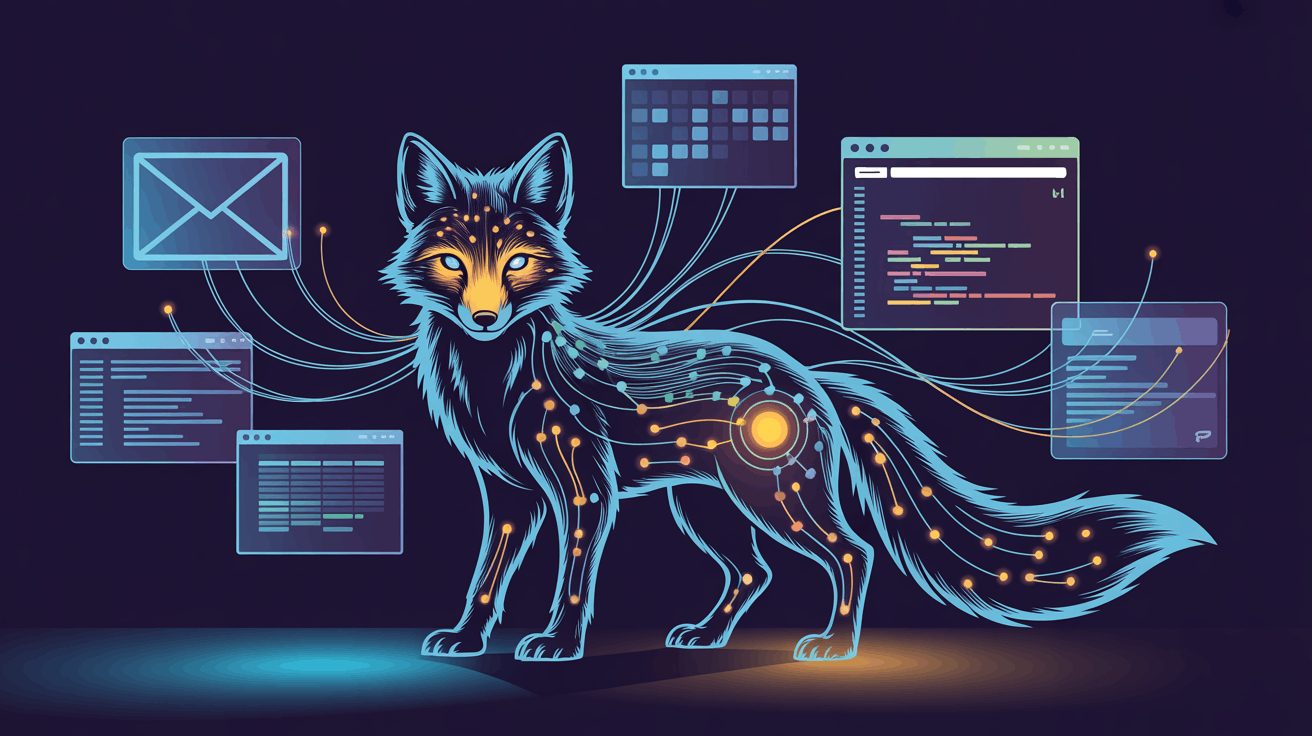
Zenfox can now run as a dedicated AI Worker with a specific role — working continuously in the background or deployed to complete a complex task. You stay in control without doing everything yourself.
Until now, AI assistants could answer questions, run automations, and connect to your tools. But when you needed something done that required sustained effort — multiple steps over hours or days — you still had to manage every phase yourself.
That changes today.
What are AI Workers?
AI Workers are purpose-built agents you assign a specific role — a competitor analyst, an order manager, a lead generation specialist, a content writer. You describe the role in plain language, and Zenfox breaks it into a plan of actionable steps, then executes them one by one — using your connected tools, files, and data.
Roles you can assign:
- "Monitor my top 10 competitors and alert me to pricing changes."
- "Process incoming orders and update fulfillment status."
- "Find and qualify leads matching my ideal customer profile."
Your AI Worker plans the work, does the work, and keeps you informed at every step.
Two modes: continuous and task-based
What makes AI Workers different from a simple automation is that you choose how they work:
Continuous employees run 24/7 without a fixed end date. They react to incoming events in real time — new orders, support tickets, market movements — and are ideal for ongoing operational roles that never truly finish.
Task-based employees are deployed to complete a specific big objective. They work through it step by step, produce all required deliverables, and report back when finished. Perfect for a product launch campaign, a research report, or a lead list build.
How it works
- Define the role — Describe what this employee should do. Be as specific or as broad as you like.
- They build a work plan — The role is broken into tasks and phases. Review and adjust before they start, or let them begin immediately.
- Autonomous execution — Your employee works through each task using your connected integrations. They produce files, lists, drafts, data — whatever the role requires.
- Human-in-the-loop — When a critical decision comes up, they pause and ask for your input. You validate, redirect, or refine — then execution resumes.
This is not a chatbot running one prompt. It's an agent executing a sustained plan with real tools, assigned to a role you define.
The AI Workers dashboard
Every employee gets their own real-time dashboard:
- Status Overview — What they're doing right now: active tasks and decisions waiting for your approval.
- Work Plan — The full plan with tasks and milestones. Watch them progress through each step.
- Deliverables — Everything produced: files, contact lists, reports, email drafts. Download or use them directly.
- Activity Log — Complete record of every action and decision. Full transparency.
- Role Settings — Configure report frequency, notifications, and autonomy level.
Employees that never clock out
For continuous roles — order management, customer support monitoring, market surveillance — your AI Worker runs indefinitely and reacts to events in real time. They watch, process, and act 24/7 so you don't have to.
Combine continuous agents with the Autonomy Engine for maximum coverage: the Autonomy Engine watches for signals, while your AI Workers act on them.
You stay in control
AI Workers are built around human-in-the-loop. By default, they pause at every critical decision point:
- Sending outreach emails to a contact list
- Publishing content to a connected platform
- Making purchases or financial transactions
- Choosing between multiple strategies
You can adjust the autonomy level per employee — from full approval on every action, to smart autonomy where only high-impact decisions require your input, to full autonomy for well-defined, low-risk roles.
What can you assign an AI Worker to do?
Anything that can be broken into steps:
- Influencer outreach — Find, verify, draft messages, and send.
- Product launch campaigns — Plan timelines, draft content, coordinate channels.
- Order management — Monitor orders, update fulfillment, notify customers.
- Competitive research — Track competitors, compile reports, alert on changes.
- Lead generation — Identify prospects, enrich data, score leads, initiate outreach.
- Content production — Research, outline, draft, optimize, publish.
Available now
AI Workers are available on all Pro ($29/month) and Max ($99/month) plans. Assign a role today and see what Zenfox can do when you let it work for you.
Start free — no credit card required.