
10 Best Zapier Alternatives in 2026: An Honest Comparison
Explore the best Zapier alternatives of 2026, compared on automation power, AI features, integrations, pricing and ideal use cases for every team.

Zapier is good. Familiarity, not superiority, is why it stays the default. People start looking for Zapier alternatives after a bill climbs with every successful action, a multi-step flow gets brittle, or an AI feature turns out to be a thin add-on rather than something that can carry work forward.
Task-based pricing charges you for getting busier. A one-size-fits-all editor assumes a freelancer, a developer, and an IT team all want the same trigger-and-action canvas. Limited autonomy means you still design every branch yourself. Those gaps are real, and they do not hit every buyer the same way.
The popular advice is to pick the biggest app directory and the lowest starting price. I would ignore that. Directory size does not tell you whether a non-technical owner can keep the automation alive after launch. A low sticker price does not tell you whether routers, AI steps, or retries eat the allowance.
Below, each option is grouped by who it serves. I look at the billing unit that decides the invoice: credits, executions, transactions, tasks, or a sales quote. Star ratings hide that. I judge automation depth, ease of use, integrations, AI features, and the limitation I would not gloss over. If you want a wider map of workflow automation platforms, use it as context, then come back to the fit question. Who is this for, and what does a real month of runs cost?
Table of Contents
- 1. Zenfox.ai
- 2. Make
- 3. n8n
- 4. Activepieces
- 5. Microsoft Power Automate
- 6. IFTTT
- 7. Pipedream
- 8. Integrately
- 9. Albato
- 10. Workato
- Zapier Alternatives at a Glance
- Choosing Your Automation Stack: A Decision Path
1. Zenfox.ai
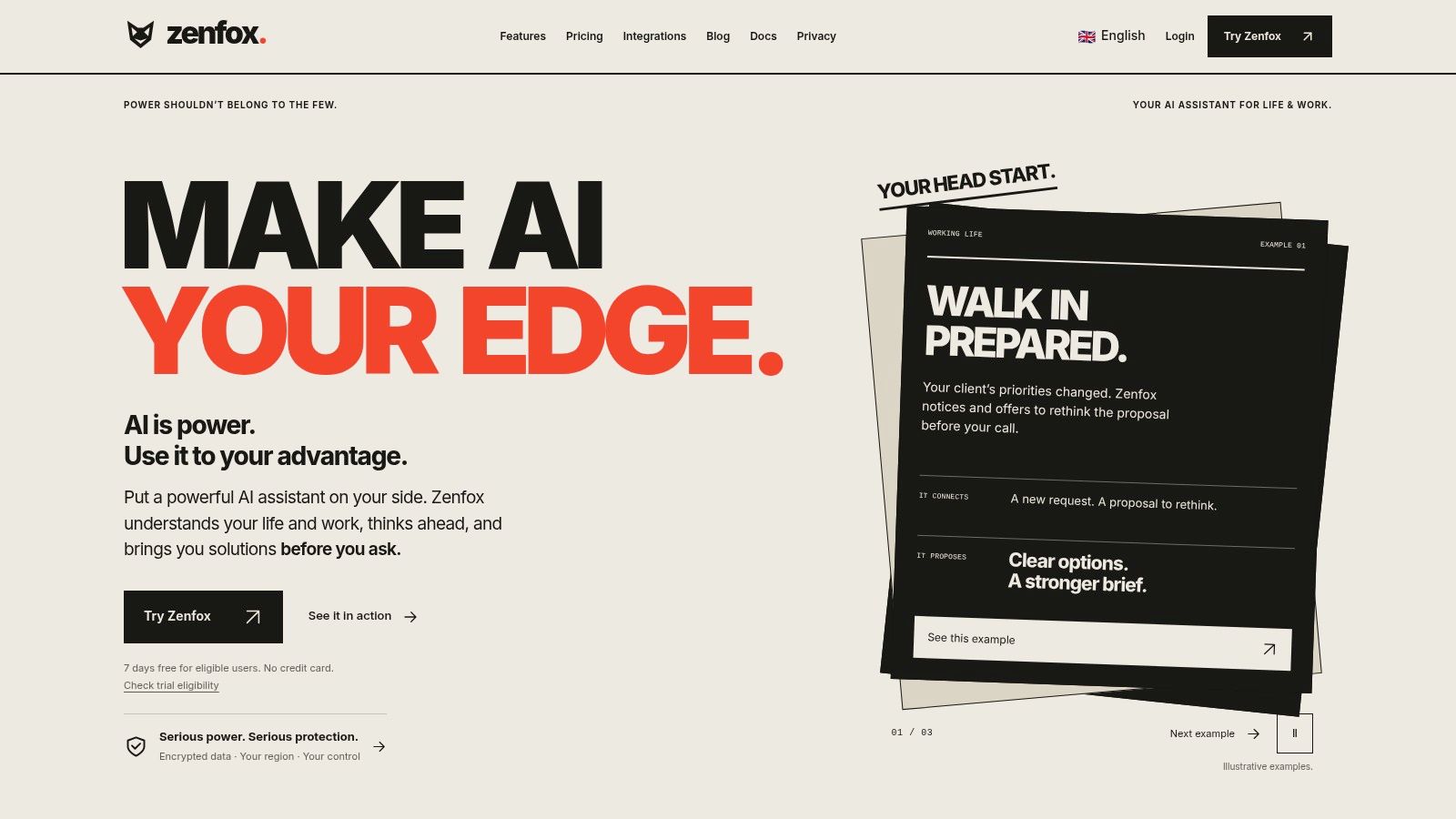
Zenfox.ai suits people who want an assistant to act across connected apps instead of building every workflow in a visual editor. Describe the outcome in plain English, then review the steps it creates. It can research, prepare a meeting, draft a follow-up, monitor a topic, generate an app, or move a project along. Access is available through its web workspace and supported messaging channels.
Its main distinction is how it uses context from connected apps. Zenfox can use details about projects, clients, and past activity to carry out tasks such as sending follow-up emails, updating a CRM, and preparing reports. That can reduce manual workflow design, but it also means you need to decide what access the assistant should have and review its activity.
What you pay and what you control
Zenfox.ai offers Free, Pro, Max, and Enterprise plans. Check the plan details against your expected usage: the product has usage limits, and a higher tier provides more capacity rather than unlimited AI use.
Privacy and security features include TLS in transit, AES-256 encryption at rest, regional storage, export and deletion controls, and the ability to revoke app access. Zenfox says conversations and files are not used to train its model, and its product information lists SOC 2 certification.
Where it falls short: Usage limits can constrain how much work the assistant handles. Teams that need predictable, manually specified workflows may prefer a conventional automation builder. Zenfox is a better fit for solo professionals and small teams willing to review actions taken across their connected apps. Learn more about Zenfox.ai.
2. Make
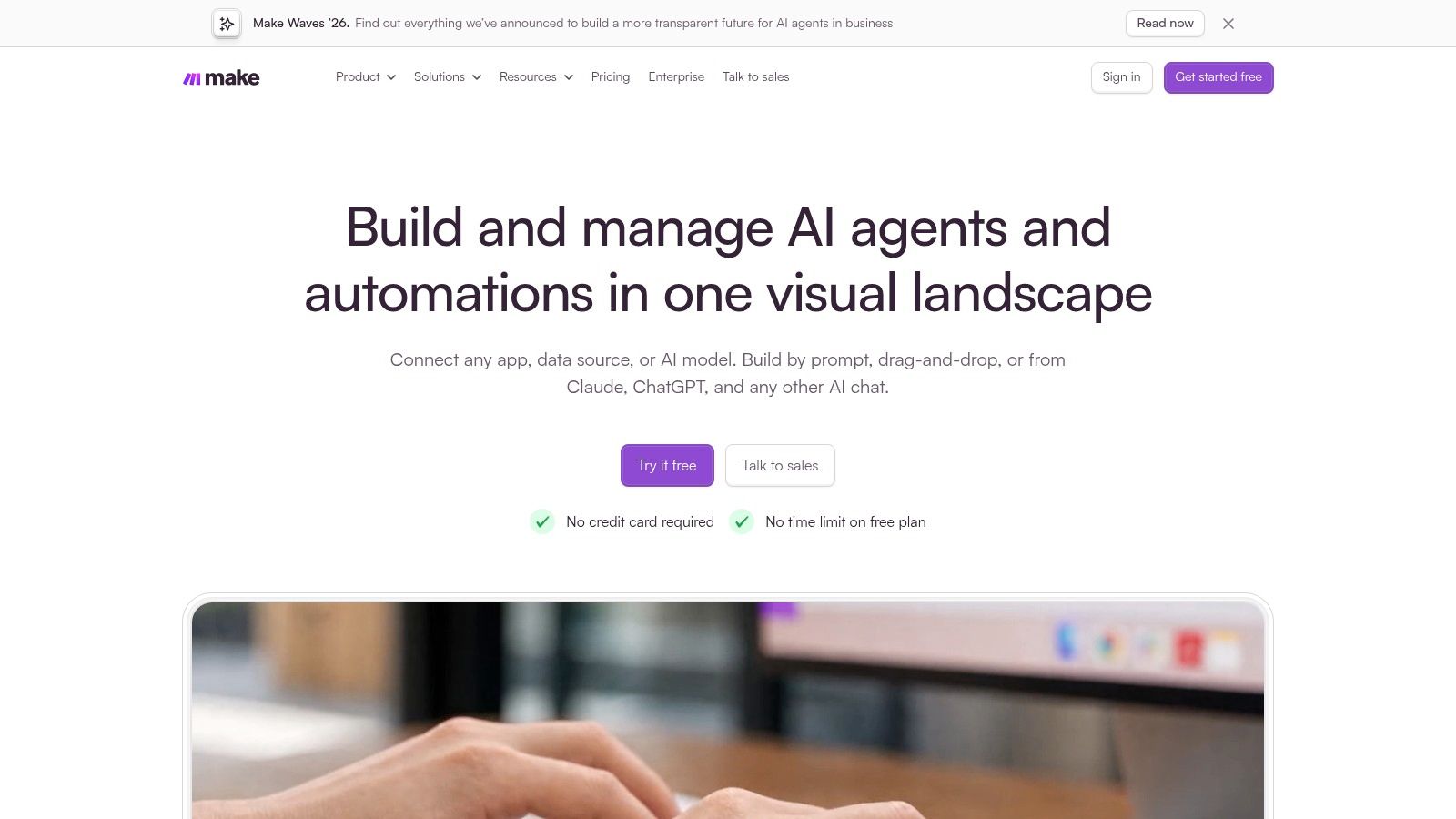
Make is for workflows where the branching logic matters. Its canvas lays out routers, filters, and data transformations, so a lead can take different paths based on the information it carries. It also supports custom API calls and offers a large app catalogue.
The billing meter takes more attention. Each module action generally uses a credit, so a frequently run six-step scenario can consume more than a simple two-step sync. Make's free plan includes a monthly credit allowance. Check the current billing terms before budgeting, especially how unused credits are handled.
Choose Make when someone on the team can build and maintain the scenario. A branched flow can take time to debug, and the full run matters more than the cost of one module. Teams building multi-platform campaign workflows for developers should account for every action in the scenario.
If maintaining the canvas starts to outweigh the value of its control, compare it with an assistant that can propose and run workflows in this Zenfox and Make comparison.
3. n8n
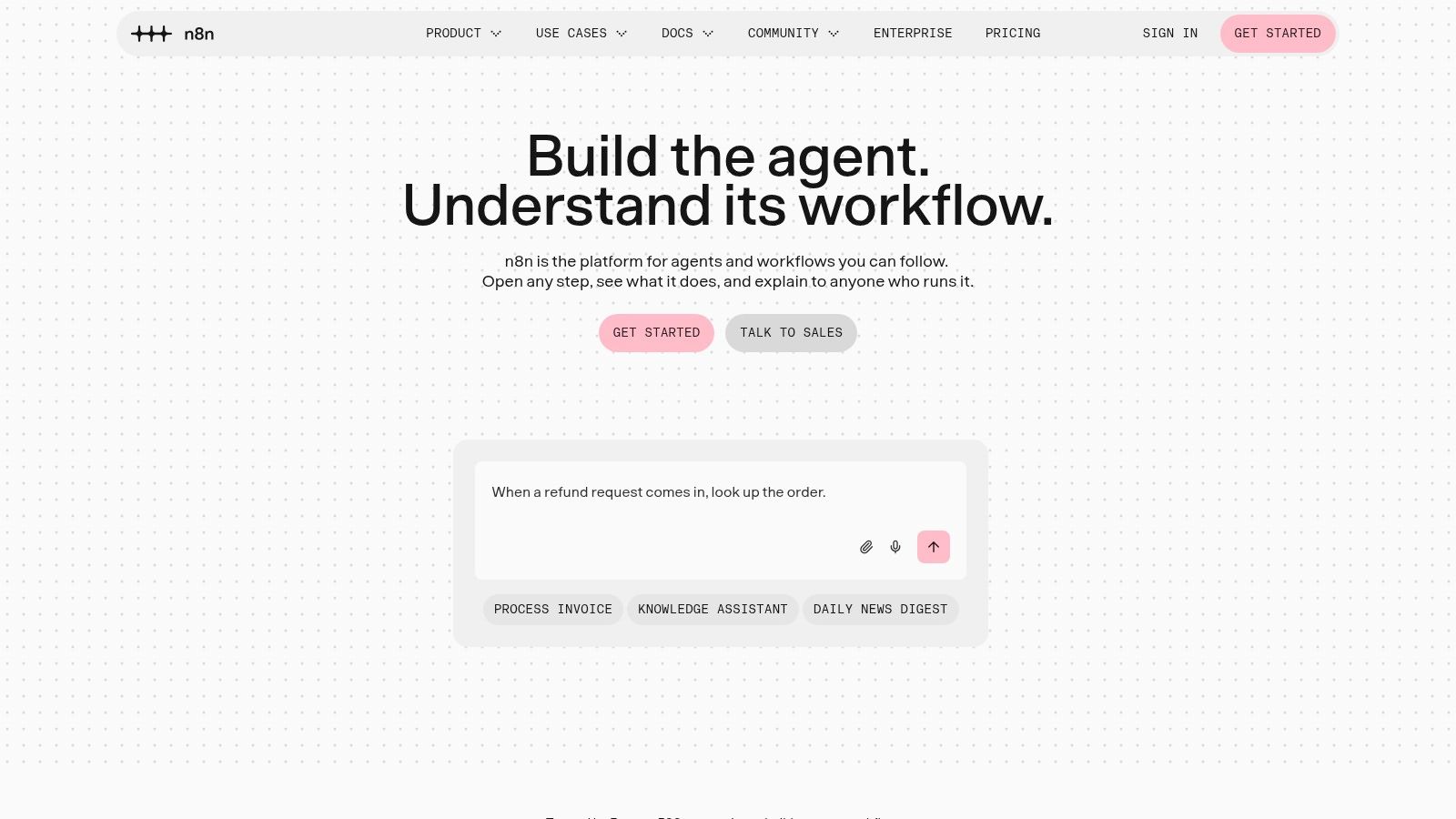
n8n suits technical users who want a node editor, code when the node is not enough, and a choice between hosted cloud and a self-hosted Community Edition. Cloud plans bill on workflow executions, and listed plans allow unlimited steps inside a run. That is the opposite of a task meter. A 20-step flow costs the same execution as a two-step one, which is why developers stick with it for messy API work.
You also get templates and AI-related nodes. Custom code and direct API calls are first-class, not a bolted-on escape hatch. People who automate FFmpeg workflows with n8n are in the audience this product was built for.
What you take on:
- Self-hosting: you own setup, updates, backups, and security.
- Skill: it asks more than a strict no-code tool.
- Governance: collaboration controls sit on higher tiers.
If nobody on the team wants to read an execution log, pick something simpler. If you do, execution billing is one of the fairest meters in this list.
4. Activepieces
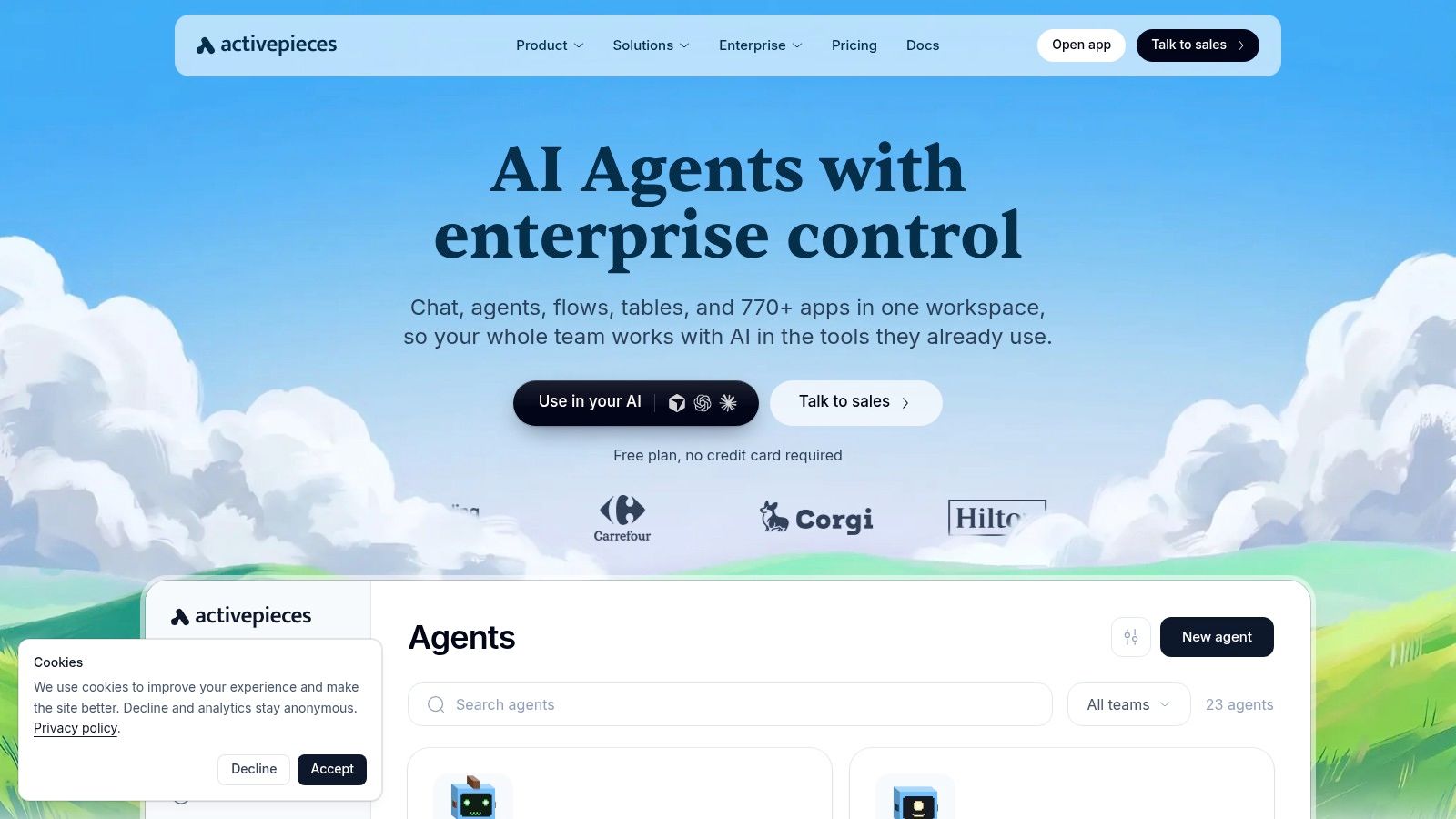
Activepieces mixes a no-code flow builder with agents, chat, tables, and API access. You can run it in the cloud or on your own infrastructure. Integrations are open-source TypeScript pieces, with HTTP and webhooks when a piece does not exist. Enterprise controls include SSO, SCIM, audit logs, and custom roles.
The billing quirk is worth liking. A workflow run generally counts as one credit, whatever the ordinary step count. AI features can spend extra credits on top. The free plan is enough to try the product. Runs past that allowance wait until it refreshes, so a burst can stall rather than overage-bill you.
The company says its SOC 2 programme is in progress. That is not the same as a current certificate. Ask before you put customer data on it.
I would shortlist it for a small team that wants agents without giving up self-hosting. I would not treat "open source" as a substitute for someone who can patch the host.
5. Microsoft Power Automate
If the company already lives in Microsoft 365, Teams, Outlook, SharePoint, Dynamics, or Azure, Power Automate is the path of least resistance. Cloud flows connect services. Attended and unattended desktop RPA, on the plans that include them, can drive apps that have no API. Some plans include Dataverse capacity. Process and task mining sit on plans or add-ons. UK pricing is published in pounds, which saves a currency guess.
Licensing is the part that goes wrong. A flow touched by several people, a bot, and an add-on is hard to price from a single per-user line. Freelancers connecting two SaaS apps will find the catalogue larger than the job. Check the connector and the licence for that exact flow before you build it.
Say a finance team needs an unattended bot on a legacy Windows app and a cloud flow into SharePoint. That is two products inside one brand, and the bot tier is the expensive one. For a Gmail-to-CRM follow-up, this is the wrong weight of tool.
6. IFTTT
IFTTT is for simple personal routines and light business habits, not a sales process. Applets join services and devices with trigger-and-action logic. The plans page lists support for more than 1,000 services and apps, and the iOS and Android apps make it practical on a phone. A free plan exists. Paid plans add credits, faster Applet runs, and extra features.
It is easy. A doorbell that toggles a light, or a photo that lands in a folder, is the kind of job it does well. Intricate branching and data cleanup are not.
Watch the commercial details. Paid prices are shown in US dollars, so a UK buyer should expect a conversion on the card statement. Check free-plan limits against the Applets you need before you assume the free tier covers a small business. I would not put client onboarding on it.
7. Pipedream
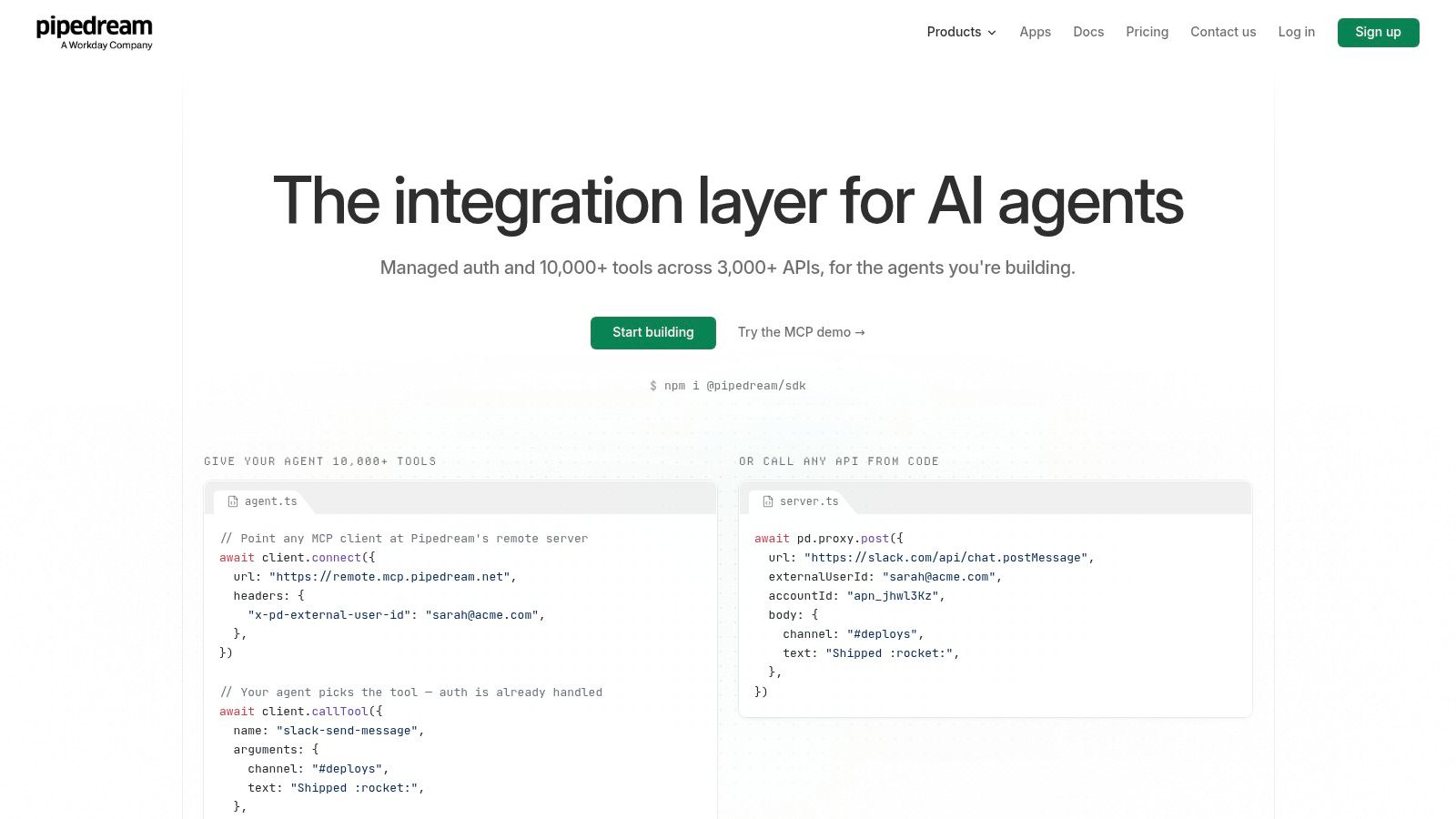
Pipedream suits developers who want to write code steps and connect less common APIs. It offers managed authentication across a broad range of APIs, along with a large library of prebuilt tools and triggers. Code steps, MCP servers, and a connect proxy support more customised integrations. Business plans list controls such as SSO and SCIM.
Free development access lets you test workflows before production, but production use requires a paid plan. Check how usage credits and external-user caps apply if you embed an integration in a product. The code-first approach also means someone needs to maintain the steps as APIs and requirements change. If you are still weighing whether an API is the right link between two apps, this guide to API integration explains the commitment.
Pipedream fits unusual APIs better than a template-and-toggle workflow. A founder looking for a setup with little code to maintain may find it a poor fit.
8. Integrately
Integrately aims at freelancers and small teams who want a common hand-off without designing a scenario. Prebuilt templates cover frequent app pairs. Setup is no-code. Multi-step automations sit on paid plans. Pricing is task-based, and the pricing page says trigger checks are excluded from the task count.
A free tier and a 14-day free trial are advertised, and self-service plans publish task allowances. That transparency is useful. The lower paid tier still limits workflow features, so "paid" does not mean "full product."
Successful actions, conditions, and some data steps can count as tasks. Triggers being free is a real saving against meters that bill the poll. Vendor comparisons that claim you will spend less than on a rival should not replace your own volume estimate. Turn on one live workflow for a fortnight and read the task log before you annualise.
9. Albato
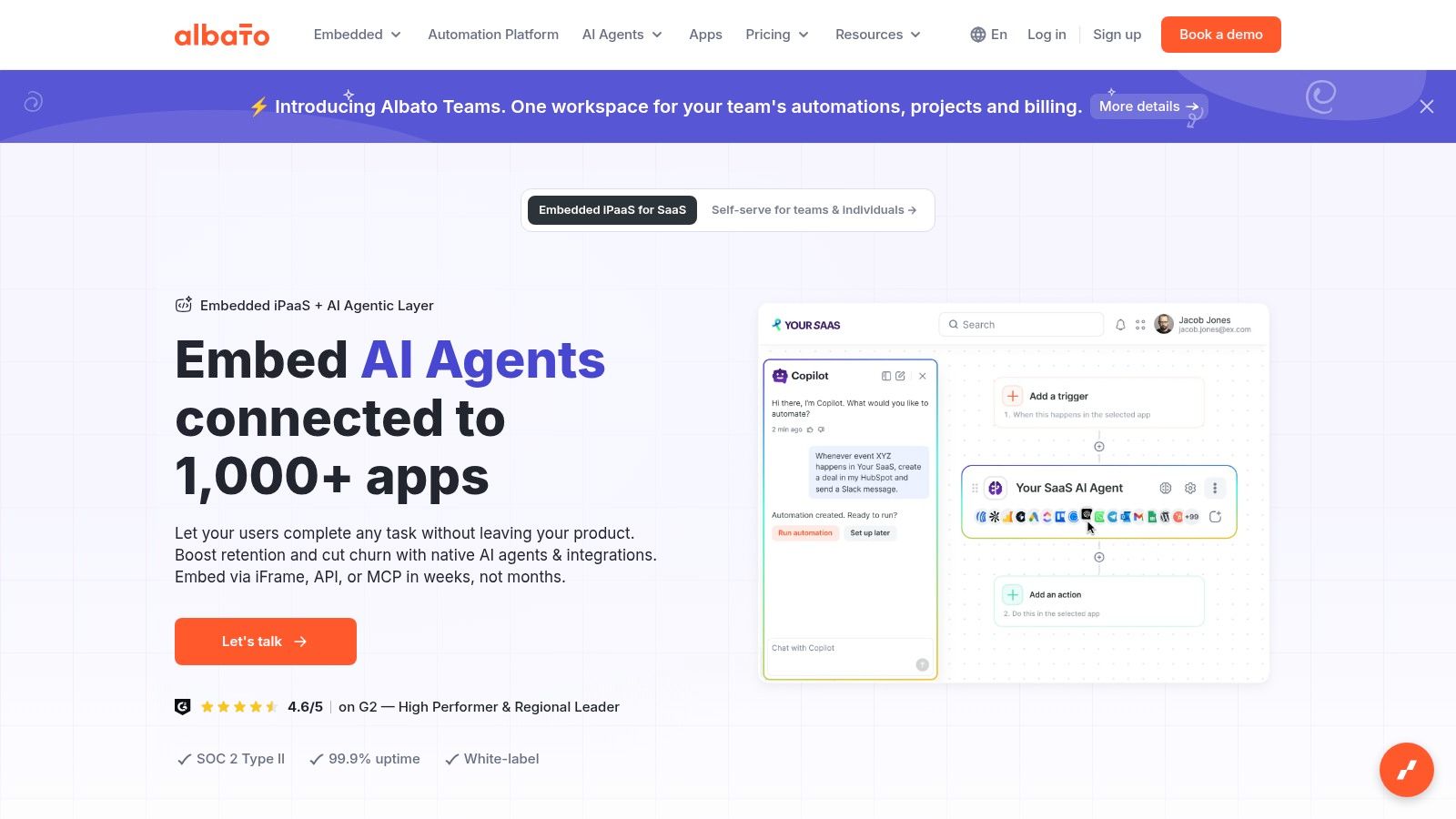
Albato bills automation usage in transactions, so estimate cost by counting the actions each workflow runs, not just the number of workflows. It offers a broad catalogue of app integrations, along with webhooks and API options. Paid plans support unlimited automation steps, and the listed Pro plan includes data migration and automatic replay. AI features, including AI agents, are also listed.
A free tier can cover a simple trial. Paid plans add replay and longer execution-log retention, which helps when a failed run needs investigation. Check the transaction allowance and the cost of extra transactions before choosing a plan.
Two billing details can affect the total:
- Actions count after the trigger: each successful step uses transactions, so a long flow can consume its allowance quickly.
- The plan and transaction package are separate purchases: budget for both, rather than treating the headline plan as the full cost.
The Teams plan is not yet on sale, so don't plan a shared workspace around it.
10. Workato
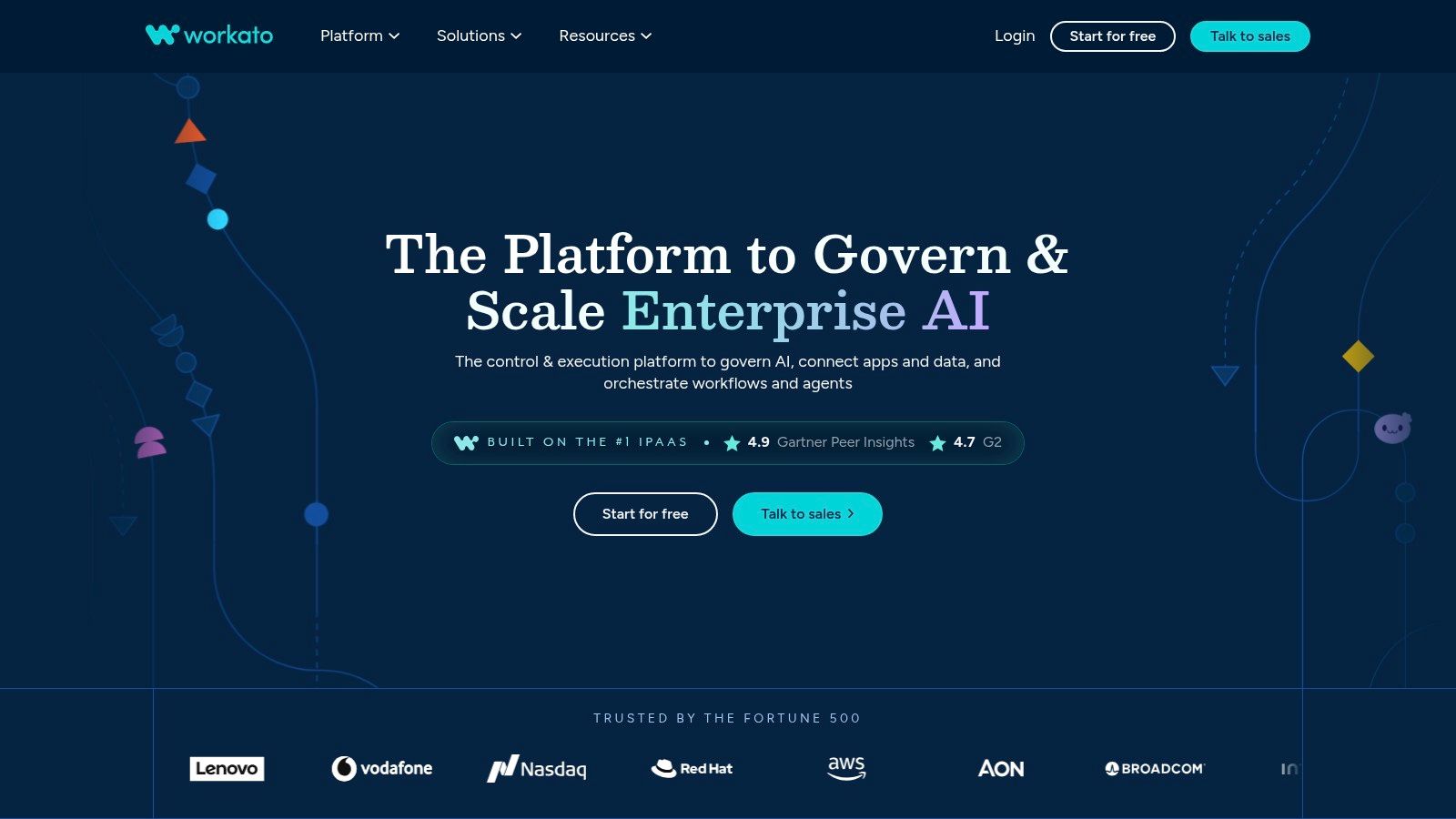
Workato is built for enterprise orchestration across business apps and departments. Its recipes coordinate processes that may need governance beyond a basic connector. Workato offers several platform editions; direct customers pay based on usage under the applicable model. Enterprise and Workato One add deeper orchestration, with agentic capabilities in Workato One. To assess the governance involved, start with what a data integration platform needs to manage, rather than counting templates.
Public enterprise pricing is generally not listed, so expect to discuss requirements with sales. Existing customers may have different arrangements from new buyers. Confirm which pricing model applies before estimating annual costs.
The Bank of England's 2026 AI in UK financial services report found that information security or operational resilience was the leading major constraint on third-party AI adoption, cited by 40% of respondents; 34% cited limited transparency into third-party AI systems. Procurement of this depth tends to suit large regulated firms, while a two-person studio rarely needs that cycle.
Zapier Alternatives at a Glance
| Best for | Deployment | Free plan | Pricing model | Standout feature |
|---|---|---|---|---|
| Zenfox.ai, proactive, context-aware assistance | Workspace, supported messaging and voice channels | Mentioned in product details but not shown on the pricing page | Pro $29/month, Max $99/month, custom Enterprise pricing | Spots changes or opportunities and suggests next steps |
| Visual, branching multi-step workflows | Cloud platform | 1,000 credits per month | Credit-based plans | Drag-and-drop scenarios with routers, filters, and data transformation |
| Technical users who want custom workflow logic and deployment control | Cloud or self-hosted | Self-hosted Community Edition available | Cloud plans based on workflow executions | Unlimited steps per run on listed cloud plans |
| Small teams seeking no-code automation with AI agents | Cloud or on-premises | Available | Credit-based paid plans | Open-source integrations and flexible hosting |
| Microsoft-centric organisations needing cloud or desktop automation | Cloud workflows and desktop RPA | Not specified | Plan and license-based | Attended and unattended desktop automation options |
| Simple personal routines and smart-home automations | Cloud, with iOS and Android apps | Available | Free and paid plans | Connects consumer services and smart-home devices through Applets |
| Developers building API-heavy integrations | Managed cloud platform | Free development access | Paid plan required for production; usage credits apply | Managed authentication for more than 3,000 APIs |
| Freelancers and small teams automating routine app hand-offs | Cloud platform | Available | Task-based plans | Prebuilt templates for common app combinations |
| Teams connecting apps with multi-step workflows | Cloud platform | Available | Transaction-based plans | Automatic replay and data migration on the Pro plan |
| Large organisations managing complex, cross-department workflows | Enterprise platform | Not specified | Usage-based pricing may apply; often requires a sales discussion | Advanced orchestration and governance capabilities |
Choosing Your Automation Stack: A Decision Path
Match the person to the product, then test the meter.
AI-first, proactive assistance. Choose Zenfox.ai if you want plain-English workers, reviewable actions, and help that can surface a next step. Eligible new users can try Pro for seven days without a card, and the product details report SOC 2 certification. Confirm usage caps on Pro and Max before you rely on it for a client deadline.
Visual multi-step builders. Choose Make when you want to see branches and you can live with credits per module. Choose Albato when transaction packs and replay matter more than a canvas, and remember the plan and the transaction pack are two line items.
Technical and self-hosted control. Choose n8n for execution billing and code. Choose Activepieces when one credit per ordinary run, plus optional self-hosting, fits a small team. Choose Pipedream when the work is API-heavy and someone will maintain the code. None of these is a weekend project for a non-technical owner.
Microsoft-centric and enterprise. Choose Power Automate inside a Microsoft estate, especially if desktop RPA is required. Choose Workato when governance and cross-department recipes justify a sales cycle. Both are heavy for a simple app-to-app sync.
Simple personal routines. Choose IFTTT for devices and one-step habits. Choose Integrately when a template covers a routine business hand-off and you will count tasks yourself.
UK firms are still unevenly automated, which is why the wrong default is expensive. A British Chambers of Commerce survey of 1,558 business leaders, 93% of them SMEs, found only 11% used technology to a great extent to automate or streamline operations, while most used more than five software applications. A separate 2026 study of UK SMEs found 77% cited insufficient understanding as a critical AI barrier and 70% reported time or resource constraints. Tool count will not close that gap. A short pilot will.
Estimate a real month of tasks, credits, executions, or transactions before you commit. Run a two-week pilot on the free tier or trial, with one production-like workflow and a named owner for failures. Upgrade only after the log matches the invoice you expected.
Zenfox.ai connects the apps you already use and turns a plain-English request into reviewable, multi-step work, which is the gap most Zapier alternatives still leave to a manual builder. If you want proactive follow-ups, monitoring, and an activity log without designing every branch yourself, start with a trial and one real workflow. Visit Zenfox.ai and see whether an assistant fits the job better than another credit meter.