
Business Process Automation Tools: 10 Picks That Deliver
Compare 10 leading business process automation tools by features, pricing, and ideal use cases — plus a practical checklist for picking and piloting one.
Forget the hunt for a single best platform. A freelancer chasing invoices, a Microsoft shop standardising approvals and an enterprise connecting finance, CRM and support systems don't need the same business process automation tools, and forcing them into one ranking helps nobody. What matters is fit: your current stack, who'll maintain the workflows, how much control you need over data and approvals, and how pricing behaves once a handy automation starts running hundreds of times a month.
That's why this list is organised by deployment scenario, not feature count. You'll find plain-English assistants for solo professionals, visual builders for small teams, ecosystem plays for Microsoft and Zoho users, and heavier orchestration and RPA platforms for larger organisations. Every entry covers limitations and pricing realities because month three is the true test, when usage caps, brittle connectors and maintenance work appear.
The UK context also matters. The Office for National Statistics Management and Expectations Survey found 69% of UK firms used cloud-based computing systems or applications in 2023, while 61% used specialised software and only 9% used AI. Most businesses already have the foundations. The question is which tool turns them into reliable workflows without creating new admin.
Table of Contents
- 1. Zenfox.ai
- 2. Zapier
- 3. Make
- 4. Microsoft Power Automate
- 5. n8n
- 6. Zoho Flow
- 7. Workato
- 8. Activepieces
- 9. Airtable Automations
- 10. UiPath
- Business process automation tools at a glance
- How to Choose, Pilot, and Roll Out Your Automation Stack
1. Zenfox.ai
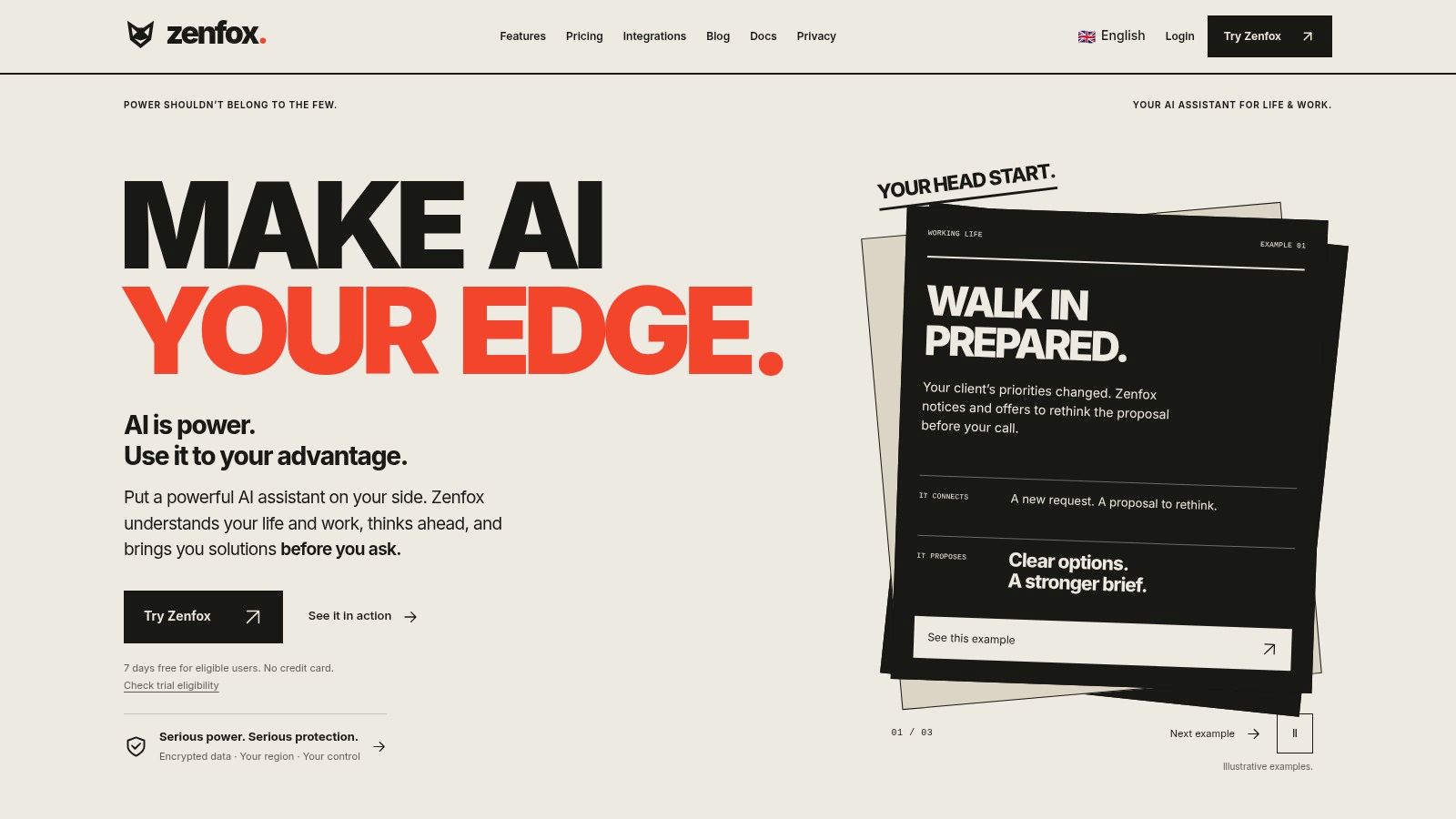
Zenfox.ai is the pick when you don't want to hand-build triggers at all. It is a proactive AI assistant for work and everyday life: connect the apps and information you choose, then ask in plain English for research, planning, drafting and task execution. It uses context from connected apps and files to prepare meeting briefs, draft follow-ups, update workflows, monitor topics and keep ongoing projects moving, preserving the thread between conversations. You reach the same assistant through the web app, Telegram, Discord or SMS.
That model suits work that isn't a neat trigger and action pair. A consultant needs a meeting brief from Drive files, recent emails and CRM notes, then a follow-up draft and a CRM update afterwards. A trigger builder can move the data, but someone still has to read, summarise and decide. Zenfox is built for that judgement-heavy middle, and its AI Workers can take on ongoing tasks while you control scope and review progress. AI Workers run continuously and pause at decision points by default; you can switch them to higher autonomy later. Hiring one follows a short path: pick a template, approve the work plan Zenfox proposes, and the worker starts.
Where It Fits and What It Costs
The UK Government AI Adoption Survey found 47% of AI adopters reported using AI for automation. Zenfox targets that practical use case, not generic chat. Each new eligible account starts with a 7-day free trial of the Pro plan, and automations are included in the Pro and Max plans and during that trial. The Pro plan includes 15 managed projects and 5 AI workers for ongoing tasks. The main cost driver is capacity: messages, research, connected actions, automations and AI Worker activity all draw on the capacity of your plan. Frequent or complex automations consume more than occasional, simple tasks, and every automation run is subject to the plan's soft and hard usage limits. Creating an automation does not guarantee continuous execution without limits.
- Strengths: Research, writing, planning and execution sit in one assistant, with context from apps you select.
- Security and ownership: Zenfox describes SOC 2 certification, GDPR alignment and AES-256 encryption, with enterprise options such as data enclaves and on-prem storage. You retain ownership of data you upload or create, and automation code generated for your use case is licensed to you for your business purposes.
- Limits to know: Messages, research, automations and AI Worker activity consume capacity according to work performed. The trial covers eligible new users only, and it is not available through a VPN, proxy or anonymous connection even if the connection appears to come from an eligible country.
I recommend it for solo professionals and small teams whose bottleneck is follow-through across Gmail, Slack, HubSpot and Drive, not raw app connections.
2. Zapier
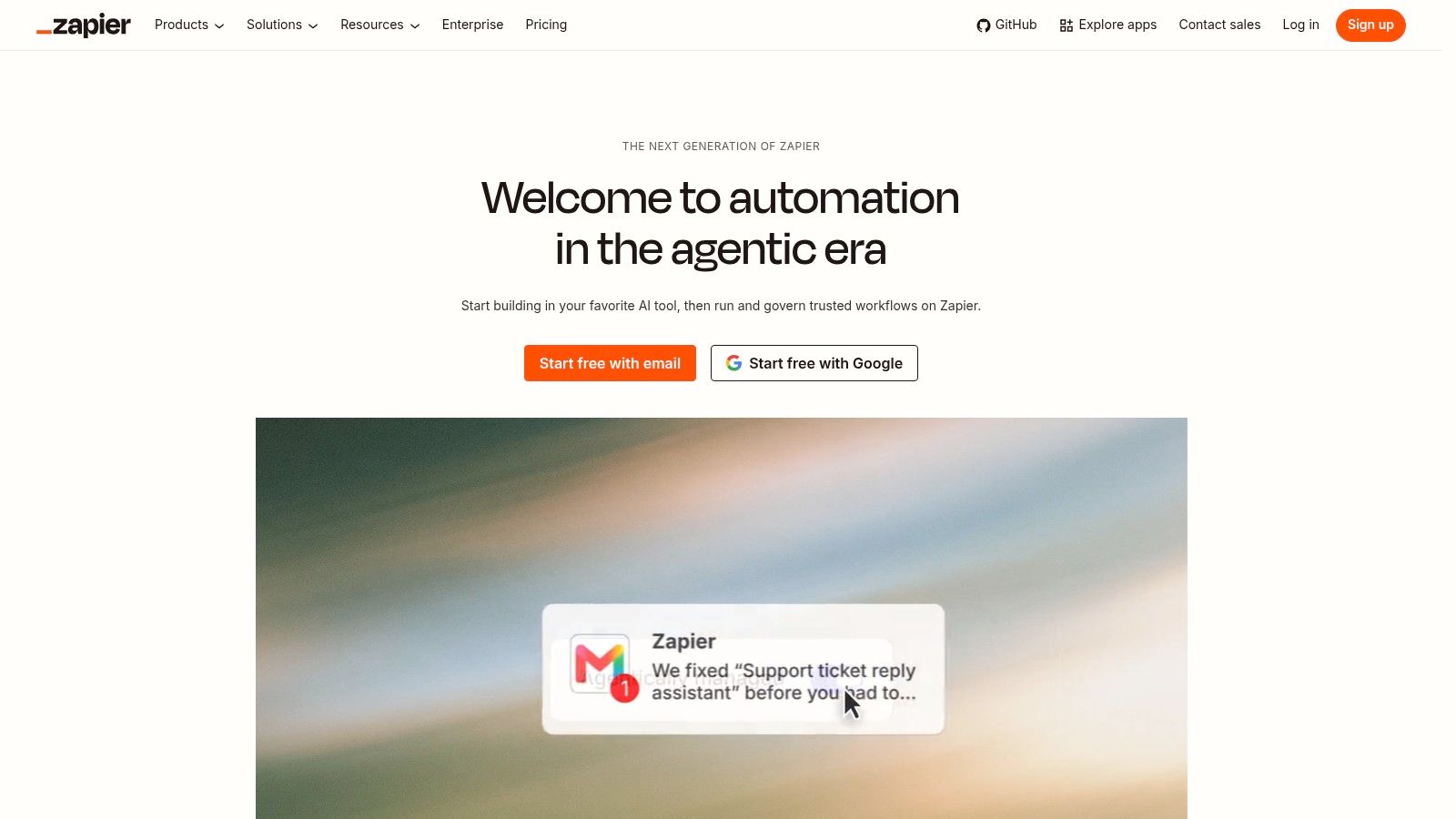
Zapier remains the fastest way to get an event-triggered workflow live. A Zap connects one app's trigger to actions in others, and the catalog covers thousands of integrations, so niche tools that other platforms ignore usually connect without custom work. Tables, Forms, filters, paths and formatting tools handle simple intake and data shaping without a separate database.
The billing model is where pilots go wrong. Zapier uses task-based billing: the free plan is for light testing, and paid plans are tiered by task volume. A five-action workflow that runs all day charges every action each time it fires. Count tasks per run, multiply by monthly volume, then compare that figure with the plan's included tasks before you build. Teams often price the subscription first and the task burn second, which is backwards.
Adoption context supports starting simple. The Office for National Statistics Business Insights and Conditions Survey reported AI use among UK businesses reached 15% in September 2024, up from 10% a year earlier. Most firms are still early, so a tool your team already understands beats a more powerful one nobody maintains.
Practical rule: Pick Zapier when app coverage and speed to first workflow matter more than per-task efficiency.
I recommend it for freelancers and small teams running occasional lead routing, form intake and notification Zaps. I would not choose it for high-volume operations workflows where every action adds a billable task. If long workflows make task-based pricing uncomfortable, this comparison of Zapier alternatives worth considering shows where per-task costs stop multiplying so quickly.
3. Make
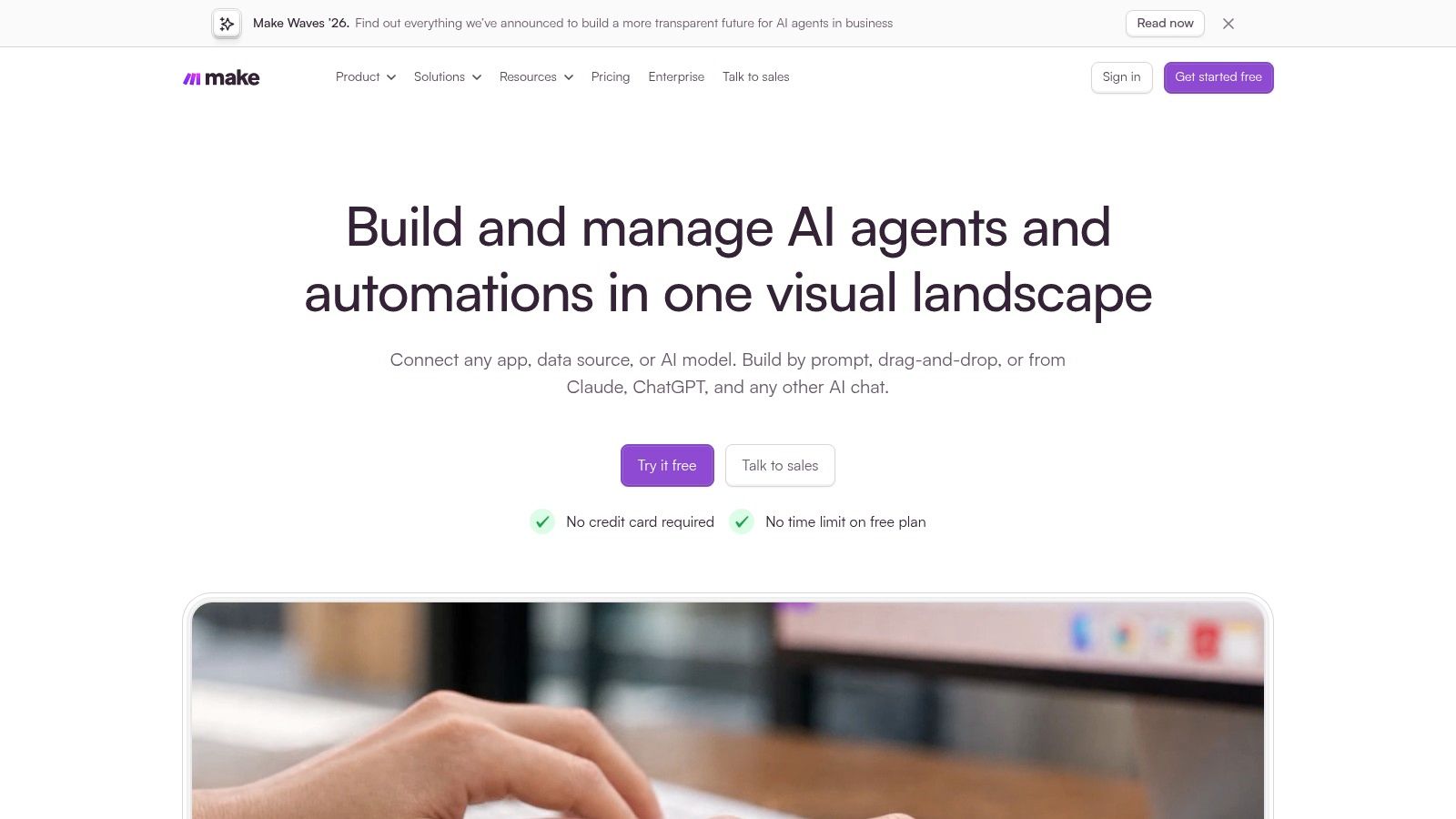
Make earns its place when a linear trigger and action chain stops describing your process. Its visual scenario canvas shows routers, filters and conditional paths spread out spatially, so you can inspect how data moves and where a branch will go wrong. With broad app integrations, scheduling, webhooks, an API and execution monitoring, it suits operations-minded builders who think in flows rather than lists.
That visibility helps during debugging. When a CRM record updates incorrectly, tracing a canvas beats replaying a vertical step list in your head. The cost is learning curve. New users face modules, bundles and mapping panels that Zapier deliberately hides, and a scenario built by one confident person can become opaque to everyone else within weeks. Budget for documentation or the canvas becomes tribal knowledge.
Pricing needs the same discipline. A free plan exists, and paid tiers are sold as monthly credit allowances that start in the low double digits per month and climb with capacity. Each module action generally consumes a credit, so estimate credit burn across every step, including error handlers and polling checks, before you commit. Count runs per month, not just modules per scenario.
- Best for: Branching, multi-step processes where you want design control.
- Watch for: Builder complexity, credit burn, and some apps or enterprise features sitting on paid plans.
Our comparison of Zenfox versus Make and scenario builder limits covers the point where maintaining canvases becomes the work itself.
4. Microsoft Power Automate
If your business already lives in Microsoft 365, start with what you're probably already licensing. Microsoft Power Automate connects Teams, SharePoint, Excel and Dataverse through cloud workflows, and adds attended and unattended desktop RPA for Windows applications without usable APIs. Approvals inside Teams and document flows inside SharePoint feel native because they are. Process and task mining on eligible plans can also show you where work stalls.
Desktop RPA is the distinctive strength here and the main maintenance burden. A bot that clicks through a legacy finance application works until that application's interface changes, then it fails until someone re-records or repairs it. Budget owner time for testing after every upstream software update, because silent breakage is the usual failure mode, not dramatic errors.
Licensing is the other trap. A 30-day free trial is available, and Power Automate Premium is £11.50 per user/month, paid yearly and excluding VAT. Published UK pricing helps, but premium connectors, bots and unattended runs can layer additional costs that are hard to estimate from the headline figure. Ask Microsoft or your reseller to price your exact connector list, in writing, before building anything business-critical.
Outside the Microsoft ecosystem, its strongest advantages fade quickly. Inside it, buying a different tool often means paying twice.
For a Microsoft shop automating approvals, document handling and one stubborn desktop task, I recommend it first.
5. n8n
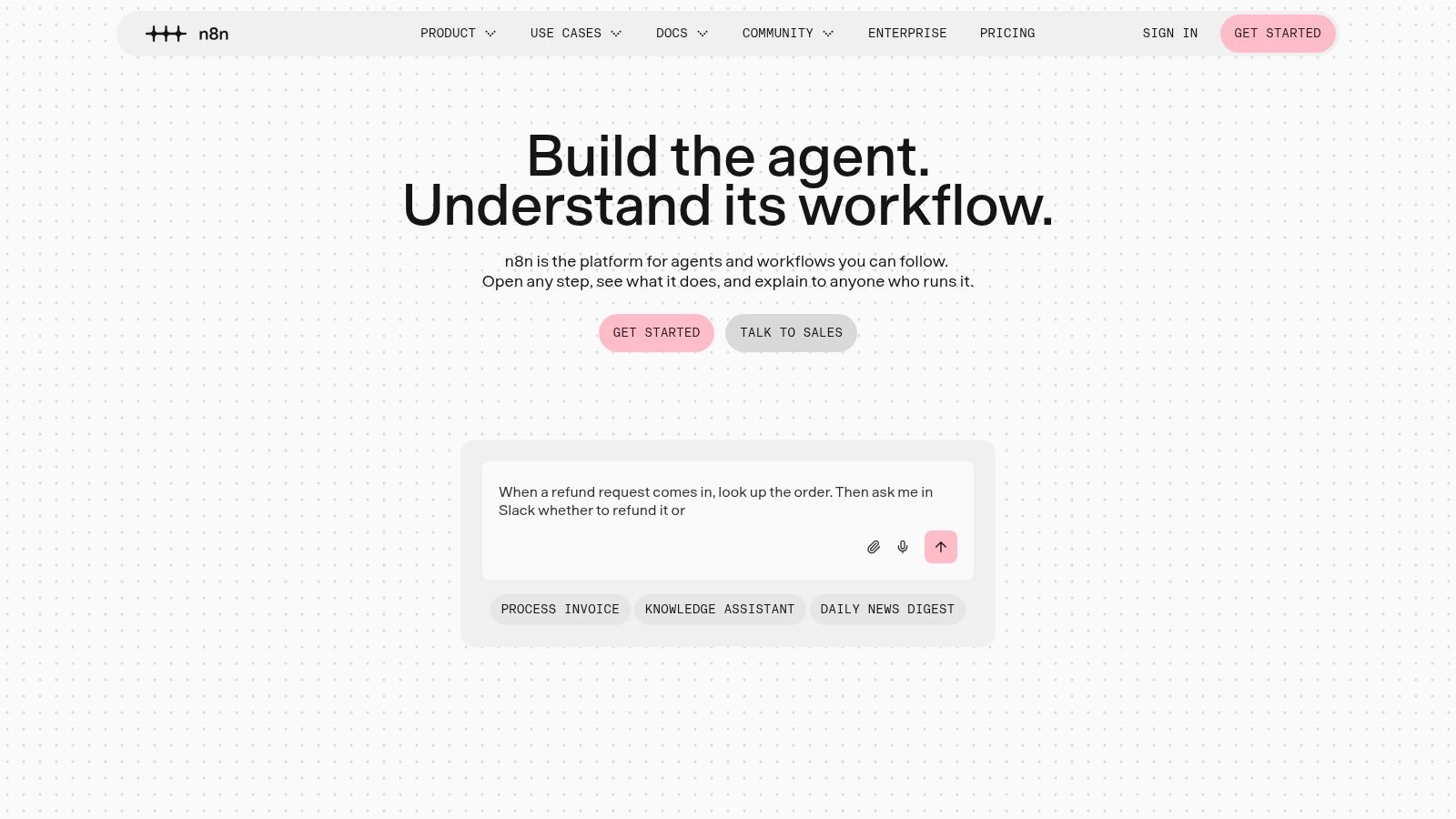
n8n is the pick for teams with technical capacity who want control over where automation runs. Its visual editor combines app integrations, APIs, conditional logic, custom code and AI nodes, and the self-hosted Community Edition lets you run everything on your own infrastructure. That matters if client contracts restrict which processors can touch data, or if you need workflows reaching internal systems that cloud platforms can't see.
Its billing model is the other differentiator. Cloud pricing counts complete workflow runs rather than individual steps, with Cloud Starter at €20/month billed annually for 2,500 executions, and cloud plans include unlimited users and workflows. A twelve-step workflow costs one execution, which makes long processes far cheaper to reason about than per-action pricing.
The Honest Catch
Self-hosting transfers responsibility to you: updates, backups, security patches and uptime are your team's problem. Some nodes and code steps also assume technical knowledge your operations staff may not have. Note that paid Business features are self-hosted only, with no hosted Business option currently offered.
Depth matters more than breadth here. The Office for National Statistics AI in UK Businesses release reports adopting businesses used about 1.4 AI technologies initially and about 1.6 later. Most firms run a narrow stack, so choose n8n's flexibility only if you'll staff it.
6. Zoho Flow
Zoho Flow follows the same logic as Power Automate, applied to Zoho's ecosystem instead of Microsoft's. If your CRM, books, projects and support desk already run on Zoho, connecting them inside the same vendor's automation layer removes a class of authentication and mapping headaches. The drag-and-drop builder supports conditional logic, delays and subflows, custom functions and webhooks extend it, and Zoho claims more than 1,000 app connections for reaching outside its own suite.
Its pricing structure will please small teams. Plans are priced by organisation and task allowance rather than per user, so adding a colleague doesn't add a seat fee. The free plan includes up to five flows and 100 tasks per month, and Standard starts from US$25/month with annual billing. Flow history tools help you troubleshoot and rerun failed executions, which is exactly what you need when an invoice sync stops.
- Strengths: Deep Zoho-to-Zoho processes, organisation-based pricing, usable execution history.
- Limits: Task and live-flow caps need estimating first, and on-premises connections require the Professional plan.
- Ecosystem caveat: Businesses not using Zoho get a competent generic builder but lose the main reason to choose it.
Say a small agency runs Zoho CRM, Books and Projects. A deal marked won could create a project, raise a deposit invoice and notify the delivery lead, all without a third-party connector in the middle. That's this tool at its best. If your stack is HubSpot, Xero and Asana instead, look elsewhere first.
7. Workato
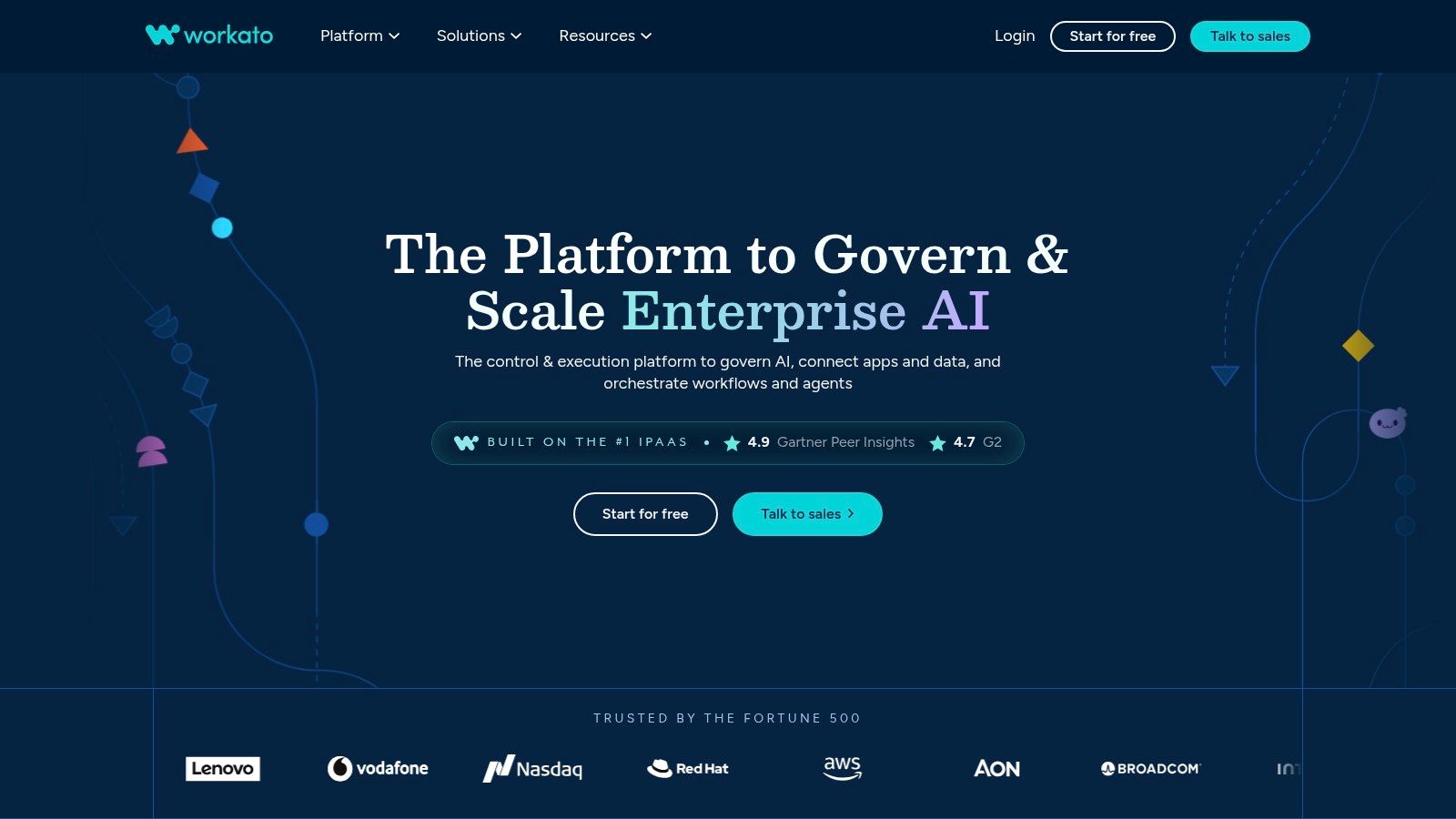
Workato sits a tier above small-team builders, aimed at organisations connecting business-critical applications across departments. Its recipes handle workflows, APIs, data pipelines and app events spanning cloud and on-premises systems. Lifecycle management with separate development, testing and production environments lets you promote a changed recipe through proper stages instead of editing a live finance integration on a Friday afternoon.
The governance is the product. Security, monitoring and environment controls exist because a broken lead-routing recipe costs revenue and a broken procure-to-pay recipe costs more. If your automations need change control, audit trails and a named owner when they fail at month-end, this category fits. Freelancers and five-person teams will mostly pay for machinery they never switch on.
Pricing reflects that positioning. Enterprise arrangements combine a platform edition fee with usage-based credits and require a sales quote. A self-service Pro edition pairs a monthly fee with a credit allowance, so model consumption against your highest-volume process before signing anything. Edition fees plus credits compound quickly, and the implementation work usually lands on an operations or IT lead rather than a business user.
The guide to enterprise workflow software requirements sets out the governance questions to settle before a sales conversation. I recommend Workato when integration failure has a named business owner and a measurable cost. Scope a pilot around one workflow, such as lead-to-cash or procure-to-pay, and prove the change-control path before expanding.
8. Activepieces
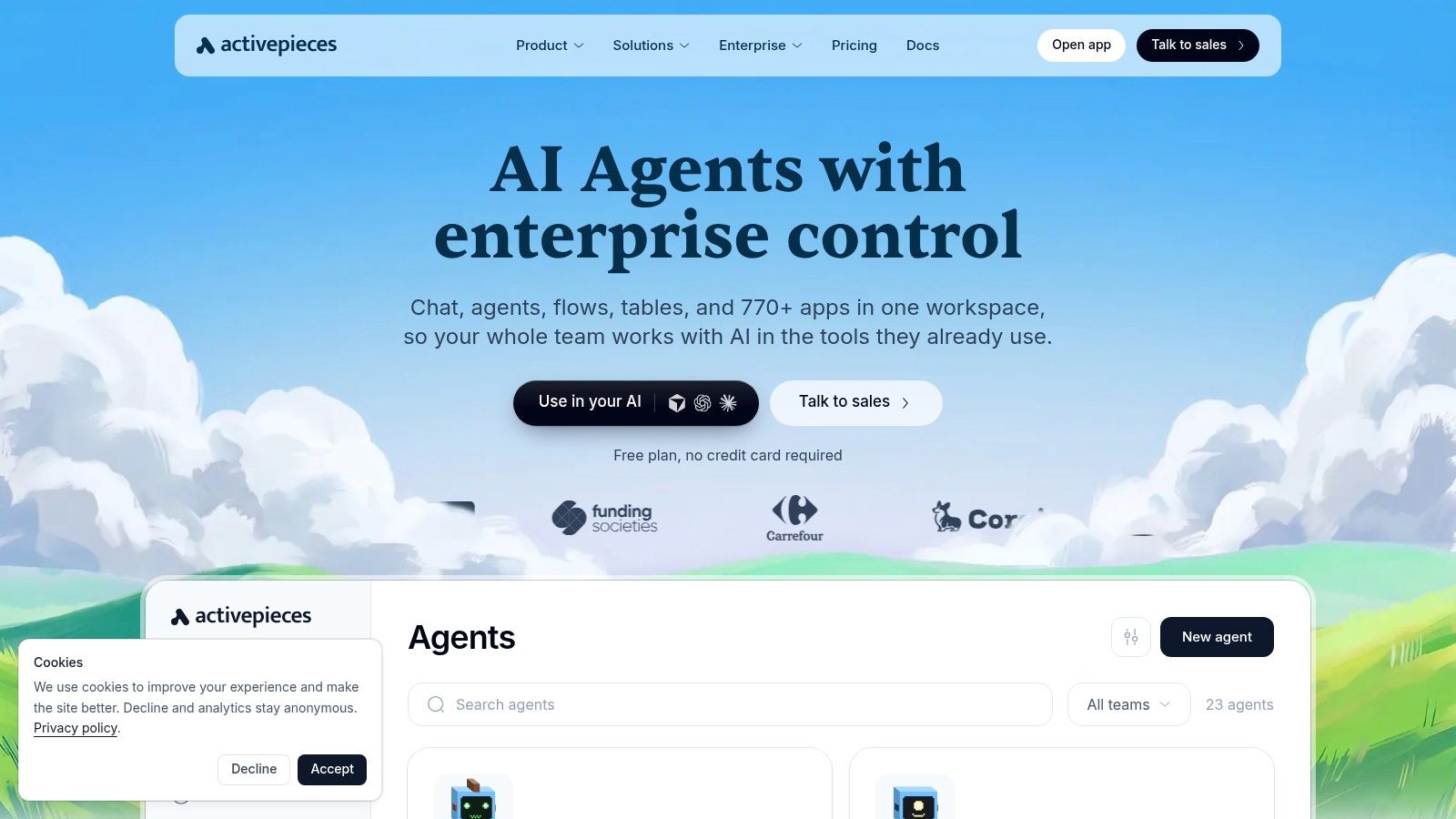
Activepieces is the open-source option for teams who want n8n-style deployment choice with a gentler builder. Workflows combine connected apps and actions called pieces, and the platform offers visual flows, AI agents, tables, API access and MCP support for exposing connected app actions to compatible AI clients. You can run it in their cloud or self-host it on your own infrastructure.
Pricing is unusually legible. Published pricing charges credits per run rather than per workflow step, so longer flows don't inflate the bill step by step. The free plan includes 100 credits per day with unlimited flows and no credit card required, which is enough to test real processes rather than toy examples. Plus is US$20/month for up to five users, and flat self-serve pricing is easier to forecast than per-action metering.
Check integration coverage before falling in love. The catalogue runs to hundreds of integrations, noticeably smaller than Zapier's, so verify every app in your stack, and every trigger and action you need within those apps, since partial coverage is the common disappointment. Some administrative and governance features sit on higher tiers.
Deployment note: Self-hosting only saves money if someone owns patching and securing it. Unmaintained automation infrastructure holding API keys for your whole stack is a liability, not a saving.
For a technically comfortable small team wanting predictable costs and an exit to self-hosting, it's a credible default.
9. Airtable Automations
Some teams don't need an integration platform. They need their shared records to react when something changes. Airtable combines a relational-style database with collaborative workspaces, and its automations trigger on changes or events in your data: a lead status flips, a request form lands, a deadline passes. Views, forms and interfaces organise the work itself, while run history lets you review what fired and when.
This works brilliantly when the process lives in the base. Say a content team tracks briefs, writers and publish dates in Airtable. Automations can chase overdue drafts, notify editors on status changes and log publication, all without syncing records to an external tool and back. Connections to other apps and API access exist, subject to plan limits, but they're supporting acts.
The limits follow from that design. It's less suited to broad automation across many external systems than a dedicated integration platform, and if your process spans five SaaS tools with Airtable as a bystander, you're using the wrong centre of gravity. Pricing also scales with people: a free plan is available, and Team is US$20 per collaborator/month billed annually, charged per collaborator with editing permissions. Automation runs are capped by plan too.
- Best for: Record-centred processes already managed in Airtable.
- Watch for: Per-collaborator costs as editor counts grow.
10. UiPath
An accounts team rekeying invoice lines from PDFs into an ageing ERP is the classic UiPath case. UiPath fields software robots that work through the same screens a person would use, so it covers legacy systems, document-heavy workflows and internal tools that will never get clean APIs. Document processing and data extraction pull fields from invoices and forms, while orchestration coordinates robots, people and AI agents across attended and unattended runs.
That interface-first approach is both the strength and the tax. It reaches processes no integration platform can touch. It also breaks when screens change, so expect real maintenance for selectors, exceptions and queue handling. I recommend it only where volume is high enough to justify that upkeep, with staff handling edge cases the robot routes to them.
Set expectations on buying effort too. Public pricing is hard to compare across tiers, and enterprise deployments typically need scoping around robots, orchestration and support.
If your apps have decent APIs, UiPath is almost certainly more platform than you need. If they don't, it may be the only option that works.
Business process automation tools at a glance
Use this table to shortlist by fit, not feature count. Freelancers and small teams usually start with Zapier, Make or Activepieces. Microsoft or Zoho shops should check their native option first. Enterprises with governance needs look at Workato or UiPath.
| Best for | Starting price | Free plan or trial | Standout strength |
|---|---|---|---|
| Zenfox.ai, proactive AI assistance for work and everyday life | Paid Pro plan; Free and Max tiers also available | 7-day Pro trial for eligible new users | Combines contextual research, writing, planning, and task execution |
| Zapier, straightforward automations across popular business apps | Professional: $19.99/month | Free plan with 100 tasks/month | More than 9,000 app integrations |
| Make, visual, multi-step workflows with branching | Core: $12/month | Free plan available | Flexible visual scenario builder |
| Microsoft Power Automate, organizations using Microsoft 365 and Windows | Premium: £11.50/user/month, billed yearly | 30-day free trial | Combines cloud workflows with desktop RPA |
| n8n, technical teams needing flexible or self-hosted workflows | Cloud Starter: €20/month, billed annually | Free self-hosted Community Edition | Workflow-run pricing and self-hosting |
| Zoho Flow, businesses connecting Zoho and other apps | Standard: $25/month, billed annually | Up to 5 flows and 100 tasks/month | Strong Zoho ecosystem connections |
| Workato, enterprises orchestrating business-critical processes | Pro: $75/month; enterprise pricing by quote | Free self-service option | Broad integration, orchestration, and governance capabilities |
| Activepieces, teams seeking open-source automation and self-hosting | Plus: $20/month for up to 5 users | 100 credits/day | Open-source platform with cloud and self-hosting options |
| Airtable Automations, teams automating work around shared records | Team: $20/collaborator/month, billed annually | Free plan available | Combines structured databases with built-in automations |
| UiPath, organizations automating legacy systems and interface-based tasks | Basic: $25/month | 60-day Standard trial | RPA for tasks without suitable app integrations |
Read price and trial columns as starting points. Limits bite at volume. Check tasks, runs or capacity against one real workflow before you commit.
How to Choose, Pilot, and Roll Out Your Automation Stack
Start with the process, not the platform. The Office for National Statistics management practices article reports UK firms cited difficulty identifying suitable activities or business use cases as their most common AI-adoption barrier, affecting 39% of firms. So map your three most repetitive processes first and score each on frequency, error cost, human review time, integration complexity and revenue impact. Lead follow-ups, CRM updates, invoice handling and recurring reports usually score well because their baselines are measurable.
Shortlist by ecosystem fit next. Microsoft shops test Power Automate, Zoho shops test Flow, record-centred teams test Airtable, and everyone else compares Zapier, Make, n8n and Activepieces against their actual app list. Feature counts mislead. Connector depth for your specific triggers and actions, plus who'll maintain the workflow in month six, decide whether it survives.
Then run a two-week pilot on one workflow with success criteria written down before you build. Measure handling time, error rate and completion against your manual baseline, and include failure cases with missing data. Estimate usage costs at real volume using each tool's own unit, whether that's tasks, credits, executions or capacity, and multiply by your busiest month, not your average week.
Governance for Lean Teams
Bounded autonomy beats unrestricted execution for most small teams. The UK Government rapid evidence review on advanced technology adoption reports 24% of firms considering advanced technologies cited low technology maturity and 17% cited security risks. Decide which actions need human approval, customer emails and financial changes usually, keep activity logs switched on, revoke access when staff leave, and test with synthetic data before connecting real customer records under your UK GDPR obligations.
An AI-assistant platform earns its place at that point. When you'd rather describe outcomes in plain English than maintain trigger diagrams, our AI Workers come from a catalogue of 28 templates across Sales, Marketing, Web, Support, Data, Finance, Admin, HR, Legal and Operations. To hire one, you pick a template, we propose a work plan, you approve it, and then the worker starts. AI Workers run continuously and pause at decision points by default, and you can switch them to higher autonomy later once the pilot proves itself.
- Map first: Score three candidate processes before opening any tool.
- Pilot narrowly: One workflow, two weeks, measurable criteria.
- Price transparently: Model peak volume, including every billed step.
- Govern lightly: Approval thresholds, logs, access reviews, synthetic test data.
Whichever tool you pick, the pilot, not the demo, tells you whether it'll hold up. Demos use clean data and happy paths. Your processes won't.
If your bottleneck is follow-through rather than wiring apps together, Zenfox.ai lets you connect Gmail, Slack, HubSpot and Drive, describe the outcome in plain English, and have AI Workers research, draft and execute while you approve the plan and review the activity log. Start with the eligible seven-day Pro trial, pilot one real workflow from your list, and judge it on handling time saved rather than on how the demo looked.