
Scrape a Website for Emails: Your 2026 Ethical Guide
Learn to scrape a website for emails ethically. Our 2026 guide covers tools, Python scripts, legal risks, UK GDPR, & automating leads to your CRM.
Most advice on how to scrape a website for emails treats the scrape as the whole job. It isn't. The scrape is the riskiest and often the least valuable part of a much larger workflow that includes legal review, extraction, cleaning, verification, enrichment, CRM handoff, and outreach.
That matters because most tutorials still push code snippets and browser tools without covering compliance. A 2025 review of popular guides found that 90% fail to mention mandatory Data Protection Impact Assessments, while the ICO received over 1,200 complaints about unsolicited emails in Q1 2025 alone, with 40% involving scraped data sources. If your process starts with “find emails fast” and ends with “send cold emails”, you've skipped the parts that protect your domain, your reputation, and your business.
The smarter approach is to treat scraping as a controlled input into a compliant automation system. Sometimes the right answer is to scrape only generic public inboxes. Sometimes it's to avoid scraping entirely and use permission-based sources instead. And if you do scrape, the important work starts after extraction, not before.
Table of Contents
- The Hidden Risks of Email Scraping in 2026
- Choosing Your Email Scraping Method
- Navigating Legal and Ethical Minefields
- Advanced Scraping Techniques and Avoiding Blocks
- Turning Raw Scraped Data into Actionable Leads
- Automating Your Outreach with Zenfox.ai
The Hidden Risks of Email Scraping in 2026
Email scraping still gets sold as a growth shortcut. Open a directory, run a tool, export a CSV, send outreach. That sounds efficient until you look at what breaks in practice.
The first problem is that extraction is easy to overvalue. A raw list of addresses says nothing about consent, fit, accuracy, intent, or deliverability. Teams often spend hours collecting data that they can't legally use for marketing, shouldn't email from a reputation standpoint, or can't trust because it contains stale or malformed records.
The second problem is tutorial quality. Many guides explain selectors, regex, and exports, but ignore the decision points that matter most. You need to know whether the address is personal data, whether your use case has a lawful basis, whether the website prohibits scraping, and whether your outreach process can survive bad data.
Practical rule: If a tutorial gets you to a CSV faster than it gets you to a compliance decision, it's incomplete.
There's also a technical trap. Modern sites don't behave like static HTML pages from older tutorials. They use JavaScript rendering, bot protection, rate limits, fingerprinting checks, and location-based access rules. A method that works on a toy example often fails on real sites after a few pages.
The bigger mistake is operational. People treat scraping as a standalone task instead of the opening move in a chain. In a real workflow, the scrape feeds validation, suppression rules, lead qualification, CRM updates, inbox sequencing, and follow-up tasks. If that chain isn't designed first, the scrape creates noise faster than value.
A better question isn't “how do I scrape a website for emails?” It's “should this address enter my workflow at all, and what happens to it next?” That shift changes the tools you choose, the way you collect data, and whether the result helps your pipeline or damages it.
Choosing Your Email Scraping Method
Not every project needs code. Not every project should use a browser extension. The right method depends on list size, repeatability, target sites, and the level of control you need after the scrape.
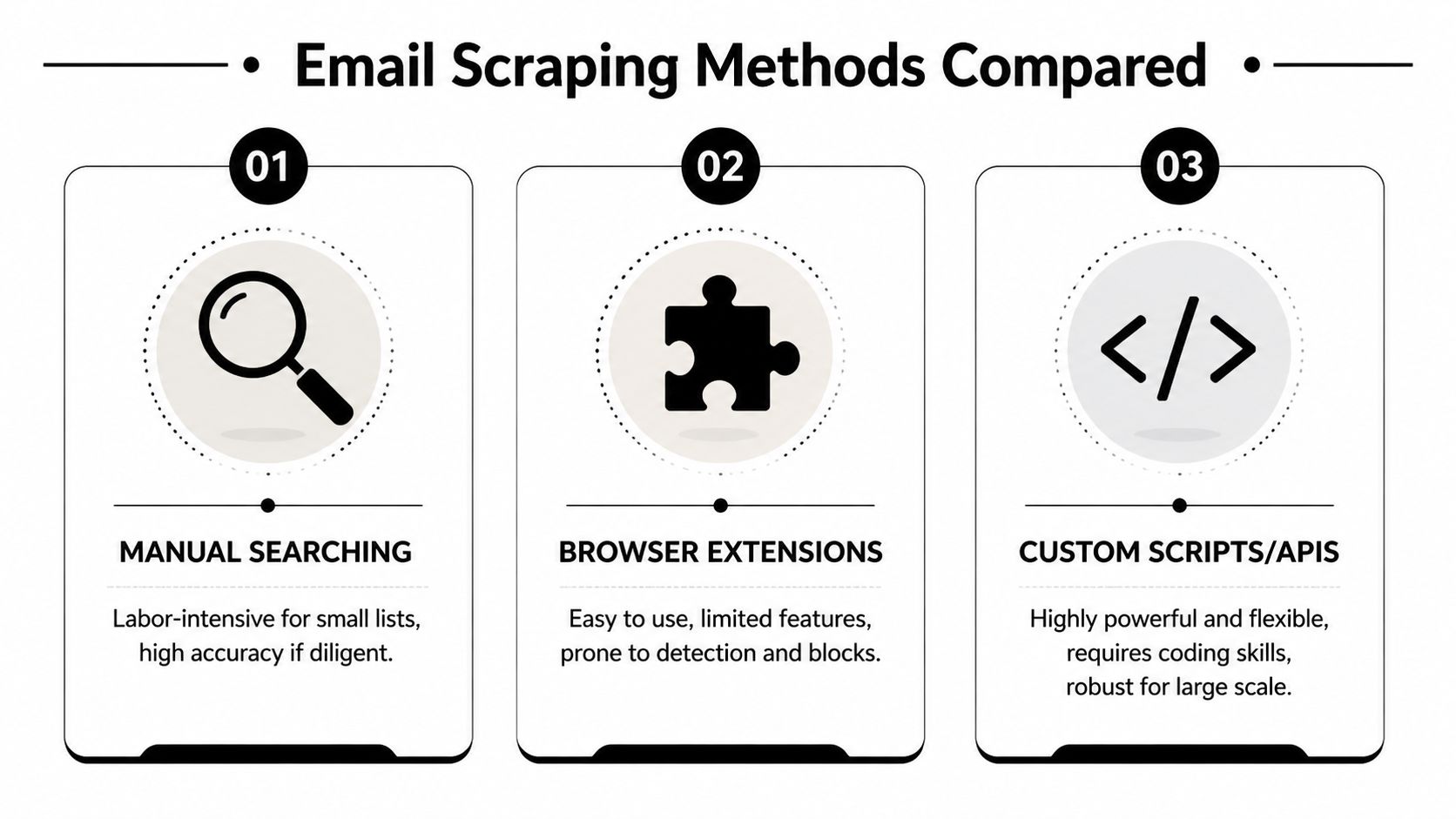
Manual search works when precision matters
Manual collection is slow, but it's still useful when you're building a short list of high-value targets. You open the site, inspect contact pages, confirm context, and record only addresses that fit your purpose.
That approach works well for consultants, recruiters, and niche agencies researching a small number of companies. It also forces judgement. You notice whether an address is a generic inbox, a support channel, or an individual's contact detail that may need stronger justification before any outreach.
Browser extensions are convenient but fragile
Extensions appeal because they're fast to install and simple to use. For ad hoc prospecting, they can be enough. The problem is that convenience usually comes with shallow control.
Extensions often struggle when the target site loads content dynamically, changes layout often, or actively detects automation. They also encourage bulk collection without much thought about filtering, logging, or downstream handling. That's where people end up exporting a messy list and trying to fix it later.
Custom scripts and APIs suit repeatable workflows
If you need consistency, custom scripts are the serious option. A Python stack with requests, BeautifulSoup, Scrapy, or a browser automation layer gives you control over selectors, retries, pacing, validation, and storage structure.
Scripts also fit better into broader operations. You can parse pages, suppress unwanted addresses, attach source metadata, and pass records into other systems through tools like Zenfox API connections. That matters if scraping is only one step in a repeatable workflow.
Here’s the trade-off in plain terms.
| Method | Technical Skill | Scalability | Cost | Risk Level |
|---|---|---|---|---|
| Manual search | Low | Low | Low | Medium |
| Browser extensions | Low to medium | Low to medium | Low to medium | Medium to high |
| Custom scripts or APIs | Medium to high | High | Medium | High if unmanaged, lower when properly controlled |
A few practical decision rules help:
- Choose manual search if you're building a short, carefully reviewed list and context matters more than speed.
- Choose an extension if you need quick prospecting on simple sites and you're prepared for inconsistent output.
- Choose scripts or APIs if the task repeats, the site structure is known, and you need logs, filters, and integration with later stages.
The fastest collection method isn't always the fastest route to usable leads. Rework after a poor scrape is where time disappears.
The method should fit the workflow, not the other way round. If you can't see how the records will be cleaned, verified, stored, and actioned, the scrape method doesn't matter yet.
Navigating Legal and Ethical Minefields
The legal question isn't whether an email address is visible on a page. The legal question is whether you have a valid reason to collect it, store it, and use it for outreach.

In the UK, this sits mainly under PECR and the UK GDPR. The short version is simple. Public availability does not equal marketing consent. That distinction is where many scraping projects go wrong.
According to UK email scraping enforcement figures discussed here, PECR violations accounted for 28% of all data protection enforcement actions between 2018 and 2023, with fines totaling over £12.7 million for electronic marketing breaches. One operation that used harvested emails was fined £140,000. That's not a theoretical risk. It's a routine enforcement category.
Public doesn't mean permitted
A company may publish info@company.co.uk to handle customer enquiries. That doesn't automatically make it fair game for bulk marketing. An individual may list a direct email on a professional page for genuine business contact. That still doesn't erase your obligations around lawful basis and fair processing.
Many “scrape a website for emails” guides become dangerous at this point. They collapse three separate actions into one:
- finding an email address
- storing personal data
- sending electronic marketing
Each step needs its own justification.
The website itself matters too. robots.txt, site terms, and anti-scraping clauses aren't decorative. They form part of the operating boundary. If you're scraping anyway, you need to know what the site allows, what it restricts, and whether your planned use crosses from data collection into prohibited reuse. For related platform-specific risk patterns, the issues around scraping LinkedIn data show how quickly technical access and legal expectations can collide.
A practical compliance filter
Before collecting anything, run it through a basic filter:
- Check the address type. Generic inboxes such as
info@orsales@are usually lower risk than named personal addresses, but they still aren't a free pass for mass emailing. - Define the purpose. Internal research, competitor tracking, and market mapping are different from promotional outreach.
- Test lawful basis early. If you can't explain why this person or business should reasonably expect your contact, stop there.
- Review site restrictions. Terms and scraping prohibitions affect risk even before outreach starts.
- Log what you did. Keep a record of source page, timestamp, purpose, and any exclusion or suppression decisions.
Scraping is usually the easiest part to automate and the hardest part to justify after the fact.
Ethics matter because they improve judgement before law forces the issue. If your process depends on technical access alone, it isn't sound. A compliant workflow starts with restraint, not just extraction skill.
Advanced Scraping Techniques and Avoiding Blocks
If you've decided a scrape is justified and you're taking the scripting route, build for resilience from the start. Most failures don't come from regex. They come from behaving like a bot, assuming the page is static, and collecting data without enough structure around it.
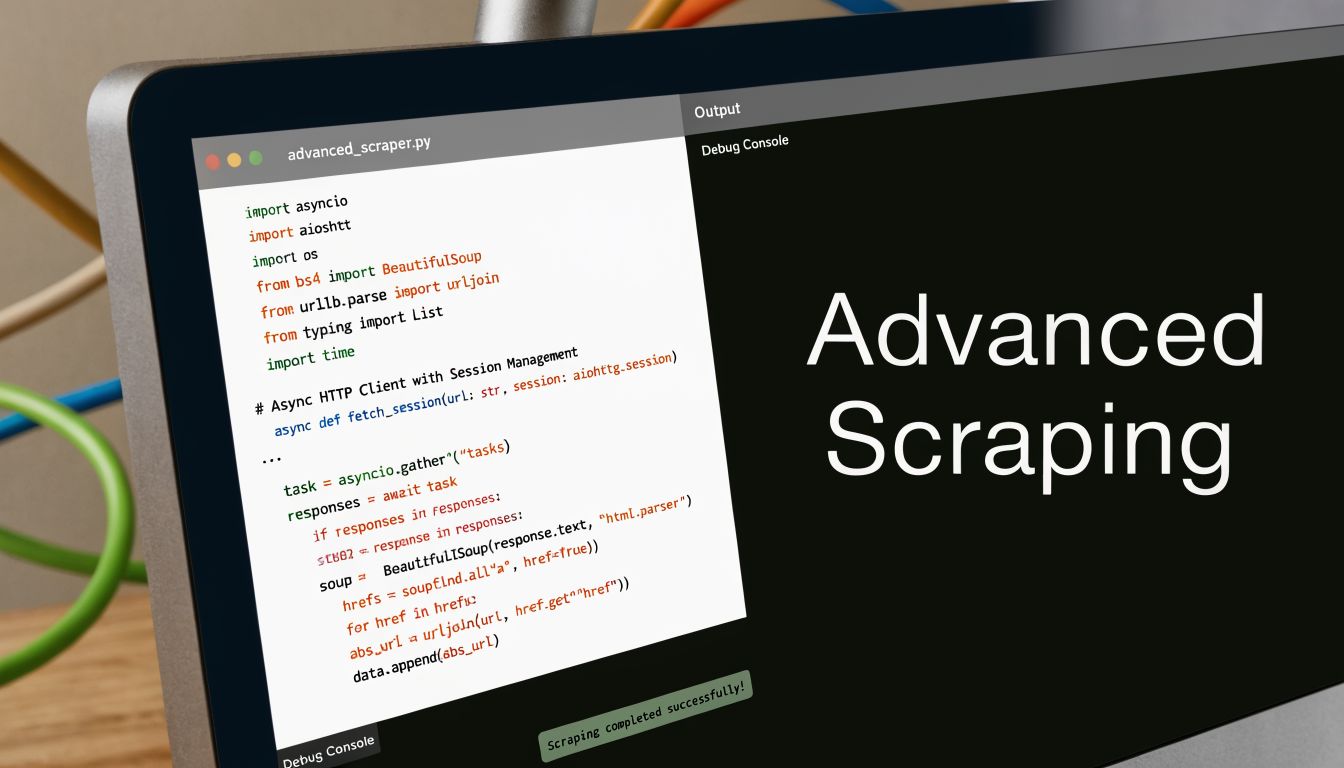
Start with a scraper that behaves well
A practical Python stack usually starts with Scrapy or requests plus BeautifulSoup for static pages. For dynamic sites, you often need a headless browser layer such as Puppeteer or Playwright. The key is to match the tool to the page, not to force one tool across everything.
Your baseline checklist should include:
- Respectful pacing with delays and backoff instead of rapid-fire requests
- Rotating user agents that resemble real browsers rather than default automation signatures
- Selector discipline so the scraper targets contact elements, not the whole page blindly
- Structured logging for requests, failures, retries, and extracted sources
- Suppression rules to avoid grabbing addresses you already know you shouldn't use
This isn't just about avoiding blocks. It also reduces messy output and makes later review possible.
Handle dynamic pages and anti-bot systems
Modern UK sites often rely on JavaScript-rendered content, cookie checks, and bot detection. If the page doesn't expose the email in the initial HTML, your scraper needs to wait for the DOM to render before extracting mailto: links or visible text patterns.
Benchmarks discussed in this guide on common scraping errors show that using residential UK proxies can lift extraction success from 32% to 78% on UK business directories, and 90% of default automation tools are detected and blocked by modern sites. That's why brittle Selenium defaults fail so often in production.
Use anti-detection carefully and proportionately. The goal isn't to batter through every defence. The goal is to avoid obviously bot-like behaviour on pages you have a legitimate reason to access. In practice, that means slower request rates, browser fingerprints that don't look synthetic, and a willingness to stop when a site clearly resists automated access.
A useful walkthrough helps if you're building this stack yourself:
Build validation into the scrape itself
A good scraper doesn't just collect. It filters while collecting.
Start by separating emails into buckets: generic inboxes, named addresses, malformed strings, and obvious false positives from scripts or page chrome. Then attach metadata to each record, such as source URL, page title, crawl timestamp, and the selector that found it. When a site changes structure, that metadata tells you what broke.
I also recommend a two-pass pattern:
- First pass extracts candidate emails with source context.
- Second pass rechecks the page or linked contact page before the record enters your dataset.
Field note: The more expensive your outreach channel is, the stricter your scraper should be before a record ever reaches a CRM.
A scraper that “works” but produces noisy output isn't efficient. It just postpones failure to the cleaning and sending stages.
Turning Raw Scraped Data into Actionable Leads
A scraped list isn't a lead list yet. It's a pile of candidate records. Treating those records as ready for outreach is how teams end up with poor deliverability, irrelevant messaging, and damaged sender reputation.
Clean first before you enrich or email
Start with basic hygiene. Remove duplicates, strip whitespace, normalise casing, and eliminate broken formats that slipped through regex extraction. Then look at role accounts and context. A generic inbox can be useful for routing, but it often performs differently from a named decision-maker address and needs to be tagged accordingly.
I usually separate records into practical groups:
- Keep for business routing such as public contact or department inboxes
- Review manually when the address appears personal or ambiguous
- Suppress immediately when the source context suggests opt-out language, support-only use, or no-contact intent
That extra pass feels slow, but it prevents pointless enrichment and avoids contaminating your CRM with low-value or high-risk entries.
Verification decides whether the list is usable
Accuracy is where most scraped datasets disappoint. According to the earlier UK enforcement and benchmark discussion, scraped lists often show verification rates as low as 68-73%, which can lead to bounce rates of 15-20% and put a sender domain at risk of blacklisting under Ofcom rules. That isn't a small quality issue. It changes whether the list is operational at all.
The fix is to verify before outreach, not after a failed send. That means checking whether the address is syntactically sound, whether the domain is active, and whether the mailbox appears capable of receiving mail. You don't need to overcomplicate this, but you do need a gate between collection and sending.
A practical cleanup flow looks like this:
- De-duplicate first so you don't verify the same record twice
- Validate structure to remove obvious extraction errors
- Check mailbox readiness using a verification tool or service
- Tag confidence level so outreach rules can differ by data quality
- Keep source attribution in case you need to review how the address was obtained
Bad data hurts twice. First when you waste time handling it, then again when inbox providers start distrusting your sending domain.
Once the list is clean, verified, and segmented, it becomes something useful. Before that, it's just raw material.
Automating Your Outreach with Zenfox.ai
Most scraping setups often fall apart. They can collect data, but they can't run the rest of the workflow cleanly. A freelancer or small team doesn't just need emails. They need records cleaned, routed, enriched, logged, added to the CRM, and turned into personalised follow-up tasks without spending half the week on admin.

What the post-scrape workflow should look like
A sane workflow starts after verification. You import a reviewed CSV, map fields, suppress records that shouldn't be contacted, enrich the remaining leads with company context, and route them into your core tools. Then the automation layer takes over.
For example, an AI workflow can:
- ingest the cleaned lead file
- check for duplicates against HubSpot
- create or update contact records
- draft personalised intro emails in Gmail
- assign follow-up tasks when a reply doesn't arrive
- keep an activity log so the process is auditable
That matters more than the scraper itself because a significant amount of time is consumed in the subsequent steps. Standalone extraction tools usually stop at export. The operational cost starts right after export.
Why integrated automation beats standalone scrapers
The scaling gap is especially obvious for solo operators. According to this review of no-code scraping at scale, freelancers handling 2,000+ leads a month quickly outgrow standalone scrapers with 500-domain limits, and an integrated AI workflow across tools like HubSpot and Gmail can cut manual verification and data entry by 80%.
That doesn't mean “scrape more”. It means remove repetitive work after careful collection. The valuable automation isn't the part that rips addresses off pages. It's the part that keeps your pipeline tidy, your messaging consistent, and your follow-up reliable.
If you want to operationalise the full chain, tools that can generate workflow logic without heavy engineering are more useful than another extension. That's the difference between a one-off extraction task and a repeatable process. A platform that can build an instant app around your lead handling rules saves far more effort than squeezing a few more addresses out of a brittle scrape.
Used properly, automation changes the role of scraping. It stops being the main event and becomes a tightly controlled input. That's the safer place for it.
If you want a safer way to turn cleaned lead data into real follow-up work, Zenfox.ai helps you automate what happens after collection. Connect tools like Gmail, HubSpot, Slack, and Drive, then let Zenfox handle the repetitive steps: importing leads, updating records, drafting outreach, assigning follow-ups, and keeping a full activity trail. It's a better fit for freelancers and small teams that need an end-to-end workflow, not just another scraper.