
Knowledge Database Software Free: Top 10 Picks for 2026
Looking for knowledge database software free? Compare 10 tools by free-tier limits, integrations and best fit — plus AI indexing alternatives to know about.

Most free knowledge tools stop being free at the exact moment they become useful. You build the structure, your team starts relying on it, then you hit a user cap, a 50 item limit, or a storage ceiling that forces an upgrade mid-flight. That paywall timing is not an accident. It is the business model.
The cost of getting this wrong is real search time, not just a subscription line. In a UK survey of more than 2,000 knowledge workers reported by Personnel Today on Lucid Software's UK survey, 53% spend up to two hours per day searching for work-critical information, equivalent to as much as 520 hours annually. A knowledge database that fragments or locks up your content does not fix that problem. It relocates it.
So this roundup of knowledge database software free options judges tools by their actual limits, not their marketing lists. Three axes decide most choices. First, hosted versus self-hosted, meaning who patches, backs up, and secures the server. Second, individual versus team, because several free tiers are really single-user products. Third, flexible workspace versus structured wiki, which determines how much organising discipline the tool imposes on you.
Read each entry as a ruling-in exercise. If the cap, the hosting burden, or the structure does not fit your team size and storage needs today, skip it and move on. The closing section adds an evaluation checklist, migration warnings, and the point where AI indexing across existing files beats maintaining another wiki.
Table of Contents
- 1. Notion
- 2. Confluence
- 3. Slab
- 4. Nuclino
- 5. AppFlowy
- 6. Outline
- 7. Wiki.js
- 8. BookStack
- 9. MediaWiki
- 10. GitBook
- Free-tier comparison
- How to Choose, When to Upgrade, and Where AI Fits In
1. Notion
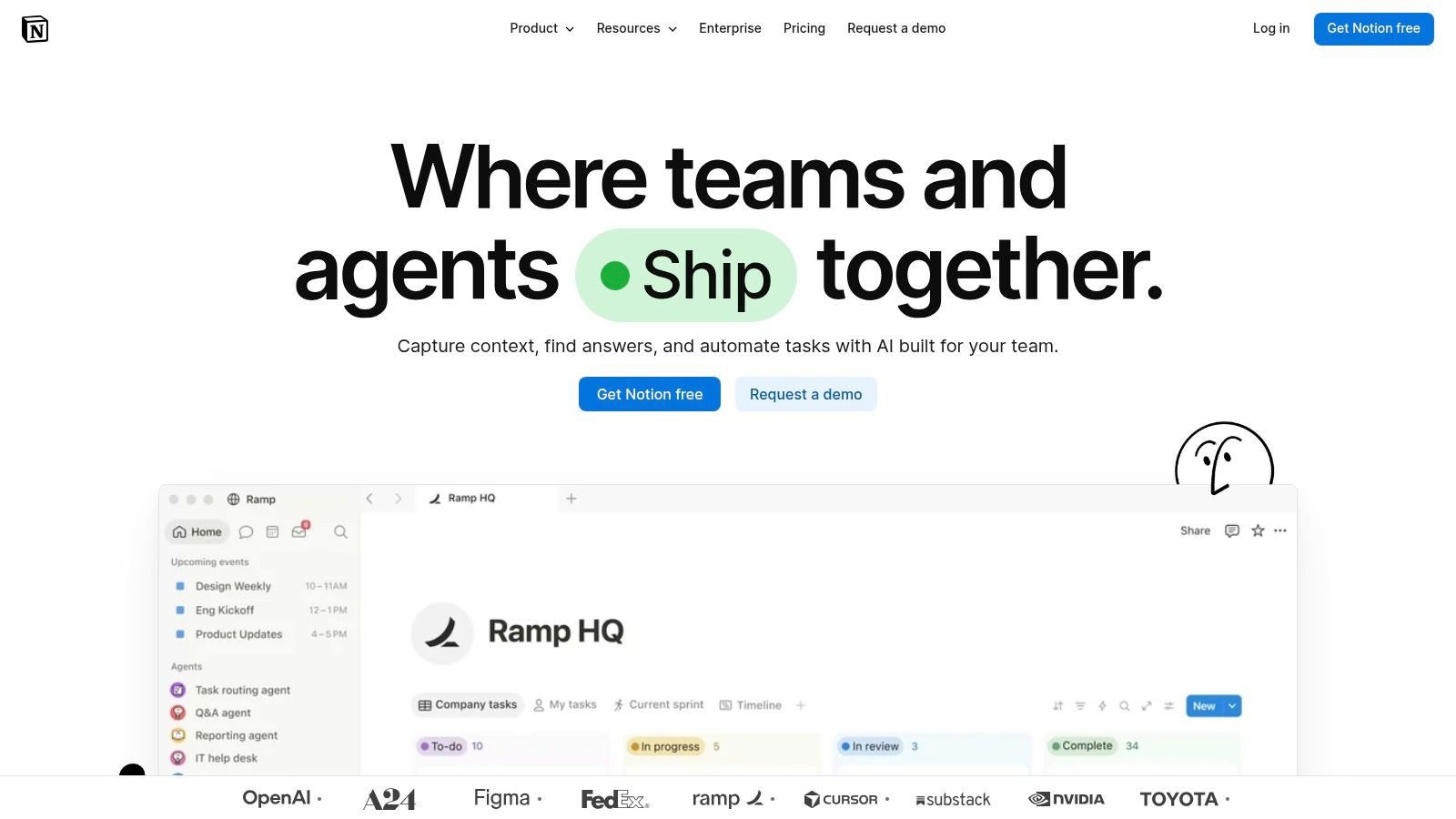
Notion suits solo professionals who want a hosted knowledge base without server setup. Its free plan combines pages and databases with properties, views, and linked records, letting you keep process documentation, client tracking, and reference material together. The trade-off is organisational: without naming rules and page templates, content spreads and the canonical version becomes unclear.
For UK solo operators, a browser-based workspace is a familiar setup. The Department for Business and Trade Longitudinal Small Business Survey 2024 for businesses with no employees found 53% of UK businesses with no employees used technology or web-based software to sell to customers or manage the business in 2024. Notion requires no server maintenance, but you do need consistent naming to keep the workspace usable.
Where the free tier bites
- Collaboration limits: Free-plan limits can become restrictive as guests and shared workspaces grow. Check the current terms before making Notion the centre of a team wiki.
- File uploads: A per-file size limit applies on the free plan, so large attachments may need another storage location.
- Integrations: Integration needs vary by workflow. Review Notion's connected workflow integrations and confirm current plan limits on Notion's pricing page before relying on Slack or Google Drive connections.
Choose it if you work alone, or with a small number of collaborators, and want a flexible hosted hub. Skip it as a long-term team wiki if your group needs extensive shared access without paying. Set page templates and naming conventions early to keep flexibility from turning into clutter.
2. Confluence
If your team already lives in Jira, Confluence is the obvious structured option, and its free cloud plan is unusually honest about scale. It supports up to 10 users with 2 GB of storage, organised into pages and spaces for policies, meeting notes, and processes. That structure separates projects and departments cleanly, which a flat notes app never quite manages.
Cloud delivery is not a leap for most UK firms. The Office for National Statistics analysis of management practices and technology adoption in UK firms in 2023 reports that 69% of UK firms used cloud-based computing systems and applications in 2023, while 61% used specialised software. Confluence slots into that mainstream pattern rather than asking you to run anything yourself.
The limits that matter
- Permissions: The free plan lacks configurable page and space level permissions, a serious gap if client or HR material sits beside general notes.
- Storage: 2 GB fills fast once screenshots, PDFs, and whiteboards accumulate.
- Weight: Templates, spaces, and Atlassian integrations feel heavier than a simple wiki, which matters for a three person team.
Understanding what knowledge management actually means in practice helps here, because Confluence rewards teams who define spaces and owners upfront. Choose it if you're a small Atlassian shop that wants order without hosting. Avoid it if granular permissions are essential on day one.
3. Slab
Slab does one job and refuses to become a productivity suite, which is exactly why some teams adopt it faster than broader tools. You write posts, group them into topics, and rely on unified search to surface the answer. Real-time collaboration and templates cover the daily documentation work without turning every page into a database project.
The free plan supports up to 10 users with unlimited posts and topics, a combination that suits a small firm documenting procedures steadily rather than storing heavy files. That audience is already online. The Department for Business and Trade Longitudinal Small Business Survey 2024 for SME employers found 69% of UK SME employers used technology or web-based software to sell to customers or manage the business in 2024.
A focused wiki that people actually search beats a flexible workspace nobody trusts.
The ceilings are clear. Attachments on the free plan are capped at 10 MB, and private topics, custom domains, and longer version history sit behind paid tiers. For a team under ten people writing mostly text documentation, those trade-offs are acceptable. For media heavy handbooks or client facing publishing, they are not.
Choose it if you want a team wiki adopted in days, not configured for weeks. I would not choose it if private topic controls are essential from the start, because retrofitting access rules after content spreads is painful, unglamorous work.
4. Nuclino
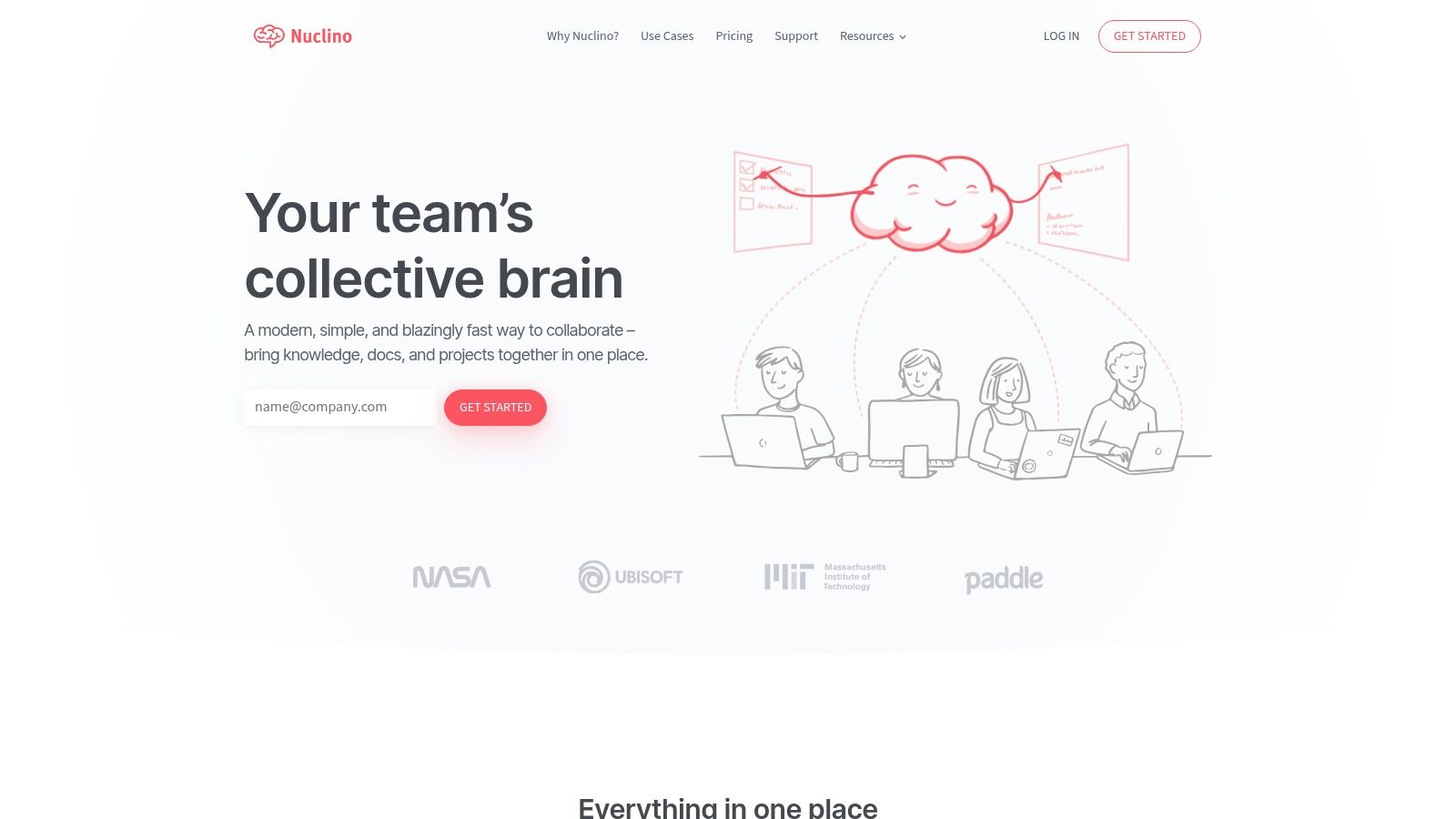
Nuclino is the lightest collaborative wiki in this list, with a clean interface, fast search, and documents you can view as a list, board, table, or graph. Canvases handle diagrams and visual organisation, and apps cover web, desktop, and mobile. For documenting a handful of processes, it feels effortless compared with heavier platforms.
Then you meet the ceiling. The free plan is limited to 50 items and 2 GB of storage. Fifty items sounds generous until you count onboarding pages, supplier notes, templates, meeting records, and the small reference docs every team creates weekly. A growing startup can exhaust that allowance in a single quarter of serious documentation.
Who the maths suits
- Solo users: Fine for a compact personal wiki that stays deliberately small.
- Small teams testing habits: Useful for proving people will write and search before you spend money.
- Permanent archives: A poor fit, because unlimited items, publishing, and administrative features require a paid plan.
Treat Nuclino as a trial with good manners rather than a free forever home. Choose it if interface simplicity will decide whether your team documents anything at all. Plan the upgrade, or the migration, before item forty, not after someone cannot create the page they need during a busy week.
5. AppFlowy
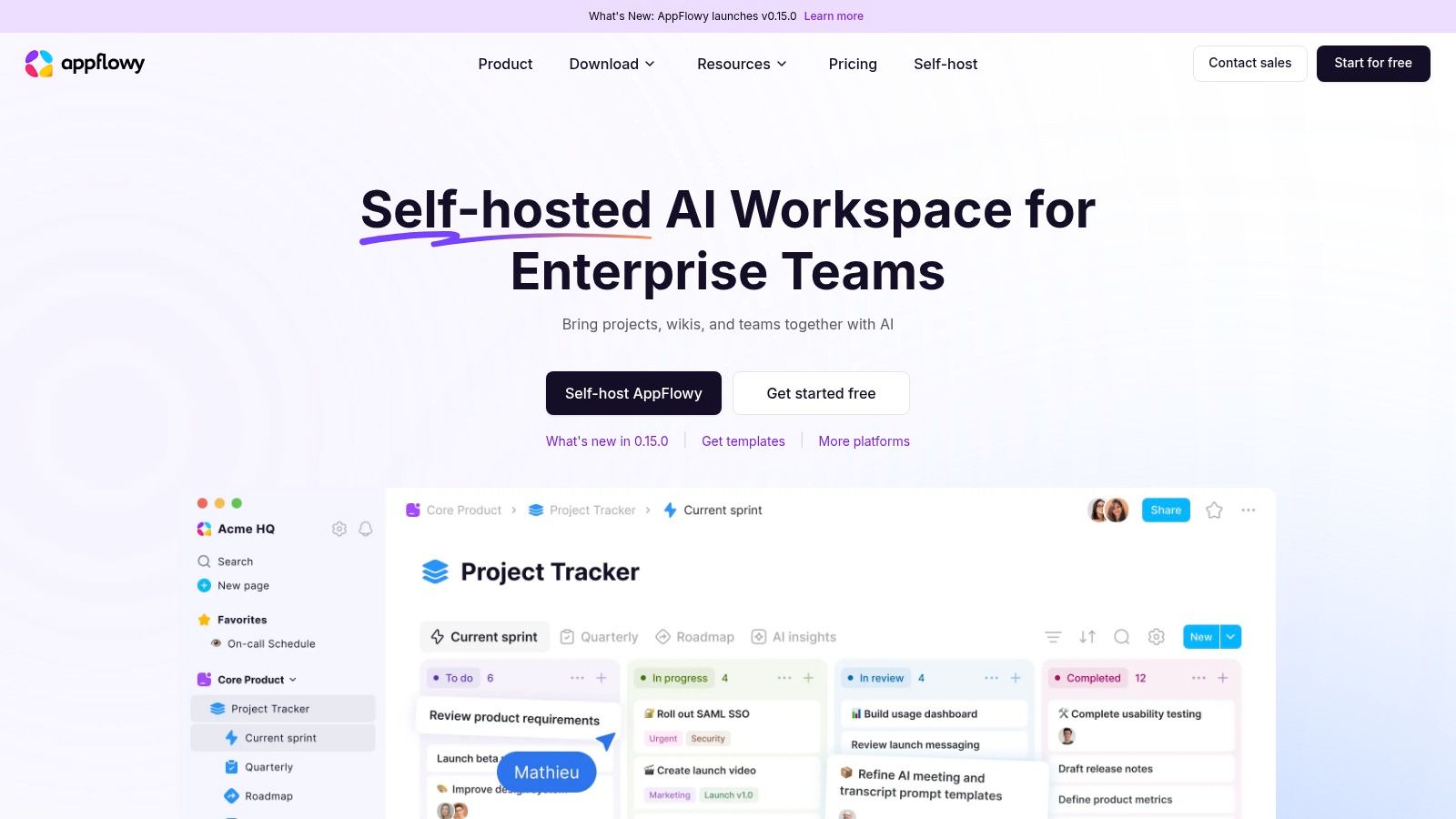
AppFlowy combines pages, wikis, and project tools in one workspace, with search, collaboration, and AI features. Its defining trade-off is self-hosting: you can run the software on your own infrastructure instead of relying entirely on a hosted service. Desktop and mobile apps are also available.
The hosted free tier has limited storage, so it may suit a small collection better than a growing archive of PDFs and image-heavy pages. Check AppFlowy's current pricing details before committing, since storage and other plan limits can change. If your collection outgrows the free allowance, the practical choice is to upgrade or manage your own instance.
Self-hosting offers more control over infrastructure, but it also means taking responsibility for maintenance, backups, and updates. That makes AppFlowy a better fit for technically confident users or teams with someone willing to handle those tasks than for groups seeking a hosted wiki with minimal upkeep.
Choose it if you want a workspace that brings knowledge pages and project management together, and can accept the maintenance involved in self-hosting. If you only need a straightforward knowledge base, its broader project tooling may add complexity without enough benefit.
6. Outline
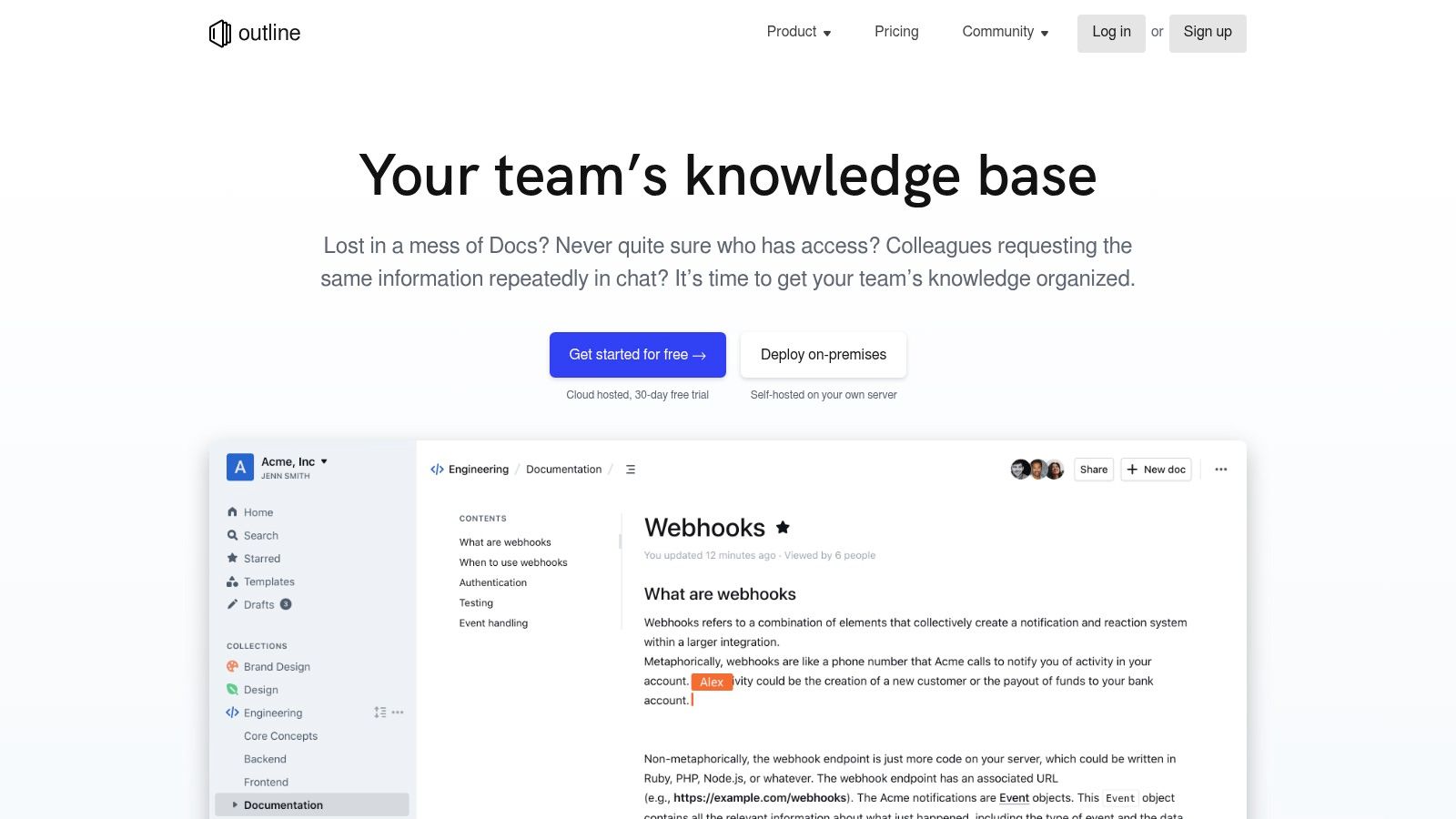
Outline is a polished team knowledge base built around a markdown friendly editor, comments, threaded discussions, and strong workspace search. Slack integration lets people find and share documents where conversations already happen, and AI question answering features sit on top of your collections. It feels designed for documentation rather than adapted to it.
Be clear about the pricing shape before you invest setup time. The cloud product offers a 30 day free trial, not a permanent free hosted plan. Permanently free use means self-hosting, with deployment, upgrades, and maintenance on your team. That is a legitimate route, but it is an infrastructure commitment, not a free tier.
Search quality is the reason teams accept that commitment. Learning how to search documents effectively across a growing collection matters more as collections grow, because retrieval failures push staff back to asking colleagues. Outline's focused editing and discussion model keeps answers attached to the documents they explain.
Choose it if your team writes in markdown, lives in Slack, and either budgets for cloud or runs servers confidently. Do not choose it expecting a free hosted plan to appear later. Trial it with real documents, test search against questions your team asks, and decide within the trial window.
7. Wiki.js
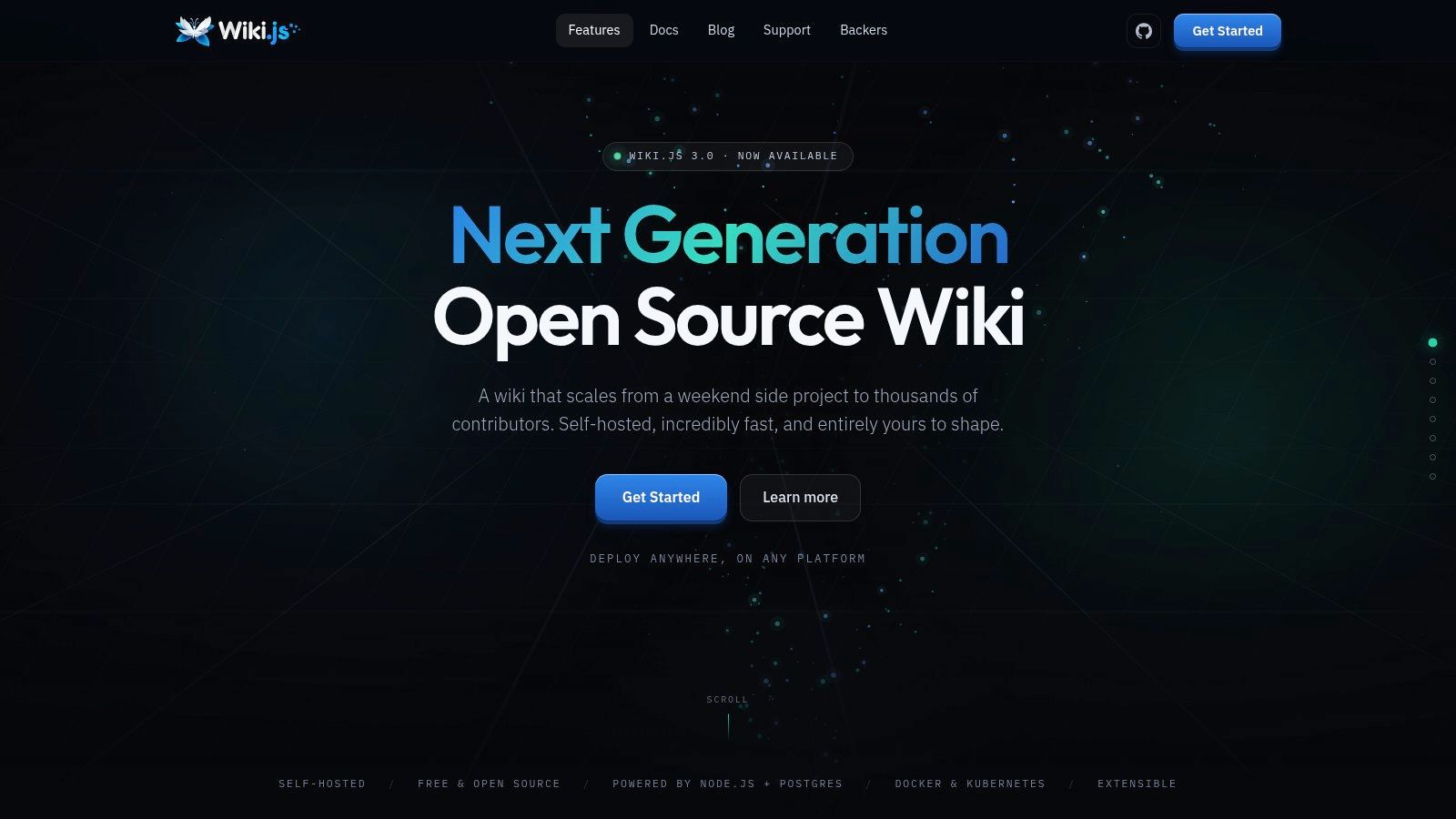
Wiki.js is free, open source wiki software for technical teams that want to run a configurable knowledge base on their own infrastructure. It includes markdown and visual editors, full-text search, tags, page history, user groups, permissions, and multiple authentication options. Multilingual content and API access give teams room to adapt it as their documentation needs change.
The licence costs nothing; operating it still takes time and technical ownership. Your team supplies hosting, manages updates, and handles backups and security. That work can be a poor fit for a small firm without technical support. UK government AI adoption research published on GOV.UK found only 14% of micro-businesses used AI, compared with 36% of large businesses, and noted limited internal knowledge or confidence as a common barrier. Wiki.js similarly suits teams prepared to manage their own systems.
Check the project's current release notes and deployment documentation before choosing a version. Major version changes can affect stability and upgrades, so confirm that the version you select fits your production needs.
Choose it if granular permissions, authentication control, and no licence fee matter more than having a hosted service. For a two-person firm without technical support, server maintenance can outweigh the savings. Factor in the ongoing work of maintaining the wiki, access rules, and the infrastructure underneath.
8. BookStack
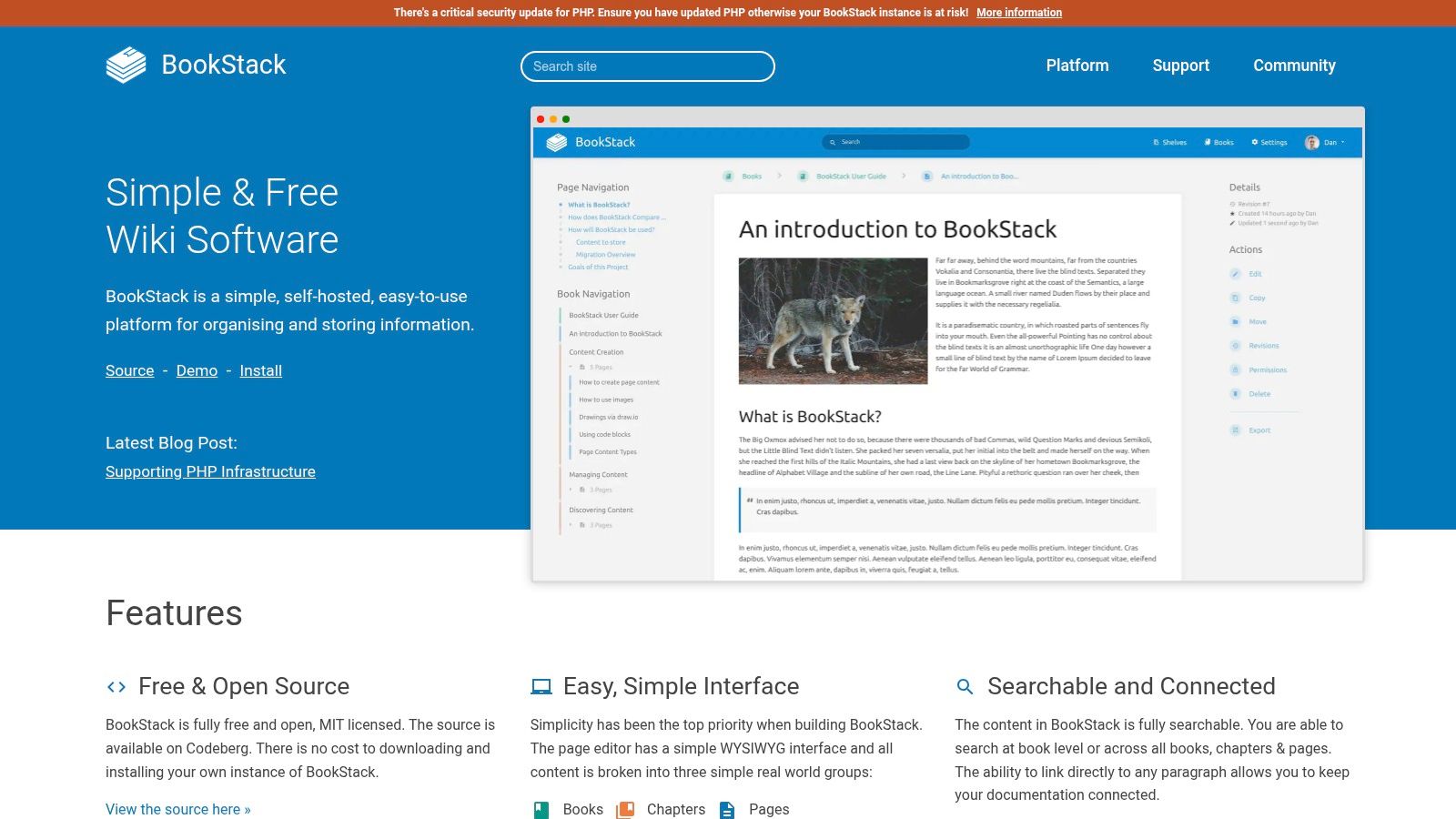
BookStack organises documentation the way handbooks already work, as books, chapters, and pages. It is free, MIT licensed, and self-hosted, with a WYSIWYG editor, search across the knowledge base, paragraph links, and configurable access. Non-technical staff usually grasp the hierarchy in minutes because it mirrors the manuals they already know.
That structure suits organisations sitting on digitised material they barely exploit. The UK Business Data Survey 2024 from the Department for Science, Innovation and Technology found 77% of UK businesses handled digitised data of some type, and 21% of those businesses analysed data to generate new insights or knowledge. Turning scattered files into a searchable handbook is a practical first step up that ladder.
The trade-offs in plain terms
- Clarity: The book hierarchy excels for policies, procedures, and staff handbooks with a natural reading order.
- Rigidity: It is less free-form than workspace tools, so messy brainstorming content fits awkwardly.
- Hosting: You need a server and a maintainer, or you arrange hosting separately.
Choose it if your knowledge has a table of contents hiding inside it. BookStack rewards finished, owned documentation with review dates. It punishes dumping grounds, which is a feature rather than a flaw for most small organisations.
9. MediaWiki
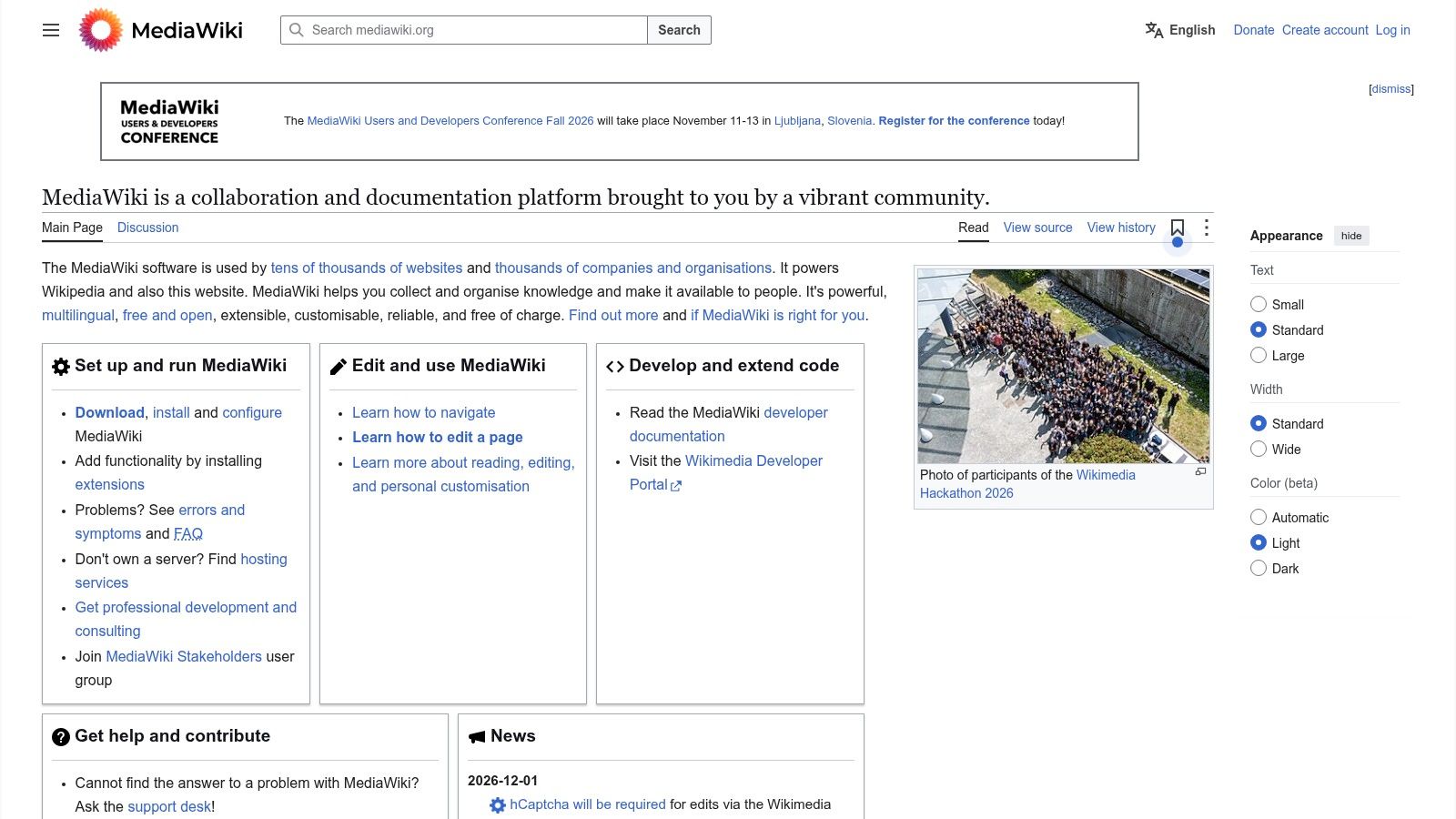
MediaWiki is the mature open source engine behind Wikipedia, and its strengths reflect that heritage. Collaborative pages carry full revision history, extensions add capabilities, and multilingual support serves public facing or internal wikis at serious scale. For large, interlinked knowledge collections, few free tools match its depth or community ecosystem.
Scale is not the same as suitability. You install it, configure it, upgrade it, and secure it on your own server. Extensions solve problems one at a time while adding maintenance overhead and compatibility questions at every upgrade. Modern hosted tools feel effortless beside it, and your team will notice the difference in editing comfort within a week.
Practical rule: Adopt MediaWiki for the collection you have, measured in thousands of interlinked pages, not the collection you imagine building someday.
Governance also falls entirely on you, including who can see, edit, and delete personal data held in pages. That responsibility suits institutions with administrators and documented processes. It overwhelms a freelancer who only wants procedures findable by Friday.
Choose it if you run a public knowledge project or a large internal wiki with technical stewardship. For a small team's operating manual, it is engineering effort spent on the platform instead of the content, and content is where the value lives.
10. GitBook
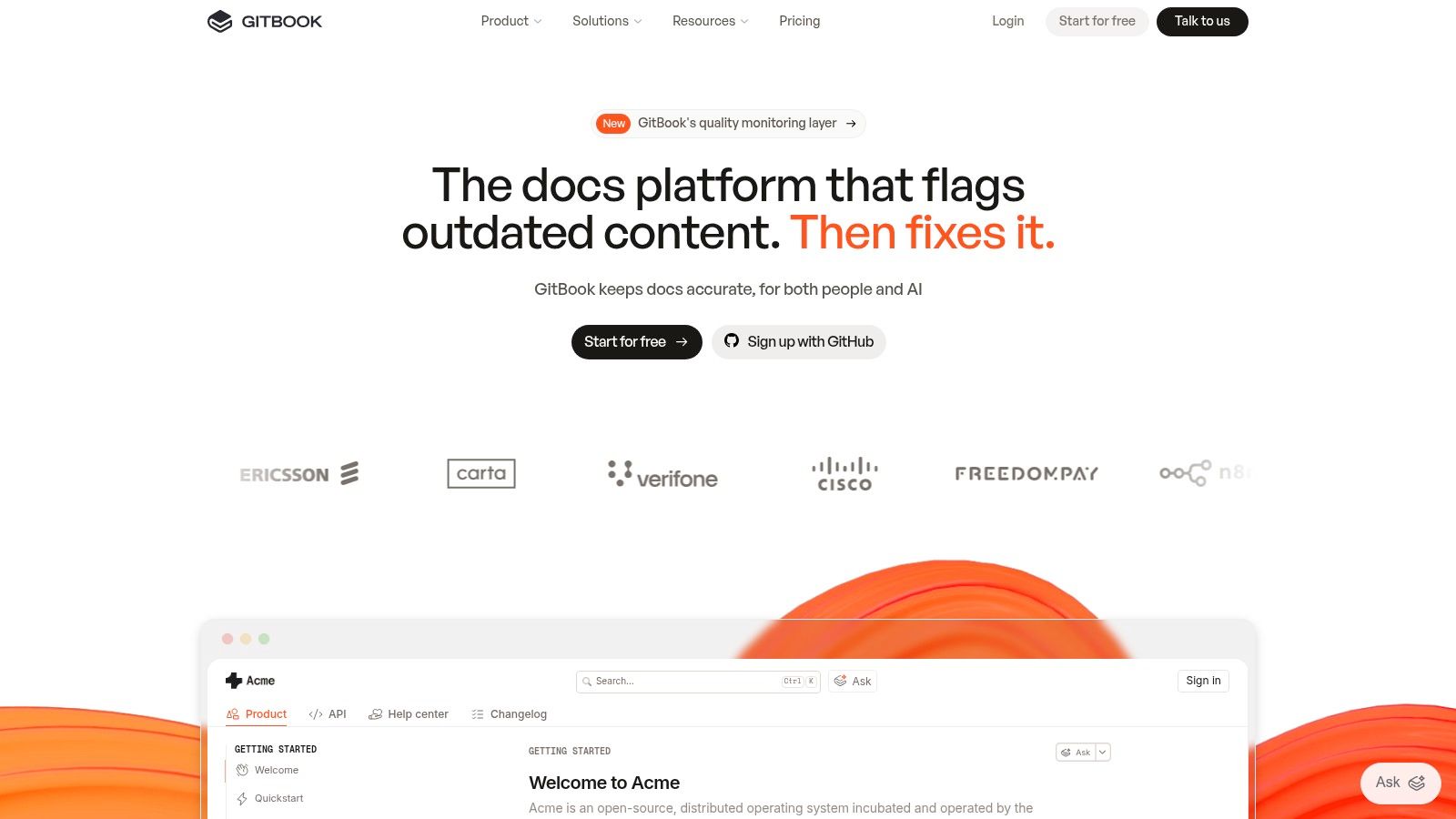
GitBook serves people publishing product and technical documentation, especially where content lives in Git. The web editor supports Markdown, sync works with GitHub or GitLab, published sites include full-text search, and import tools handle several other documentation formats. Developer led teams find the workflow natural because docs change alongside code.
The free plan, though, is built for one user. Team collaboration and some access controls require a paid plan, which makes the free tier a weak home for a private internal wiki requiring authenticated access. If your knowledge database is internal procedures, client notes, and sales playbooks, that single limit should end the evaluation quickly.
Where GitBook earns its place is outward facing material. Public help centres, API guides, and product manuals benefit from clean publishing and version controlled source files. One technical writer can run a professional documentation site on the free plan without fighting the tool.
Choose it if you're an individual documenting a product, or a technical team ready to pay for collaboration. Do not force it into internal wiki duty on the free tier. You will either share accounts, publish things you shouldn't, or upgrade under pressure, and none of those outcomes is a strategy.
Free-tier comparison
| Deployment model | Free-tier users | Free storage / item limits | Best for | Self-hosting available |
|---|---|---|---|---|
| Cloud workspace | Best suited to individuals; team limits apply | Per-file upload limit; size not stated | Customizable personal or small-team knowledge hub | No |
| Cloud service | Up to 10 users | 2 GB | Small teams, especially Jira users | No |
| Cloud service | Up to 10 users | Unlimited posts and topics; attachments up to 10 MB | Teams seeking a focused internal wiki | No |
| Cloud service | User cap not stated | 50 items and 2 GB | Solo users and small teams wanting a lightweight wiki | No |
| Cloud or self-hosted | One workspace owner | 100 MB | Users wanting documents, wikis, and project management together | Yes |
| Cloud trial or self-hosted | Trial; user limit not stated | No permanent free hosted plan; storage limit not stated | Teams seeking a polished collaborative knowledge base | Yes |
| Self-hosted | No software user limit stated | Based on hosting infrastructure | Technical teams needing a configurable wiki | Yes |
| Self-hosted | No software user limit stated | Based on hosting infrastructure | Organisations creating handbooks and internal documentation | Yes |
| Self-hosted | No software user limit stated | Based on hosting infrastructure | Large, extensible public or internal wikis | Yes |
| Cloud service | One user | Storage and item limits not stated | Individuals creating product or technical documentation with Git workflows | No |
How to Choose, When to Upgrade, and Where AI Fits In
Start with five numbers and facts you can state today, before demos blur them. Count your users, including the clients or contractors who'll need access within a year. Measure your storage by weighing your current document folders, because 2 GB ceilings and 100 MB trials disappear fast. Then write down your permission needs, your hosting appetite, and your must-have integrations, typically Slack, Google Drive, Gmail, and your CRM.
Test compatibility with the stack you already run, not the one you plan to buy. OECD reporting on the state of SME technology adoption in the United Kingdom notes micro firms resemble small firms in cloud adoption but lag in CRM, ERP, and other advanced tools. Browser access, common formats, exportable data, and low administration deployment therefore matter more than enterprise features you cannot yet use.
Migration and governance checks
Run a pilot export before committing a single real document. Free plans often cap exports, attachment sizes, or version history, and you need to know whether your content leaves with its links and structure intact. Import a messy sample of real files, set permissions, and time how long onboarding takes.
- Data protection: Confirm data residency, processor terms, and deletion controls for customer and employee records.
- Ownership: Assign every section an owner, a review date, and a process for removing obsolete advice.
- Accessibility: Check keyboard navigation, screen reader compatibility, and readable documentation.
UK government data protection guidance for businesses says organisations must collect only what is necessary, retain it only as long as needed, secure it, and support access, correction, and deletion rights. A free tool that cannot delete one person's records cleanly is not low risk. It is deferred compliance work.
When a wiki is not enough
Sometimes the problem is not where new pages live. It is that knowledge already sits across millions of existing files, emails, and databases that nobody will migrate into a wiki by hand. That is where AI indexing earns its place. Zenfox.ai, for example, indexes documents across your stack for instant, precise semantic search and pairs it with autonomous agents and automations, with a Free plan, a 7-day Pro trial for eligible new accounts, SOC 2 certification, GDPR alignment, and AES-256 encryption. Users can export their data, delete it, and revoke access to connected apps.
Upgrade triggers are simpler than many teams make them. Pay when you hit a user cap that blocks real collaborators, when you need page level permissions, or when storage limits force staff back into scattered drives. Fighting a free tier past those points costs more in search time and duplicated documents than the subscription saves. Choose the tool whose ceiling you will reach last, verify you can leave it, and document like your future colleagues are strangers, because eventually they will be.
If your knowledge lives across Drive, Gmail, Slack, and your CRM rather than in one tidy wiki, Zenfox.ai indexes those documents, emails, and databases for instant, precise search, then acts on what it finds with autonomous agents and zero-code automations. Start on the Free plan, try Pro for 7 days as an eligible new user, and see whether searching everything you already have beats migrating it into yet another tool.