
The Future of Agentic AI Is an Interface You Already Know
The models are getting smarter. But the interface has never caught up with the capability. The future of agentic AI isn't a smarter chat box — it's the workspace you already know.
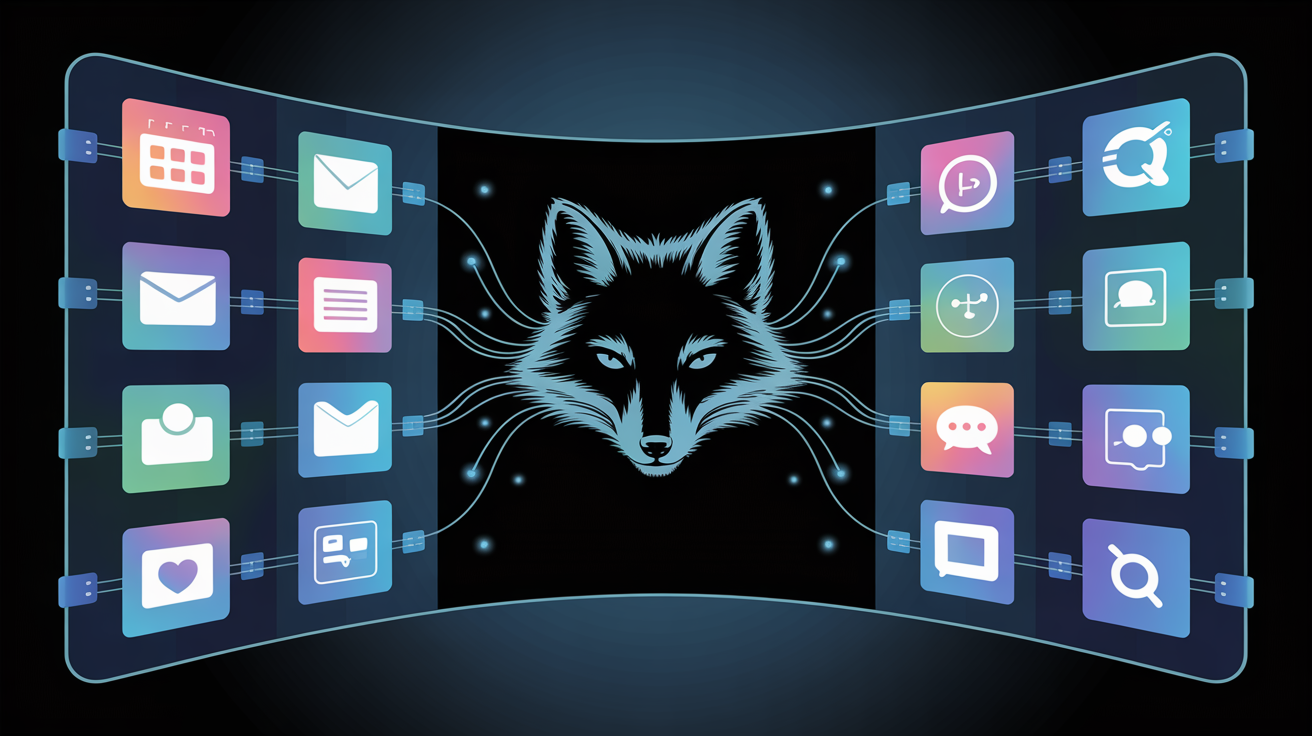
There's a quiet tension at the heart of the AI revolution. The models are getting smarter by the month — they can write code, manage your inbox, book flights, run analyses, draft contracts. Yet most people still don't trust them to do much beyond answer questions.
Why?
Because the interface has never caught up with the capability.
The Chat Box Problem
Every major AI product today is, at its core, a chat box. You type. The AI responds. Sometimes it calls a tool, searches the web, or generates an image — but the fundamental interaction model is: text in, text out.
This works fine for questions. It works terribly for getting things done.
When you want to delegate a real task — "Prepare the Q1 report from my Drive files, update the CRM, and send a follow-up to clients we haven't touched in 30 days" — a chat box forces you to babysit the process. You watch tokens stream. You wonder what the agent is doing. You have no idea when to intervene.
The chat box wasn't designed for action. It was designed for conversation.
The mismatch between what modern AI can do and how it expects you to interact with it is the biggest unsolved problem in the space. And it's an interface problem, not a model problem.
Familiarity Is a Feature
Here's something every product designer knows but AI companies keep forgetting: the best interface is the one users already understand.
The iPhone's grid of icons wasn't technically optimal in 2007. But it was instantly comprehensible. Every smartphone since has kept some version of it — not because it's the most efficient model, but because it has zero onboarding friction.
The desktop — with its files, apps, windows, and dock — carries 40 years of muscle memory. Billions of people know how to navigate it. It represents something profound: a shared mental model between the human and the machine.
When AI interfaces abandon that model entirely in favor of a blank chat box, they ask users to make a leap of faith. "Trust me, just describe what you want." Most people aren't ready for that. And frankly, they shouldn't have to be.
The future of agentic AI isn't a smarter chat box. It's a familiar workspace where AI lives natively — augmenting what you already know how to do.
The Zenfox Approach: A Desktop Where the Agent Is the OS
Zenfox was built around a different premise: the agent should feel less like a chatbot and more like the operating system itself.
When you open Zenfox, you're not opening a chat window. You're opening a workspace. There's a file manager, a calendar, a notes app, a task list, a meetings view — familiar tools arranged in a familiar way. The AI assistant sits at the center of this environment, not as a chat overlay, but as the layer that makes everything work together.
This matters for three reasons:
1. Zero Learning Curve for the Interface
Users who arrive at Zenfox understand the environment immediately. Files look like files. Notes look like notes. The calendar looks like a calendar. They don't need to learn a new mental model to start being productive.
The AI becomes the shortcut, not the prerequisite.
Instead of asking "how does this work?", users start asking "can you do this for me?" — which is exactly the question that unlocks real value.
2. The Agent Can Actually See and Act
Most "agentic" AI products today rely on what's called computer use — the agent takes a screenshot of the screen, identifies elements visually, and clicks like a slow, pixel-hunting human. It works. But it's brittle: move a button a few pixels, and the agent fails.
Zenfox takes a different approach. The apps in the Zenfox workspace are agent-native. They don't just display information — they expose their actions directly to the AI. The agent doesn't need to "see" the calendar to create an event. It calls createEvent() with structured parameters. It doesn't need to screenshot the inbox to find an email. It calls searchEmails() with semantic filters.
Think of it like the difference between asking a colleague to find something by reading over your shoulder versus giving them direct access to the database.
The result: the agent acts with the confidence and speed of a system — while still being steerable through natural language.
3. The Human Always Has a Fallback
In a world where AI handles 90% of the work, users still need moments of control. They need to see results, validate what the agent did, and occasionally correct something themselves.
The desktop interface serves a critical function: it's the fallback for the human. When you want to review your calendar, your eye is faster than a chat response. When you want to manually edit a note before the agent sends it somewhere, you can open it directly. When you want to drag a file — you just drag it.
This human fallback isn't a compromise. It's a design principle. The best AI-powered tools don't replace the human interface; they sit behind it, making it effortless.
The Progressive Adoption Curve
What makes this architecture particularly powerful is how it changes user behavior over time.
Day one: the user opens Zenfox and navigates it like a normal productivity tool. They explore the apps, check their calendar, read some emails. The AI is there, but optional.
Week two: they start asking the AI for help on specific tasks. "Summarize this document." "Reschedule that meeting." "Draft a reply to this email." The familiar interface gives them confidence — they can immediately see what the agent did.
Month two: they've stopped doing those tasks manually. The agent runs them in the background. The user barely opens the apps anymore — they just ask, confirm, and move on.
The desktop interface was the on-ramp. The agent became the destination.
This is the adoption flywheel that chat-first products miss entirely. They ask users to trust the AI from day one. Zenfox lets trust develop naturally — through familiarity, visibility, and control.
Three Layers of Action, One Unified Experience
Under the hood, Zenfox's agent operates across three modes depending on what a task requires:
API calls — When integrations exist (Gmail, HubSpot, Google Calendar, Slack, GitHub...), the agent uses them. Fast, reliable, structured.
Computer Use — When no API exists, the agent can browse any website, fill forms, extract data, and interact with web apps exactly as a human would. Book a flight on an airline with no API. File a form on a government portal. Research competitor pricing across a dozen sites simultaneously.
Code Execution — When the task requires creating something from scratch — an analysis, a custom spreadsheet, a visualization, a PDF report — the agent writes and runs code in a secure sandbox, then delivers the output directly.
What's remarkable is that these three modes are invisible to the user. You ask for something. The agent figures out which combination of tools is needed. The familiar interface surfaces the result.
The Bigger Picture: Interfaces as Trust Machines
We're at an inflection point in how humans and AI systems collaborate.
The models are no longer the bottleneck. The bottleneck is trust — and trust is built through interfaces. Through legibility. Through control. Through the feeling that you understand what's happening and can intervene when you need to.
The companies that will win the agentic AI race won't necessarily have the best models. They'll have the best human-machine contracts — interfaces that let AI take on real work without requiring users to abandon everything they already know.
At Zenfox, we believe that contract looks like a desktop. Familiar. Purposeful. Designed for humans first, augmented by AI second.
The future of agentic AI isn't a smarter chat box.
It's the workspace you already know — finally working the way you always wished it would.
Ready to experience it? Start with Zenfox →