
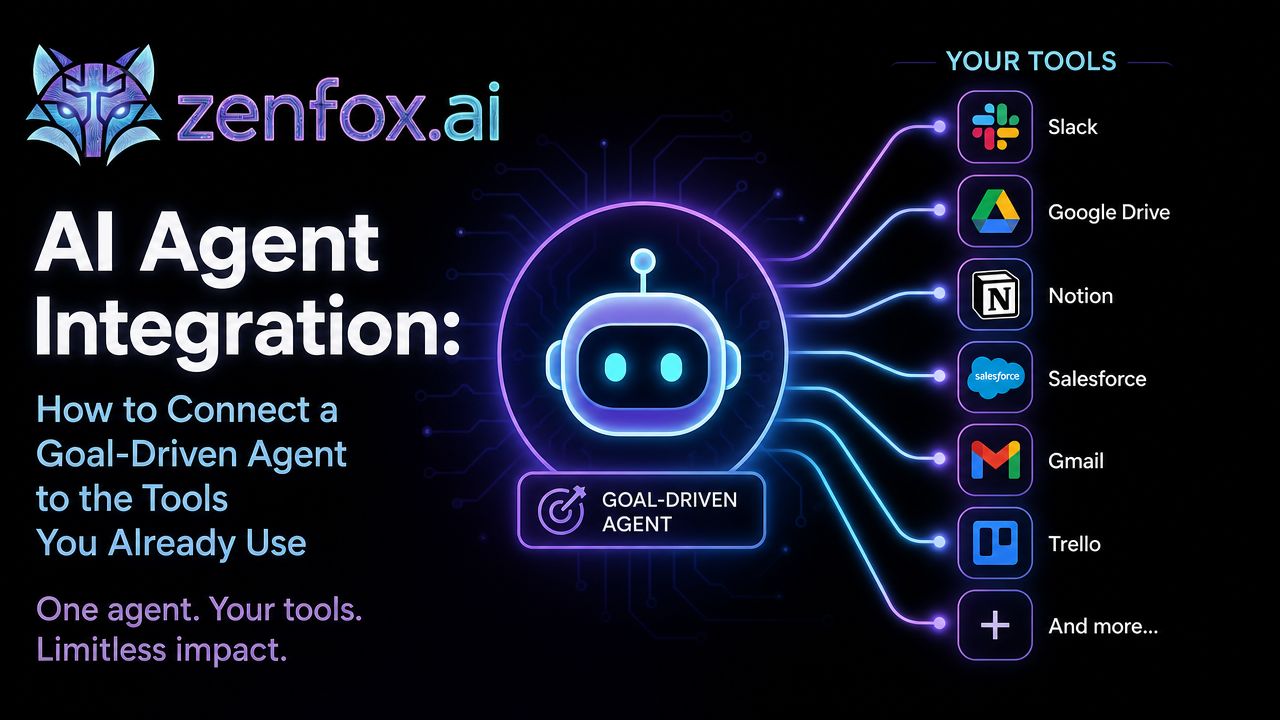
AI Agent Integration: How to Connect a Goal-Driven Agent to the Tools You Already Use
"You've set up an AI agent. It can reason, plan, and take action. But right now it's sitting in isolation — disconnected from your calendar, your inbox, your project tracker, your CRM. That's like hiring a brilliant assistant and never giving them a key to the building.
- What "Integration" Actually Means for a Goal-Driven Agent
- The Four Categories of Tools Worth Connecting
- How Connection Actually Works (Without Writing Code)
- Integration Patterns That Actually Work
- What to Think About Before You Connect Everything
- How Zenfox Handles Integration for Non-Technical Users
- Building Your First Integrated Workflow
- FAQs
You've set up an AI agent. It can reason, plan, and take action. But right now it's sitting in isolation — disconnected from your calendar, your inbox, your project tracker, your CRM. That's like hiring a brilliant assistant and never giving them a key to the building.
AI agent integration is what turns a capable agent into a genuinely useful one. It's where the agent stops being a demo and starts doing real work inside the systems your team already depends on.
This guide covers what integration actually means for a goal-driven agent, which tools matter most, and how to connect them without needing an engineering background.
What "Integration" Actually Means for a Goal-Driven Agent
A goal-driven agent doesn't just answer questions. You give it an objective, and it figures out the steps, executes them in sequence, and adjusts when something unexpected comes up.
Integration means giving the agent access to the tools it needs to complete those steps. That might mean reading data from one system, writing to another, triggering an action in a third, and reporting back when it's done.
This is different from a standard automation. A traditional automation follows a fixed path: if X happens, do Y. A goal-driven agent decides which path to take based on the goal and the current state of your tools. It handles variation. It adapts.
The Four Categories of Tools Worth Connecting
Not everything needs to be connected on day one. Start with the categories most central to how your team actually works.
Communication Tools
Email and messaging platforms are usually the highest-leverage starting point. An agent connected to your inbox can draft replies, flag urgent threads, summarize long chains, or send follow-ups based on conditions you define. Connected to Slack, it can monitor channels, surface relevant updates, or post summaries on a schedule.
Project and Task Management
Tools like Asana, Notion, Trello, Linear, or Monday become significantly more useful when an agent can read and write to them. It can create tasks from a brief, update statuses as work progresses, or pull a daily summary of what's overdue. This is where goal-driven agents start to feel like a real operational layer rather than a novelty.
Data and Documents
Spreadsheets, Google Docs, Airtable, and similar tools hold the information agents need to make decisions. An agent that can read a spreadsheet of leads, cross-reference it against a set of criteria, and write results back to a new column is doing work that would otherwise take hours of manual effort.
External Services and APIs
This is the broader category: CRMs like HubSpot or Salesforce, e-commerce platforms, scheduling tools, analytics dashboards, or any service with an API. The agent can pull data, push updates, or trigger actions depending on what the goal requires.
How Connection Actually Works (Without Writing Code)
The technical reality of integration has changed a lot. A few years ago, connecting an AI agent to your tools meant writing custom API code, managing authentication tokens, and debugging webhook failures late at night.
That's no longer the default experience.
Modern goal-driven agent platforms handle the connection layer for you. You authenticate a tool — usually OAuth, which means clicking "Allow" in a familiar login screen — and the agent gains scoped access. From there, you describe what you want in plain language, and the platform maps your goal to the right actions across the right tools.
The agent doesn't need you to specify "call the Gmail API with these parameters." It needs you to say "every morning, summarize the emails I haven't replied to and flag anything from a client."
Integration Patterns That Actually Work
The Inbox-to-Task Pipeline
Connect your email to your task manager. The agent monitors incoming messages, identifies anything that requires action, and creates a task with the relevant context already filled in. Things stop falling through the cracks.
The Research-to-Doc Workflow
Give the agent a goal like "research our top five competitors and summarize their pricing pages into a shared doc." It pulls the information, structures it, and writes to the document. You review the output — you don't build it.
The Data-to-Report Loop
Connect a data source to a reporting tool. The agent pulls the latest numbers on a schedule, formats them according to a template, and sends the summary to whoever needs it. No manual pulling, no copy-paste errors.
The CRM Update Flow
After a call or meeting, the agent reads your notes from a doc or transcript, extracts the key details, and updates the relevant CRM record — contact info, deal stage, next steps — all written back automatically.
What to Think About Before You Connect Everything
Integration done well is specific. Done carelessly, it creates noise.
Scope the access carefully. An agent only needs access to what the goal actually requires. Most platforms let you limit scope at the tool level. Use that feature.
Define the goal precisely. The more specific your goal, the more reliably the agent will use connected tools in the right way. "Help with email" is vague. "Draft a reply to any client email that hasn't been answered in 48 hours" is actionable.
Understand what the agent can and can't do with each tool. Some integrations are read-only. Others allow writes. A few allow destructive actions like deleting records or sending messages on your behalf. Know the permissions before you activate them.
Test with low-stakes data first. Run the agent on a test project or sandbox environment before pointing it at live customer data or production systems.
How Zenfox Handles Integration for Non-Technical Users
Most people who want to use goal-driven agents aren't developers. They shouldn't have to be.
Zenfox is built specifically for this. You connect your tools through standard authentication flows, describe your goal in plain language, and the agent handles the rest in the cloud. No local installation, no configuration files, no API documentation to wade through.
The integration layer is invisible by design. What you see is a goal and a result. What happens in between — the tool calls, the sequencing, the error handling — runs automatically, without you managing any of it.
If you're evaluating what a goal-driven agent can actually do across your stack, the best AI agents comparison is a useful reference for understanding the range of capabilities available today.
Building Your First Integrated Workflow
Start simple. Pick one goal that currently requires you to touch two or three tools manually — something you do at least once a week. Connect those tools, define the goal clearly, and let the agent run it.
Watch what it does. Adjust the goal description if the output isn't right. Once that workflow is running reliably, add another.
This is how integration compounds. Each connected tool expands what the agent can do. Each refined goal makes the output more useful. Over a few weeks, you end up with an agent handling a meaningful slice of your operational work without you managing each step.
For a deeper look at how goal-driven agents are structured before you start connecting tools, the AI agent builder overview explains the underlying mechanics clearly.
FAQs
What is AI agent integration? AI agent integration means connecting a goal-driven AI agent to the external tools and services it needs to complete tasks — email, project management software, CRMs, data sources, and more. The agent uses these connections to take real actions on your behalf, not just generate text.
Do I need to know how to code to integrate an AI agent with my tools? Not on modern platforms. Tools like Zenfox handle the connection layer through standard authentication flows. You authorize access to a tool, describe your goal in plain language, and the technical work happens in the background.
Which tools should I connect to an AI agent first? Start with the tools you use most frequently and that sit at the center of your current manual workflows. For most people, that means email, a task or project manager, and one data source like a spreadsheet or CRM.
How do I make sure an AI agent doesn't do something I didn't intend? Scope the agent's access carefully, write specific goals rather than vague ones, and test on low-stakes data before pointing the agent at live systems. Most platforms also let you review actions before they're executed or add approval steps for sensitive operations.
What's the difference between an AI agent integration and a standard automation? A standard automation follows a fixed rule: if this happens, do that. An AI agent decides which steps to take based on the goal and the current state of the tools it has access to. It can handle variation, make judgment calls, and adapt when conditions change.
Can an AI agent integrate with tools that don't have a native connector? Many agents can connect to tools via APIs even without a pre-built integration, though that typically requires some technical setup. Platforms designed for non-technical users generally focus on pre-built connectors for the most common tools.
How does Zenfox handle data safety when connecting to external tools? Zenfox runs in the cloud with scoped access to the tools you authorize. The platform is designed to avoid the data safety risks that come with open-source or locally installed setups, where data handling becomes the user's responsibility.
The goal isn't to connect everything at once. It's to connect the right things, define clear goals, and let the agent handle the work that currently falls through the cracks. Start with one workflow, get it right, and build from there.
Learn more at zenfox.ai.