10 Best Free Zapier Alternative Tools for 2026
Tired of Zapier's limits? We tested the best free Zapier alternative tools. Compare features, limits, and see which is right for your organisation.

You set up a simple automation to move leads from one app to another. It saves time for a week, maybe a month. Then you try to add a filter, a follow-up step, or an approval, and the free plan stops being useful.
That is the point where Zapier starts to feel expensive, not because automation is not worth paying for, but because the useful workflows usually need more than a trigger and a single action.
The better question is not whether a tool has a free tier. The better question is what that free tier lets you build before the constraints become a problem. A free plan with tight task limits, short workflow depth, or missing logic can still block real work fast.
That is also why this category is changing. Older automation tools mostly ask you to build a workflow step by step. Newer AI-native products are starting to support a chat-to-automate model, where you describe the outcome and let the system generate the flow. That changes the free-plan conversation. The limit is no longer just task count. It is whether you can build something useful without spending half a day wiring it together.
The practical trade-off is straightforward. Some tools give you far more control, but you have to handle setup, debugging, and maintenance yourself. Some are easy to start with, but they hit a ceiling as soon as you need branching logic, data shaping, or multi-step operations. Some have generous free plans on paper and still feel cramped in real use.
This list focuses on the part that matters: what you can build on each free plan, where each tool holds up, where it breaks, and who should skip it.
Table of Contents
- 1. Zenfox.ai
- 2. Make formerly Integromat
- 3. n8n
- 4. IFTTT
- 5. Pipedream
- 6. Activepieces
- 7. Integrately
- 8. Bardeen
- 9. Relay.app
- 10. Huginn
- Top 10 Free Zapier Alternatives Comparison
- So, Which Free Zapier Alternative Should You Choose
1. Zenfox.ai

Zenfox.ai is the most interesting option on this list if you’re tired of building workflows manually.
Most automation tools still assume you want to think like a systems designer. Pick a trigger. Add a step. Map fields. Debug the branch. Zenfox flips that. You describe the outcome in plain English, and the platform builds and runs the automation for you across your stack.
That matters more than it sounds. The biggest difference between Zenfox and a classic free zapier alternative isn’t just pricing. It’s the interface model. You chat to automate.
What the free plan offers
The free plan offers unlimited integrations, one free automation, and you can manage the agent from your phone through channels like WhatsApp, Telegram, iMessage, SMS, and Discord.
That’s a better test of practical usefulness than a trial that forces you back into a workflow canvas after a few clicks.
A practical free example is straightforward. You can run a daily process that checks new emails, extracts contact details from those emails, and stores the data in a CSV file in Dropbox. That’s the kind of multi-step admin workflow people usually expect to pay for elsewhere.
Zenfox also connects with thousands of tools, has completed millions of AI tasks, and offers paid plans starting at $29/month for Pro and $99/month for Max through its public pricing on Zenfox.ai.
The most impressive part of Zenfox’s free plan isn’t task volume. It’s that you can get a useful automation live without learning a builder first.
Where it wins and where it needs care
Zenfox is strongest for people who want outcomes, not architecture.
It’s especially good for:
- Sales follow-up work: Pull details from inboxes, update CRM records, draft responses, and log activity.
- Small-team reporting: Gather updates across apps and generate summaries automatically.
- Messy admin tasks: Anything involving email parsing, files, research, and moving data between familiar tools.
The trade-off is control style. With Make or n8n, every branch is explicit because you built it. With an autonomous agent, your prompt quality and permissions matter more.
Practical rule: Give the agent a narrow goal first. Don’t start with “run my operations”. Start with “check Gmail each morning, extract lead details, save them to Dropbox CSV, and log results”.
If you want a free zapier alternative that removes the builder almost entirely, Zenfox is the most compelling pick here. If you want pixel-level control over every logic step, one of the visual tools below will feel safer.
2. Make formerly Integromat
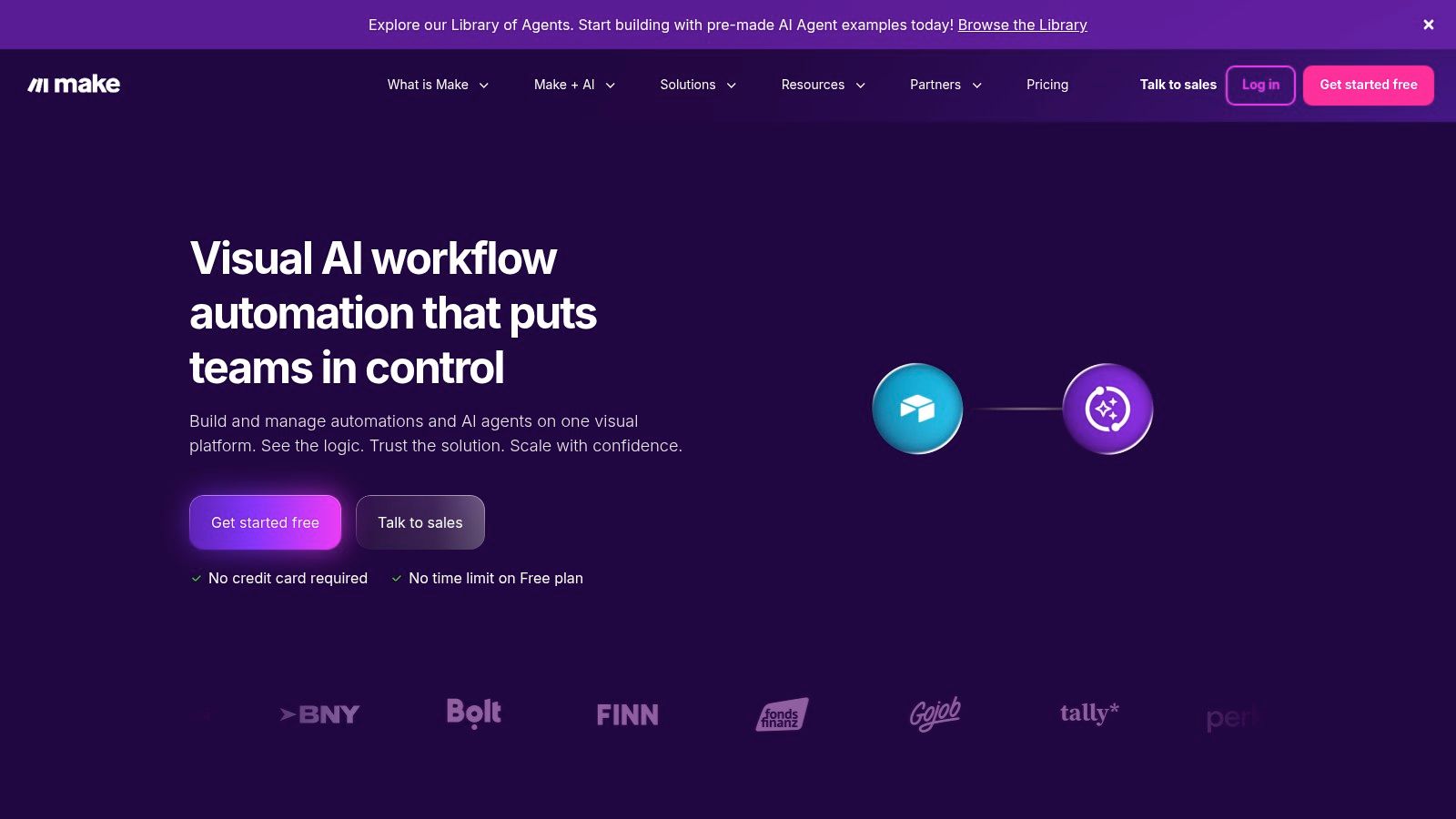
Make is what I recommend when someone says, “Zapier feels too linear.”
Its visual scenario builder is still one of the best interfaces for multi-step automation. Routers, filters, iterators, schedulers, HTTP requests, JSON handling, and error paths are all there. If you need to see the workflow, not just describe it, Make stays excellent.
Best when the workflow itself matters
Make shines when the process has branches.
A simple example. A lead comes in, you enrich it, check region, route enterprise leads to one path, route self-serve signups to another, notify Slack only if certain fields exist, then update a spreadsheet and CRM differently based on source. That’s the kind of thing Make handles cleanly.
It’s also a better fit than Zapier if you’re actively thinking about process design and workflow management systems, not just one-off app connections.
The catch is the metering model. Make charges by operations, and that can confuse new users fast. A scenario that looks small can consume more usage than expected because every step, check, and branch counts.
According to a review of alternatives, Make starts at $9 per month on paid plans, which is one reason it’s often positioned as a lower-cost option than Zapier for more complex branching.
What I like:
- Visual clarity: You can debug logic without guessing what happened.
- Strong built-in tools: HTTP, CSV, JSON, parsing, scheduling.
- Good scale path: It doesn’t feel toy-like once your automations get more serious.
What I don’t:
- Usage can feel opaque: The free experience is fine until you start stacking logic.
- The editor has a learning curve: Non-technical users can build in it, but it still asks you to understand data flow.
Make is one of the best traditional free zapier alternative options if you want to build workflows deliberately and don’t mind learning the system.
3. n8n
Your team needs to pass leads through a custom API, clean the payload, branch by account type, write to an internal database, and call a service Zapier does not support well on the free plan. n8n is one of the few tools on this list that can handle that kind of job without feeling boxed in.
n8n is the option I point technical teams to when they care more about control than polish. Its core appeal is not a generous hosted free tier. It is the fact that you can self-host and build serious workflows without paying per task to a SaaS vendor.
Best free fit for teams that can run their own stack
That distinction matters because n8n’s free story is different from the usual free zapier alternative pitch. With many tools, free means a small allowance and constant pressure to upgrade. With n8n, free can mean full workflow depth if you are willing to handle hosting, updates, backups, and security yourself.
That trade-off is worth it for the right team.
n8n is particularly strong when the workflow is API-heavy or slightly odd. Webhooks, HTTP requests, code steps, data transformation, and database actions are all first-class use cases here. If you regularly work with custom endpoints or need more control over API connections and app integrations, n8n gives you room to build instead of forcing you into prebuilt templates.
This is also where the article’s chat-to-automate versus build-a-workflow split becomes clear. n8n is firmly in the build-a-workflow camp. You map logic node by node, inspect payloads, handle edge cases, and decide exactly what happens at each step. That gives you a lot more freedom than traditional free tiers built around simple trigger-action recipes, but it also means more setup work up front.
What n8n does well:
- Handles custom logic well: Good fit for internal tools, APIs, databases, and unusual process flows.
- Avoids task-based pricing pressure: Self-hosting changes the cost model if your workflows run often.
- Gives you real control: You decide where data runs, how credentials are stored, and how the system is exposed.
What to watch:
- Maintenance is part of the price: Patching, uptime, backups, auth, and instance security do not manage themselves.
- The learning curve is real: Operations teams can learn it, but the first few builds are easier if someone on the team is comfortable debugging data and execution logs.
- It is less friendly for fast, non-technical setup: Teams that want to describe an automation in plain English and get moving will usually prefer an AI-native option.
If you choose n8n because it’s “free” but hate maintaining software, it won’t stay cheap for long.
Choose n8n if you want a free zapier alternative that can support serious internal automation and you are prepared to own the infrastructure. If your goal is fast setup with less manual workflow design, this will feel heavier than it needs to.
4. IFTTT
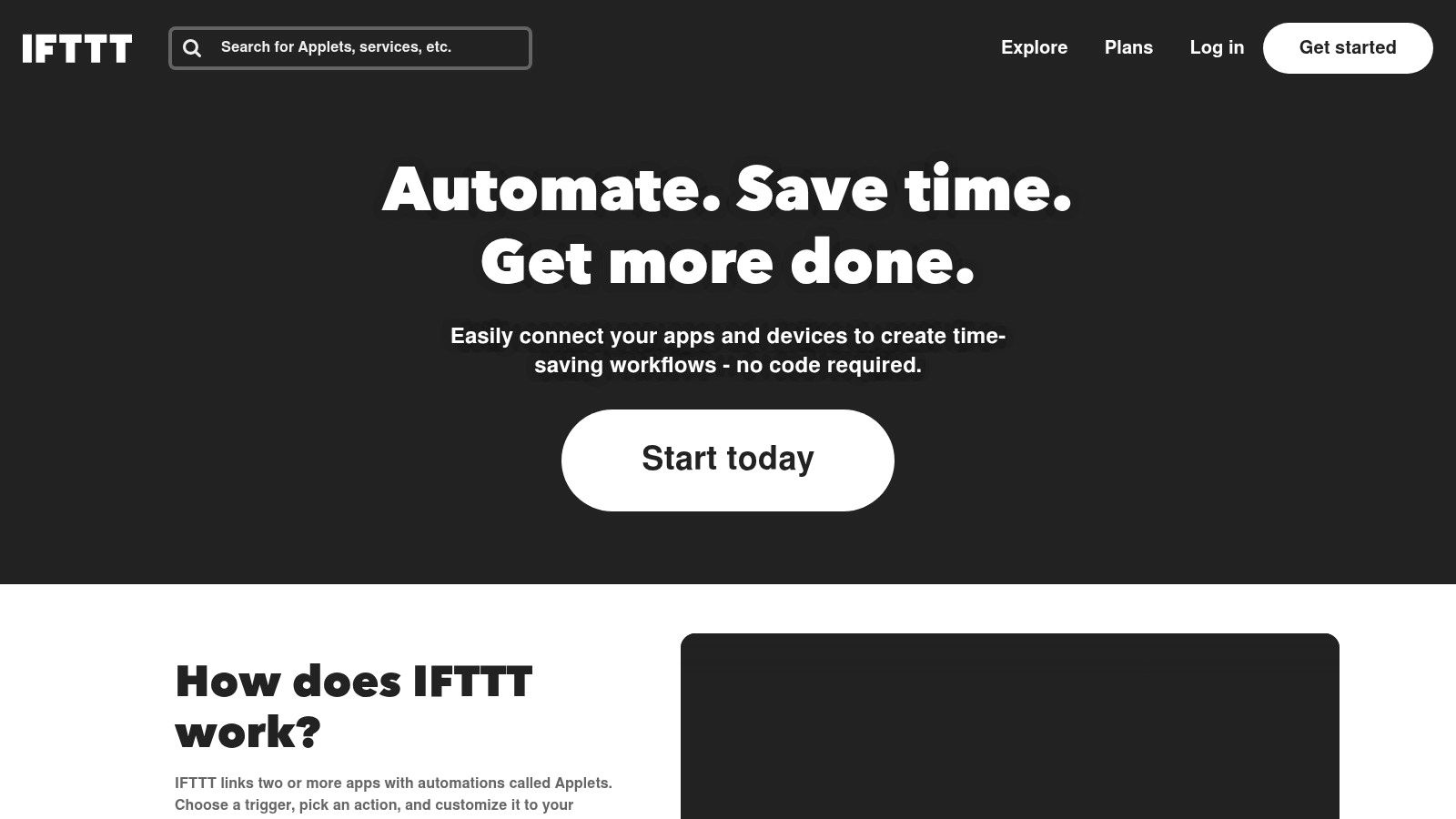
IFTTT is the simplest tool on this list, and that’s both its value and its limitation.
If you want lightweight personal automation, IFTTT still does the job. If you want proper business workflows, you’ll outgrow it quickly.
Great for tiny automations, weak for business ops
The free plan is commonly limited to a few active Applets. That’s fine for things like:
- Personal notification flows: Calendar reminders, smart home actions, simple alerts.
- Basic consumer triggers: Save something, send yourself something, mirror a small event.
- Very light app connections: One trigger, one action, no real branching.
That simplicity is why beginners like it. You don’t need to learn an automation model. You just switch on tiny applets and move on.
The problem is obvious once work gets messier. Sales handoffs, lead routing, multi-step CRM updates, support triage, document handling, and reporting all need more logic than IFTTT is built for.
It also leans more consumer than operational. Smart home, mobile triggers, and everyday applets are where it feels natural. Internal business process automation is not.
What works:
- Fastest learning curve: Almost no setup friction.
- Big applet library: Good for ready-made lightweight tasks.
What doesn’t:
- Tiny free ceiling: You run out of room fast.
- No real complexity: Multi-step business automation isn’t its thing.
IFTTT is a free zapier alternative only in the broadest sense. It automates tasks, yes. But it’s not a realistic Zapier replacement for many teams. It’s a good side tool for simple personal workflows.
5. Pipedream
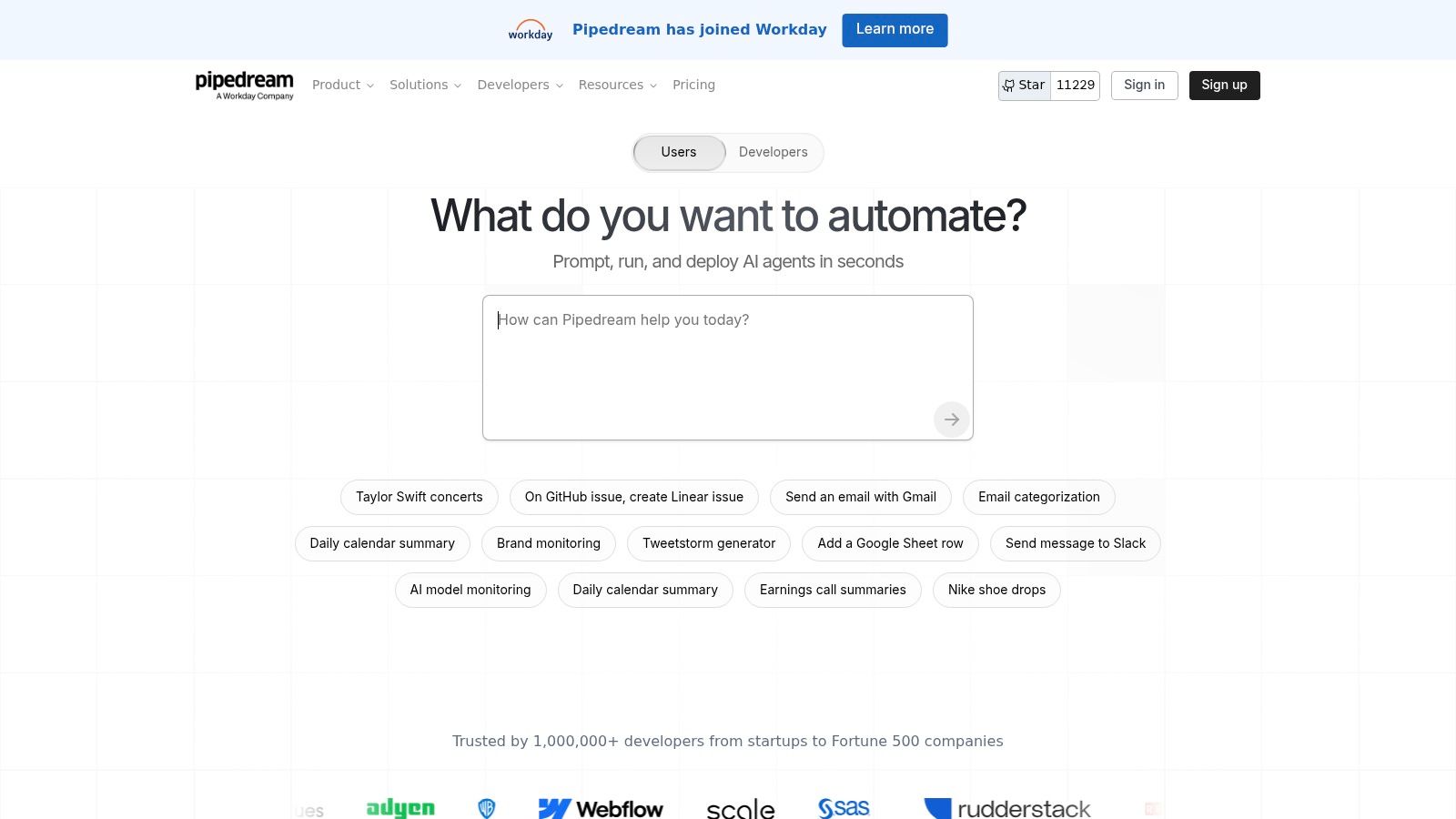
Pipedream sits in a different category from Zapier-style tools. It’s for builders who want workflow automation without giving up code.
You can use prebuilt components, but its primary strength is mixing app triggers with JavaScript or Python in the same flow.
For people who'd rather script than click
If your work involves APIs that no mainstream connector handles well, Pipedream is often the fastest path from idea to working automation.
That might mean receiving a webhook, transforming payloads, hitting a custom endpoint, writing to a database, sending a Slack message, then logging the result somewhere else. It’s less “business user builder” and more “lightweight integration runtime”.
Its biggest advantage over many no-code tools is speed on custom jobs. You don’t have to wait for a connector roadmap. You can just write the step.
That makes it a strong choice for teams dealing with bespoke services, internal tools, or unusual API connections.
What stands out:
- Excellent for custom logic: Code is a first-class citizen.
- Fast prototyping: Webhooks and event-driven flows are straightforward.
- Good secret handling: Better than duct-taping scripts together manually.
The limitations are equally clear.
- Non-technical users will bounce off it: It’s not pretending otherwise.
- Usage needs monitoring: Pay-as-you-go models reward efficient workflows and punish sloppy ones.
- Not ideal for highly visual operators: If you think in flowcharts, Make will feel easier.
Pipedream is a strong free zapier alternative if your default instinct is to script the missing piece rather than hunt for another app connector. For operations teams without technical support, it usually creates more dependence than freedom.
6. Activepieces
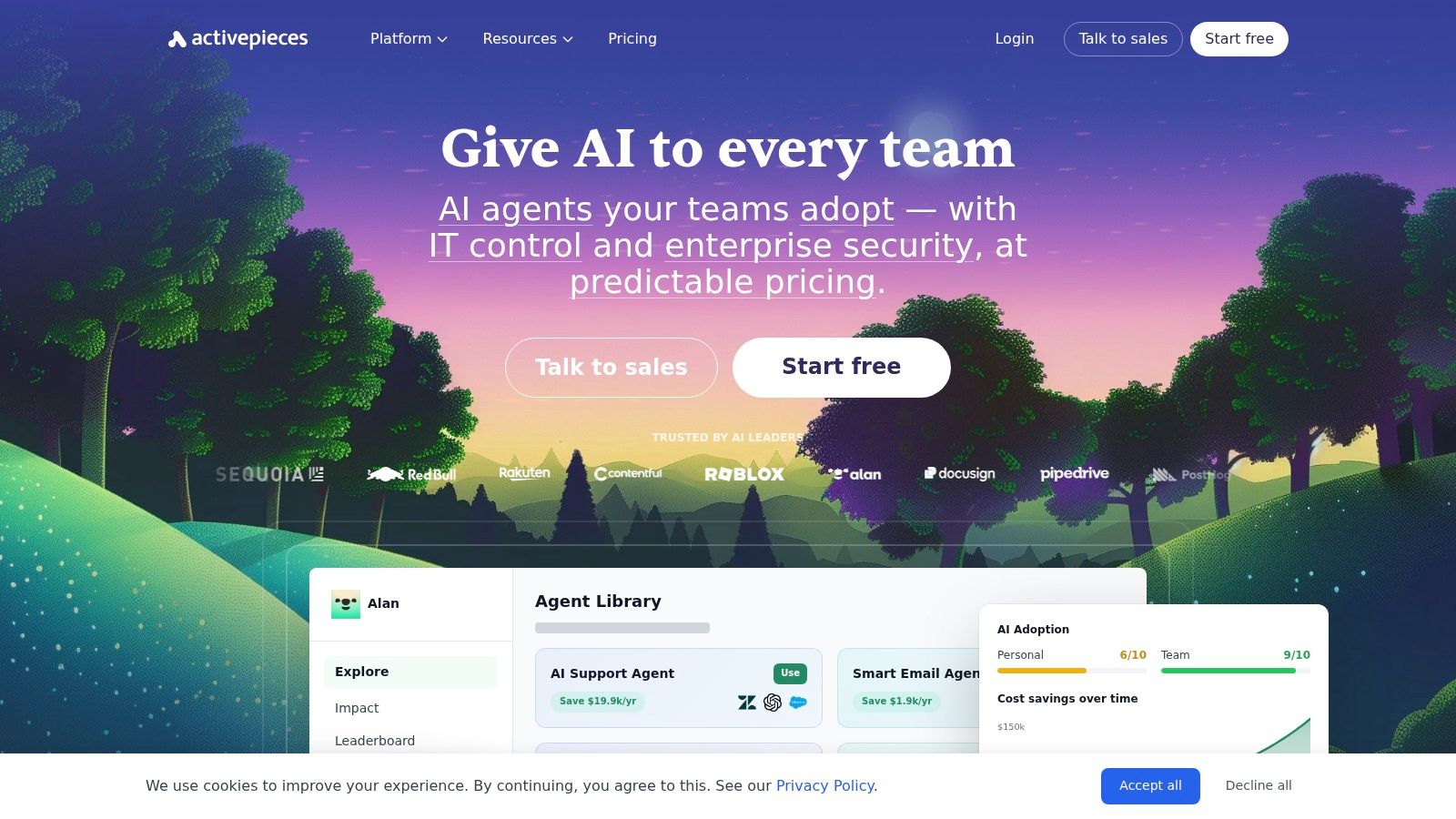
A common scenario: a team outgrows Zapier’s free plan, tries n8n, then realizes n8n asks for more technical ownership than they want. Activepieces fits that gap well.
It gives you a cleaner visual builder than many open-source tools, with a self-hosted path if you want control later. That matters if you want to build real automations on a free plan, not just test a few toy workflows before hitting a task wall.
Better free-plan utility than the usual trial-tier model
The key question here is not "how many tasks do you get?" It is "what can you keep running without the plan becoming annoying?"
Activepieces has a more practical answer than many free Zapier alternatives. The cloud free tier gives you a limited number of active flows, but it does not push you into the same constant task anxiety that defines older free plans. For teams building a handful of important automations, that structure is often more usable than a bigger-sounding task allowance with tighter restrictions.
That changes what you can build for free. A startup can keep lead routing, internal alerts, form follow-up, and basic CRM updates running at the same time without treating every automation run like a budget event.
Its product direction is also different from older workflow builders. Activepieces includes AI-oriented actions and assistant-style features, which puts it closer to the newer chat-to-automate direction than traditional rule builders, even though the core experience is still visual workflow design.
That distinction matters.
If you want to describe a process in plain English and have the system assemble it for you, Zenfox.ai is closer to that model. If you still want to build the flow yourself but want some newer AI help inside the product, Activepieces is one of the better free options.
The trade-off is maturity. Its connector library is not as deep as the larger incumbents, and you will notice the younger ecosystem sooner if your stack includes niche apps or odd edge cases.
Field note: If nobody on the team owns automation maintenance, self-hosting usually shifts cost from software to staff time.
Activepieces is a good fit for:
- Small teams that want a visual builder with room to grow
- Operators who may want self-hosting later, but not on day one
- Users who care less about task counts and more about keeping a few valuable automations running
It is a weaker fit for:
- Teams that need broad, mature app coverage immediately
- Companies with no appetite for occasional troubleshooting
- Buyers expecting AI to replace workflow design entirely
I’d put Activepieces in the "practical middle" category. You can build useful free-plan automations here, and you get more long-term flexibility than Zapier’s free tier usually allows. You still need to accept some maintenance ownership and a less mature connector ecosystem.
7. Integrately
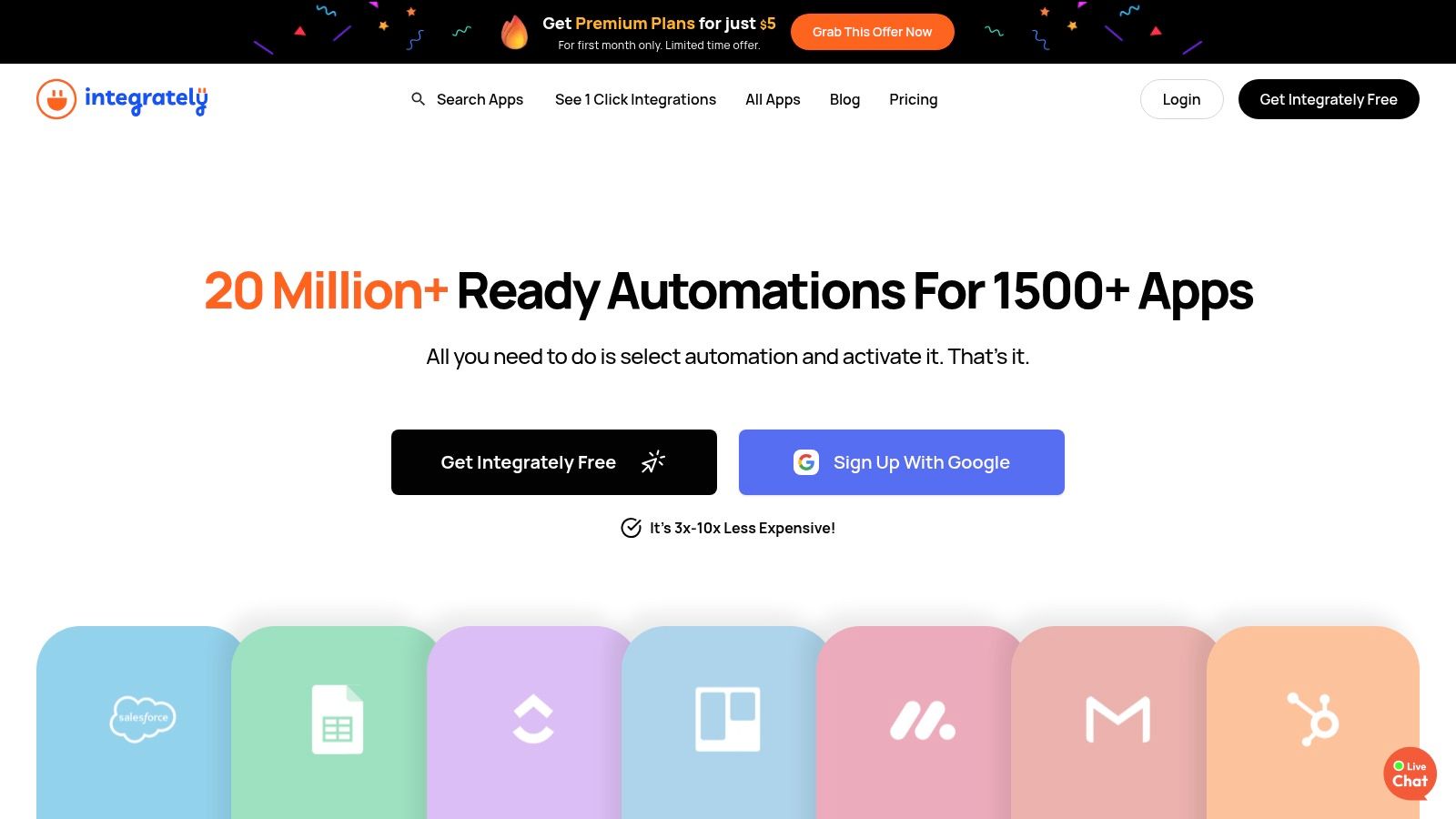
Integrately is built for speed more than depth.
If you want to validate a simple automation quickly and don’t want to spend an hour thinking about flow design, Integrately can be useful. Its whole proposition is one-click or near one-click setup.
Fast setup, limited ceiling
This is the tool for people who value “working in five minutes” over “fully customisable”.
That can be great for early-stage use cases like:
- moving form submissions into a CRM
- sending a notification when a lead appears
- syncing straightforward records between common SaaS tools
The free tier is mainly a test environment. It lets you get a feel for the platform, but it isn’t where serious ongoing automation usually lives.
That’s the central trade-off. Integrately reduces setup effort by narrowing how much control you have. Compared with Make, n8n, or Pipedream, it gives you less room to model unusual logic, custom data handling, or API-heavy flows.
Still, there’s a real audience for that.
If you’re a solo operator, marketer, or founder trying to confirm “will this workflow save me time?”, Integrately can get you to a working answer quickly. That’s valuable. A lot of automation projects fail because the setup burden arrives before the value does.
What I’d use it for:
- Simple app connections you want live today
- Quick proof-of-concept automations
- Users who hate workflow builders
What I wouldn’t use it for:
- Complex routing or branching
- Developer-grade custom integrations
- Processes that need strong observability or deep debugging
As a free zapier alternative, Integrately is easiest to like at the beginning and easiest to outgrow later. That doesn’t make it bad. It just makes it narrow.
8. Bardeen
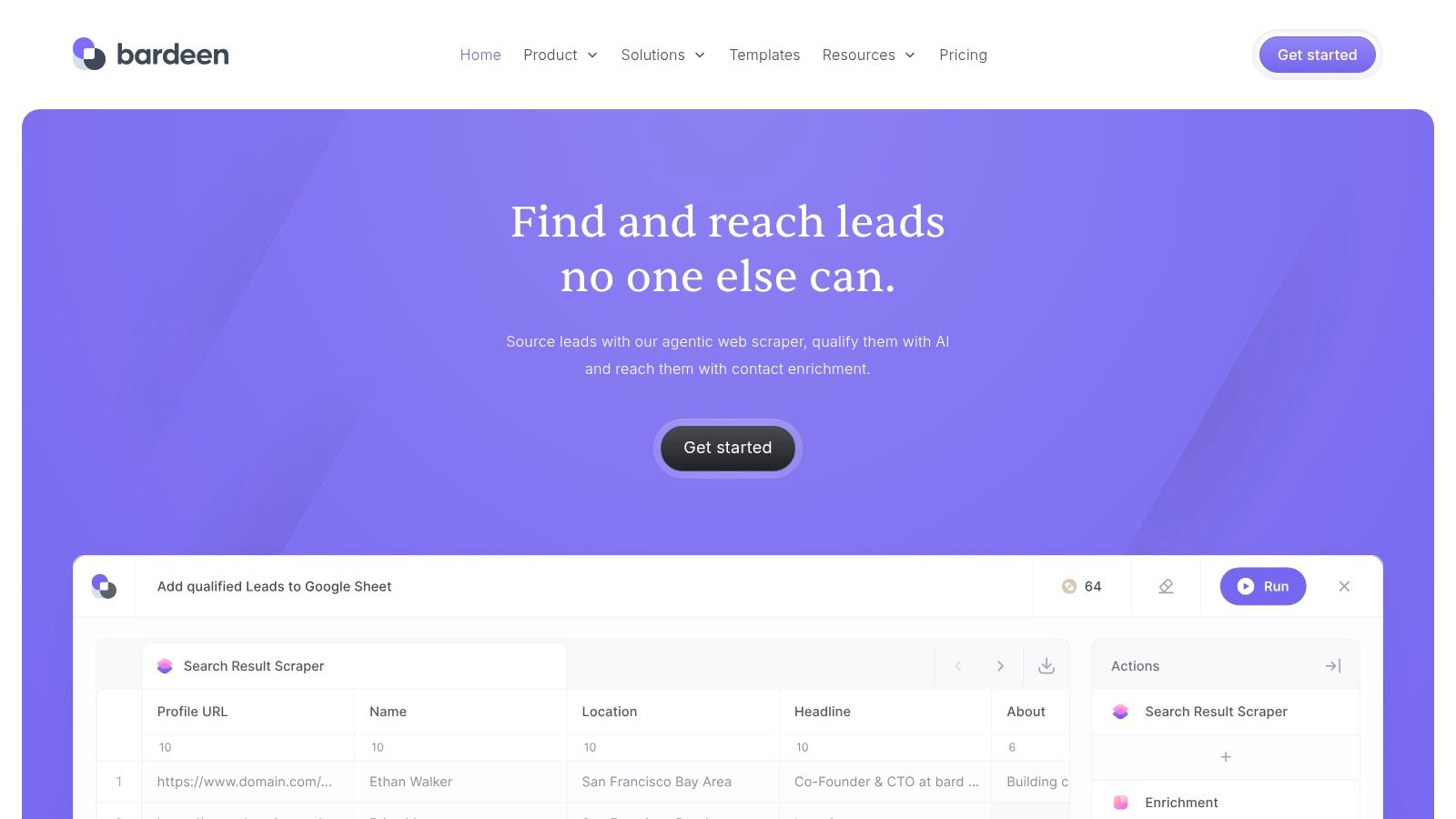
Bardeen is worth considering if your automation work starts in the browser.
Most tools on this list are built around app events and backend workflows. Bardeen is different. It’s strong when the job involves web pages, research, scraping, enrichment, and moving browser data into systems like Google Sheets, Airtable, Notion, or HubSpot.
Best for browser work and research-heavy tasks
This is the tool I’d look at for prospecting and research operations.
Say you need to collect company details from websites, capture structured data from pages, push it into a sheet, then feed that into CRM or outreach prep. Bardeen is better suited to that than a classic app-to-app automation tool because it acts where the data appears.
It also fits users who spend most of their day in Chrome and want automation to meet them there instead of shifting them into a back-office workflow builder.
That said, Bardeen isn’t a full replacement for server-side orchestration.
Its core weakness is scope. Browser-centric automation is brilliant for collection and front-end actions, but once you need long-running backend logic, complex branching, or extensive app infrastructure handling, another platform usually has to take over.
Bardeen is best used as the capture layer, not the entire automation stack.
What it does well:
- On-page extraction and scraping
- Research workflows for sales and marketing
- AI-assisted playbook generation
Where it struggles:
- Heavy back-end orchestration
- Long multi-system processes
- Anything that depends on a durable server-side workflow engine
If your search for a free zapier alternative is really a search for better browser automation, Bardeen belongs near the top of your shortlist. If you need operational plumbing across your whole business stack, it’s more of a specialist add-on.
9. Relay.app
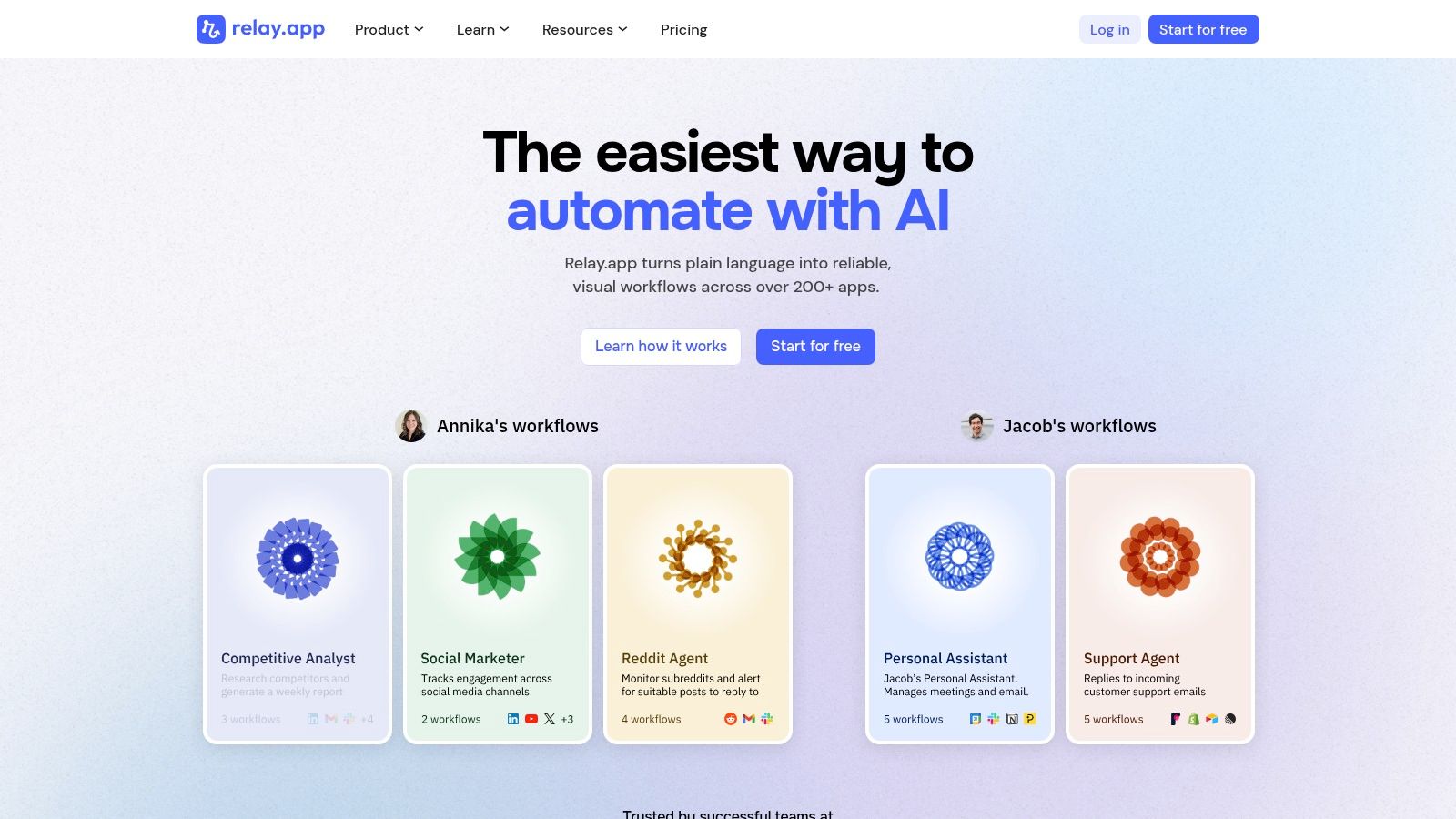
Relay.app is the best pick on this list for workflows that shouldn’t run unattended from start to finish.
A lot of automation doesn’t fail because the trigger is wrong. It fails because one human decision still matters and the workflow has nowhere sensible to pause.
Where approvals matter more than raw connector count
Relay handles that better than most no-code tools.
Its strength is human-in-the-loop automation. Approvals, assignments, review steps, and AI-assisted flow building are part of the core product, not bolted on awkwardly. That makes it a practical fit for sales operations, marketing QA, content review, and any process where someone needs to check the action before it goes live.
That approach also maps well to the broader shift toward autonomous AI agents, where the useful question is not just “can software do this?” but “where should a person still approve it?”
Relay’s downside is connector breadth. It’s not trying to beat Zapier or Make on sheer ecosystem size. If you rely on long-tail apps, you may hit that limit earlier.
Still, for the right workflows, that trade is worth it.
Use Relay when:
- Approvals are part of the process
- You need colleagues to review or complete steps
- You want cleaner operational handoffs
Skip Relay when:
- Your workflows are mostly machine-to-machine
- You need the broadest app catalogue
- You care more about connector depth than collaborative flow design
I wouldn’t call Relay the best all-purpose free zapier alternative. I would call it one of the smartest niche choices, because approvals are where many automations become useful in real teams instead of just technically impressive.
10. Huginn
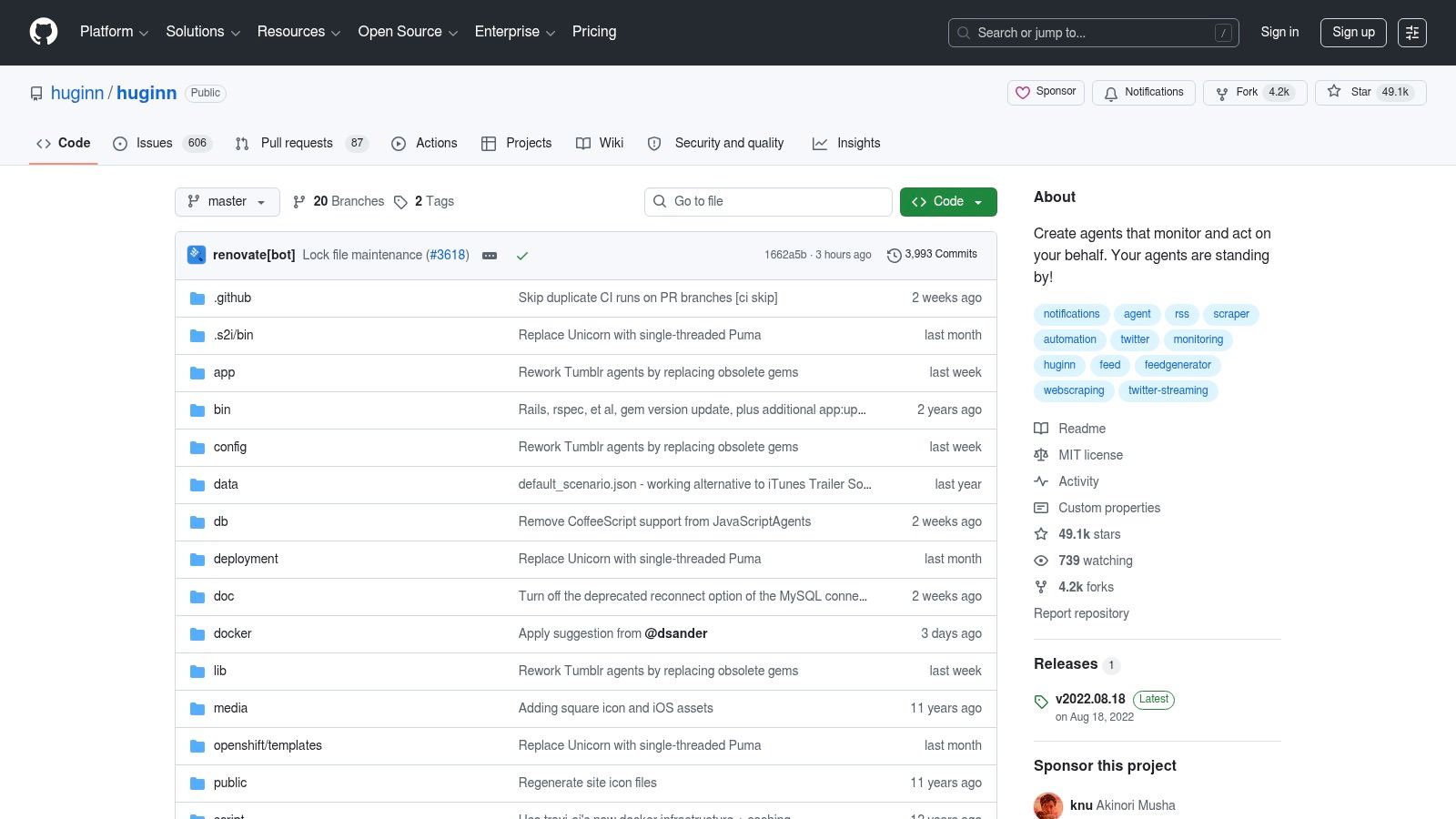
A typical Huginn use case looks very different from Zapier. Instead of wiring together SaaS apps through a polished builder, you run your own agents that watch feeds, scrape pages, process emails, hit APIs, and trigger follow-up actions on your server.
Huginn is one of the few tools on this list where the free plan question almost stops mattering. There is no classic free tier to squeeze value from. You self-host it, pay with setup time and maintenance, and get a high degree of control in return.
That changes what you can build.
Huginn is strong when the job is monitoring and event handling rather than business app orchestration. It fits teams that want to track site changes, collect research signals, process feeds, run custom alerts, or build internal automations where owning the environment matters more than having a huge app marketplace.
Good fits include:
- Website and data-source monitoring
- Research and intelligence pipelines
- Custom alerts, parsing, and feed processing
- Self-hosted automations built around web data and APIs
The trade-off is obvious after the first hour. Huginn asks you to configure infrastructure, manage updates, debug edge cases, and accept a rougher interface. Compared with chat-to-automate products and modern hosted workflow builders, it feels closer to operating a small automation system than using a no-code app.
That is exactly why its audience is narrow.
If you want a free zapier alternative that helps a non-technical team ship useful workflows quickly, Huginn is a poor fit. If you are technical and care more about autonomy than convenience, it still earns a place on the list.
What I like:
- You control the full environment
- Excellent fit for monitoring, scraping, and event-driven research
- No SaaS subscription. Costs come from hosting and your time
What I don't:
- Setup and maintenance are real work
- The product experience is far behind newer tools
- Business app automation is less convenient than in Make, n8n, or AI-native tools
Huginn is the pure open-source end of the spectrum. It is not a chat-to-automate product, and it is not trying to be. It is for builders who want to assemble their own event-driven system and are willing to maintain it.
Top 10 Free Zapier Alternatives Comparison
| Product | Core Capabilities | UX & Reliability (★) | Integrations & Extensibility (✨) | Security & Deployment | Pricing & Value (💰) | Ideal Users (👥) |
|---|---|---|---|---|---|---|
| Zenfox.ai 🏆 | Autonomous zero-code workflows; self-coding agents; deep research; instant app generation | ★★★★★ (fast onboarding) | ✨ thousands of connectors; API autodiscovery; app & agent generation | SOC 2, GDPR, HIPAA/PIPEDA options; AES‑256; on‑prem/data enclaves | 💰 Free → Pro $29 / Max $99 / Enterprise custom | 👥 Solo pros, SMBs, sales & marketing teams |
| Make (Integromat) | Visual multi-step scenario builder with routers, schedulers & transformers | ★★★★☆ | ✨ Large template/connector library; drag‑drop editor | Cloud-first; enterprise options vary | 💰 Credit/operations model; paid tiers | 👥 Non-devs & power users, ops teams |
| n8n | Low-code, extensible workflows with nodes for HTTP, Functions & AI | ★★★★☆ | ✨ Self-hostable, extend connectors via code; JSON-friendly | Self-host or managed cloud; control over data | 💰 Free self-host / paid cloud plans | 👥 Developers, engineers, privacy-conscious teams |
| IFTTT | Simple 1-trigger → 1-action "Applets" for devices & basic apps | ★★★☆☆ | ✨ Huge consumer/device catalog (Google, Alexa, etc.) | Cloud; consumer-grade security | 💰 Limited free; Pro paid plans | 👥 Consumers, home automation & simple tasks |
| Pipedream | Event-driven workflows mixing no-code with JS/Python code steps | ★★★★☆ | ✨ Inline JS/Python, prebuilt components & webhooks | Cloud with secret management & env vars | 💰 Generous free tier; usage-based billing | 👥 Developers building custom API integrations |
| Activepieces | Open-source visual builder with AI steps; cloud & self-host options | ★★★★☆ | ✨ "Pieces" connectors + AI agents; OSS extensibility | Cloud & self-host; open-source transparency | 💰 Free cloud (10 flows, unlimited runs) + paid | 👥 Startups, freelancers, budget-conscious teams |
| Integrately | One-click prebuilt automations for fast onboarding | ★★★☆☆ | ✨ many ready automations; one-click setup | Cloud; standard SaaS security | 💰 Competitive low-cost plans | 👥 Non-technical SMBs validating automations |
| Bardeen | Browser-first playbooks for scraping, sheets & outreach orchestration | ★★★★☆ | ✨ No-code scraping playbooks; Google Workspace & CRMs | Browser-centric; limited server orchestration | 💰 Free tier (credit-limited); paid upgrades | 👥 SDRs, researchers, growth/marketing ops |
| Relay.app | Human-in-the-loop automations with approvals, AI assistance | ★★★★☆ | ✨ Built-in approvals/assignments; GPT/Claude/Gemini support | Cloud; team & approval controls | 💰 Usable free plan; paid for scale & AI credits | 👥 Ops, sales/marketing QA, approval-driven teams |
| Huginn | Self-hosted agent system for feeds, scraping, monitoring & actions | ★★★☆☆ | ✨ Highly hackable agents & directed-event pipelines | Self-host only, full data control (you manage security) | 💰 Free OSS, hosting & maintenance costs | 👥 Privacy-focused devs, researchers, custom monitoring teams |
So, Which Free Zapier Alternative Should You Choose
After reviewing the field, there isn’t one universal winner. There are several good answers, depending on what you mean by “free” and what you need the automation to do.
If you want the closest thing to “tell the system what you want and let it handle the rest”, choose Zenfox.ai.
Its best feature isn’t a larger free task bucket. It’s that you can create one useful automation without studying a canvas first. For solo professionals, founders, and small teams that want speed over process design, that’s a meaningful shift. The phone-based management options also make it unusually accessible once the automation is running.
If you want the best visual workflow builder, choose Make.
Make remains the strongest traditional option for users who want to see the process and shape each branch carefully. It’s especially good when the logic matters as much as the result. The downside is usage metering. You need to understand how operations are consumed, or the free plan will feel less generous than it first appears.
If you want maximum control and don’t mind self-hosting, choose n8n.
For technical users, this is still one of the best long-term platforms in the category. The self-hosted route can be cost-effective and flexible, but only if you accept the work that comes with running your own automation infrastructure. If you hate patching, backups, or deployment issues, n8n will become a chore.
If you want a softer entry into open-source automation, choose Activepieces.
It offers a better middle ground for teams that like the idea of self-hosting later but want a friendlier interface today. It doesn’t yet match the ecosystem maturity of bigger players, but it’s one of the better-balanced options on this list.
If you want fast, simple setup and don’t need much depth, choose Integrately.
It’s useful for proving small automations quickly. Just don’t confuse ease of setup with long-term flexibility.
If you want code-friendly workflows, choose Pipedream.
This is the right tool for developers and technical operators who work with APIs constantly and would rather write custom logic than search for another prebuilt connector.
If your automation starts in the browser, choose Bardeen.
It’s excellent for scraping, prospecting, and web-driven research tasks. It just isn’t your whole automation stack.
If you need human approvals inside workflows, choose Relay.app.
That niche matters more than many teams realise. Relay is one of the few tools that treats human review as part of the process instead of an awkward workaround.
If you only need lightweight personal automation, choose IFTTT.
It’s easy, limited, and still useful for tiny tasks.
If you want fully self-hosted agent-style monitoring and don’t care about polish, choose Huginn.
Few should start there. The right people will know why they want it.
The bigger point is simple. Don’t compare these tools only by task counts. Compare them by what you can build before paying, how much maintenance they create, and whether they make automation easier or just cheaper. The best free Zapier alternative is the one that matches the way you work.
If you want to skip the usual workflow-builder learning curve, try Zenfox.ai. Its free plan gives you unlimited integrations, one automation, and a chat-to-automate experience that feels very different from a typical Zapier trial. For solo operators and small teams, that’s often the fastest way to get a real automation running instead of just testing another builder.